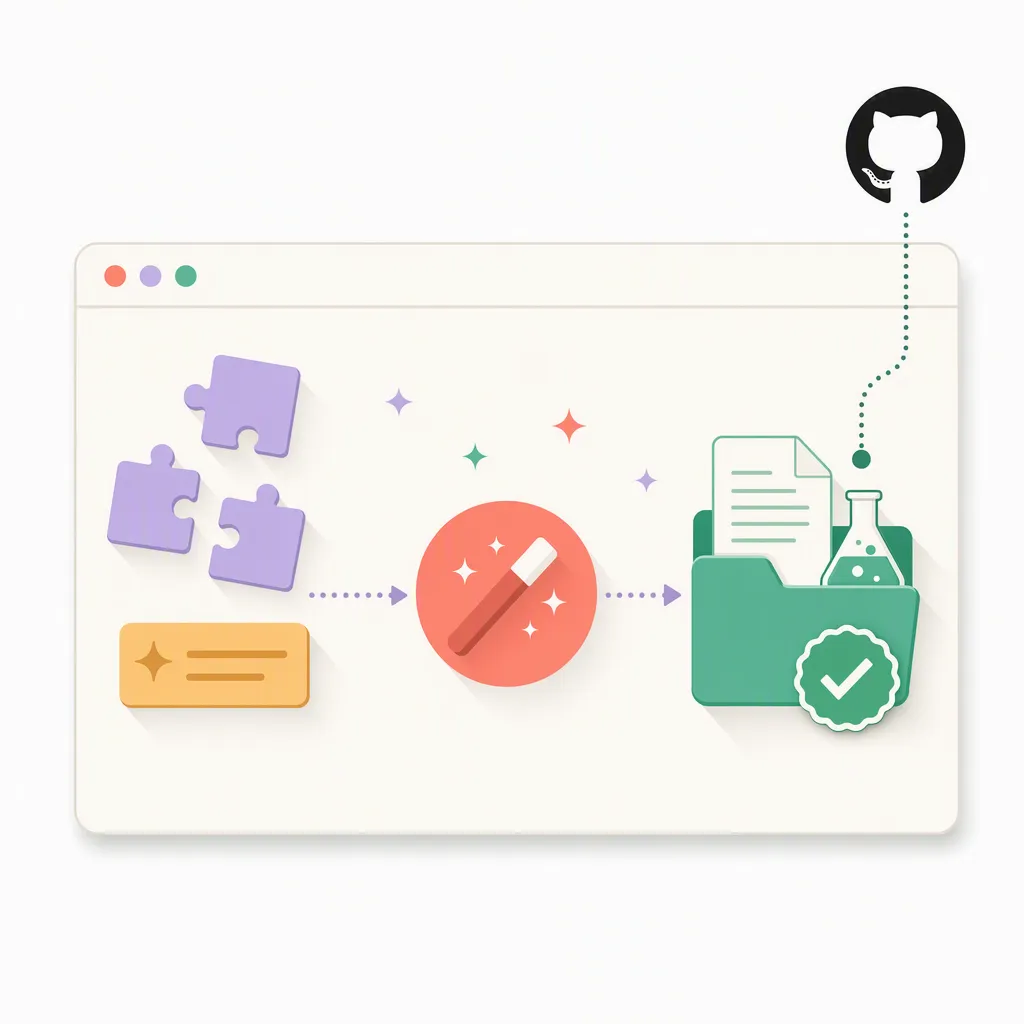
What it does
create-skill turns a skill idea into a complete, registered repository entry:
SKILL.mdinstructions (withmetadata.version: "1.0.0") that tell the agent when and how to use the skill.- A README, license,
.npmrc(min-release-age=7), deterministic tests, and Vally0.20.0evaluation cases for checking its behavior. - Registration in the repository’s marketplace, plugin listings, Dependabot config, CI, and catalog.
- Optional validated 1024×1024 thumbnail art with recorded prompt/provider provenance, or a deterministic local placeholder when you do not want generated art.
- Noninteractive
fixturemode for repository generators, plusscripts/version-skills.mjs(bump,sync,check) compatibility.
It checks how your repository distributes skills before making changes. If that setup is unclear, it stops for clarification rather than guessing where to register.
Safety
You review proposed changes before they are applied. Paid image generation needs separate approval; the skill does not retry a billed request or switch providers without asking.
Use it
/create-skill release-notes-helper
/create-skill art release-notes-helper
/create-skill check release-notes-helper
The first command creates the skill, art adds or replaces its thumbnail, and
check checks its files and registration.