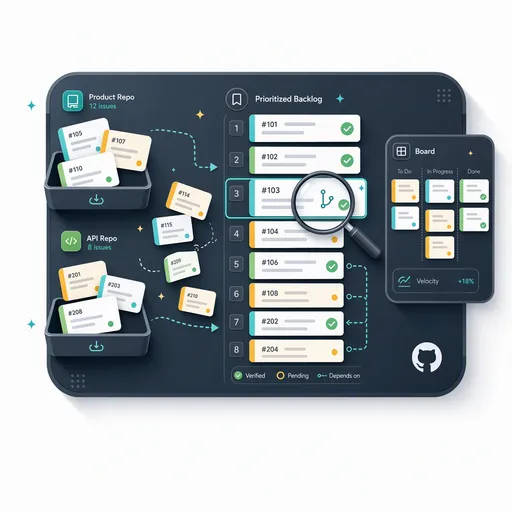
backlog-groom
Groom GitHub backlogs across issue and source repositories, with or without Projects, using scoped evidence and approved changes.
Skills for AI coding agents · Statuslines for Copilot CLI
Give your agent a repeatable workflow for building, explaining, and maintaining projects. Add a live Copilot CLI footer to follow branches, worktrees, PRs, issues, and background agents.
irm https://raw.githubusercontent.com/jongio/skills/main/install.ps1 | iexcurl -fsSL https://raw.githubusercontent.com/jongio/skills/main/install.sh | bash/plugin marketplace add jongio/skills/plugin install jongio-skills@jongio-skillsGroom GitHub backlogs across issue and source repositories, with or without Projects, using scoped evidence and approved changes.
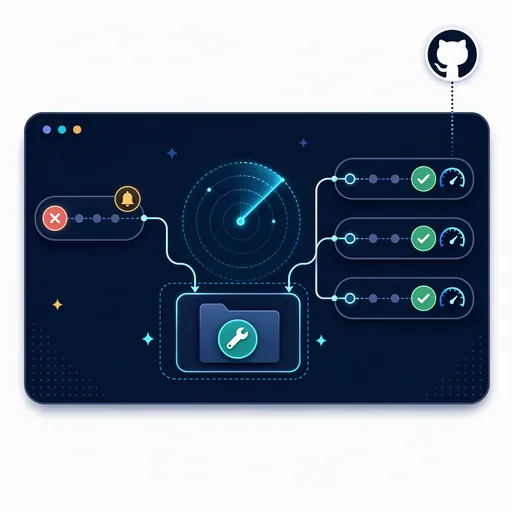
Diagnose, check, and optimize GitHub Actions workflows with stateless ETag-cached checkups, main failure root-cause repair in isolated worktrees, and workflow cost/security hardening.
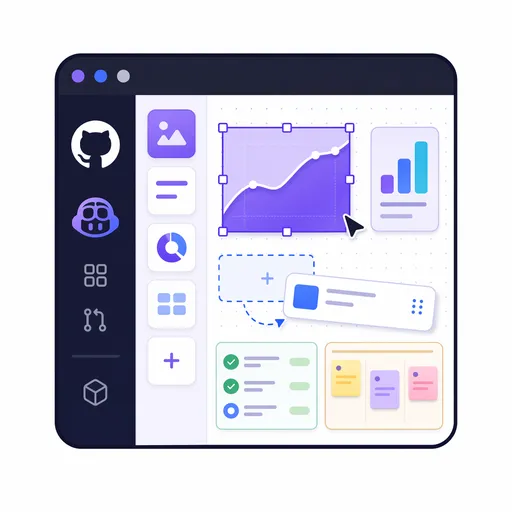
Build interactive dashboards, boards, and editors that Copilot can open and update beside your conversation.
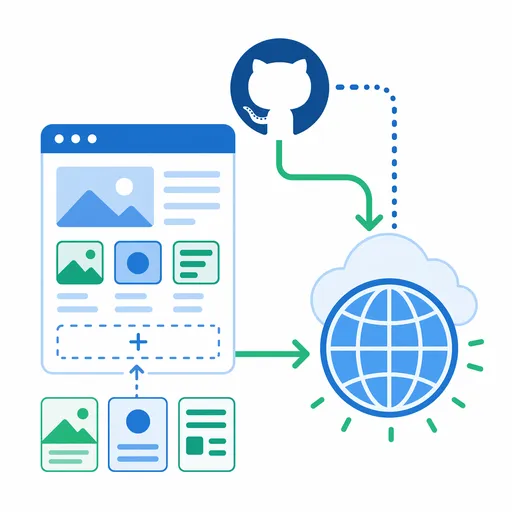
Turn your repository into a GitHub Pages site with project-specific content and an automated deployment workflow.
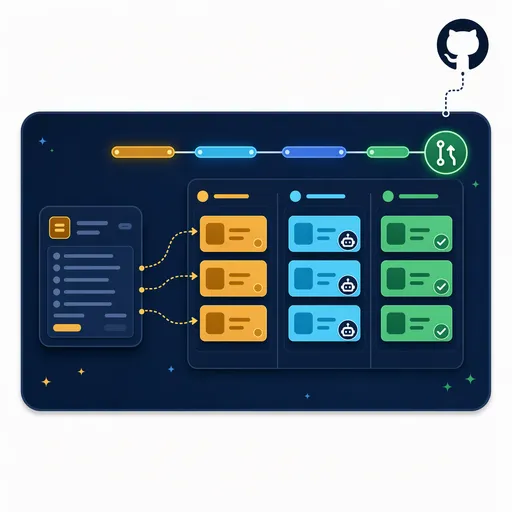
Show a live session and opt-in project status board with canonical tasks, blockers, subagents, and an operator inbox.

Turn a skill idea into reusable agent instructions, documentation, tests, and a registered catalog entry.
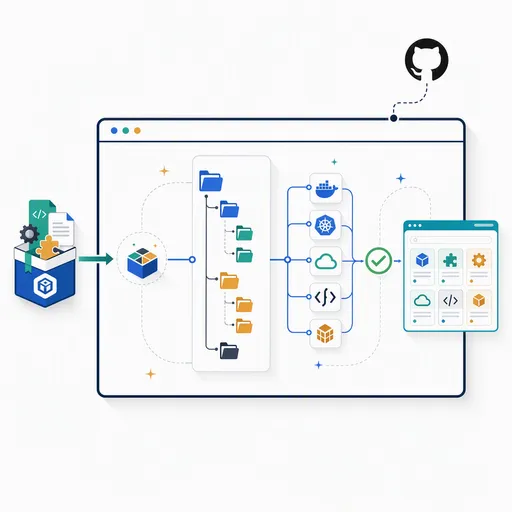
Create a repository for publishing agent skills, with installation support, automated checks, and a browsable catalog.
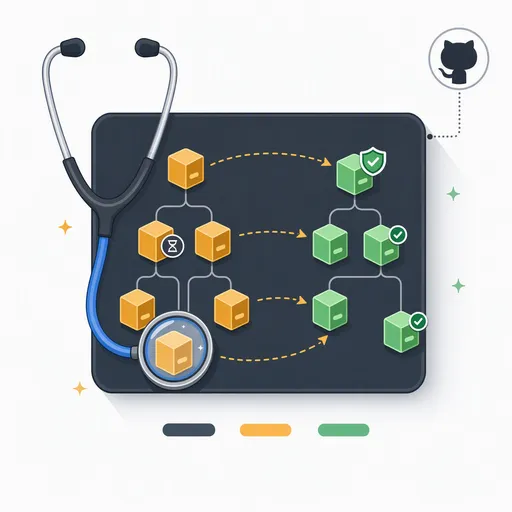
Find outdated, vulnerable, unused, and undeclared dependencies; apply updates and fix compatibility problems.
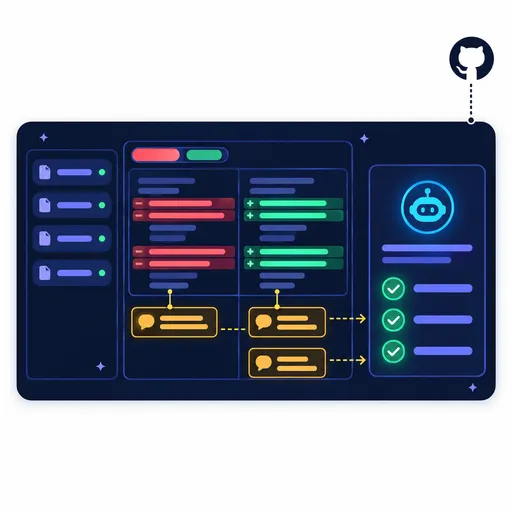
Open a GitHub-style side-by-side diff viewer in a Copilot App canvas or local browser with inline review comments and structured review triage.

Find why a domain, website, or email setup is failing, then review fixes before any provider changes.
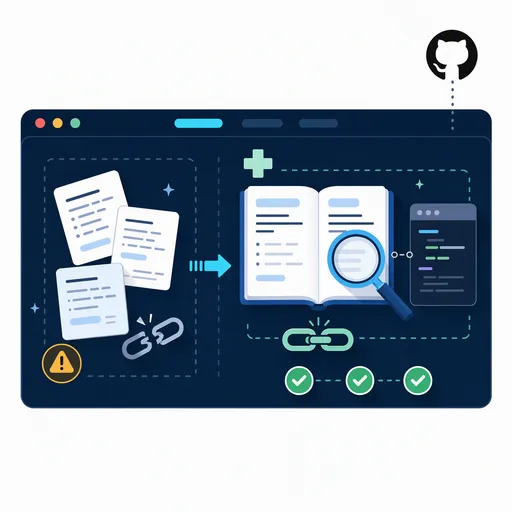
Compare changed or requested documentation against actual code, validate local links, anchors, images, examples, and frontmatter, and fix material gaps within scope.
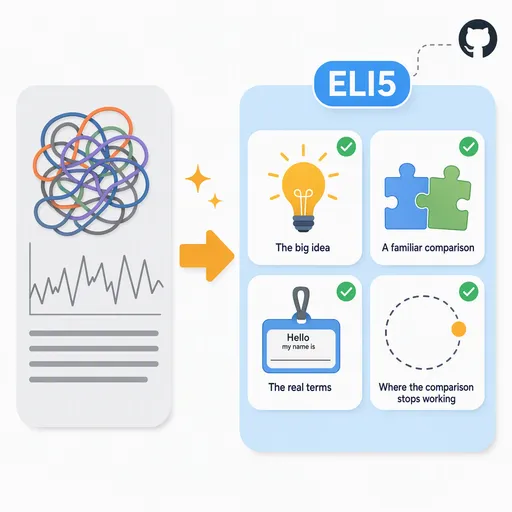
Understand code, errors, and ideas through a plain-language explanation and a useful comparison.
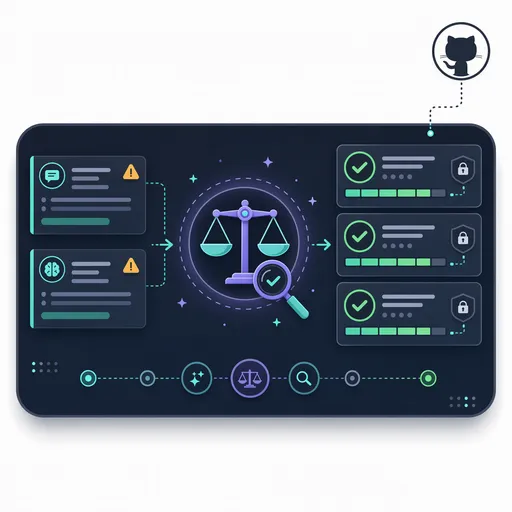
Audit, author, and harden AI skill and prompt evaluations with Vally, github/evals, deterministic graders, and safe github/evals-action CI workflows.
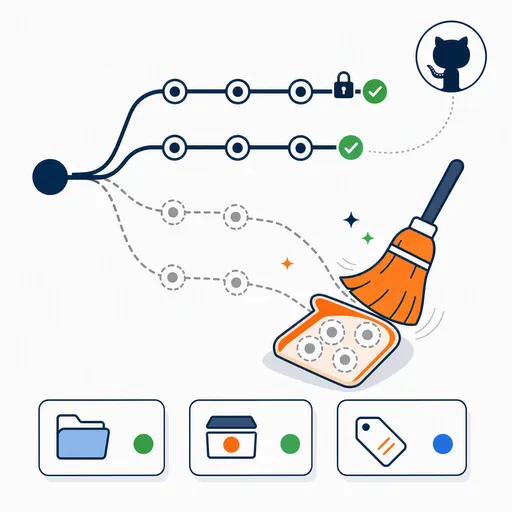
Audit Git work and aim for a clean local default branch with zero stashes.
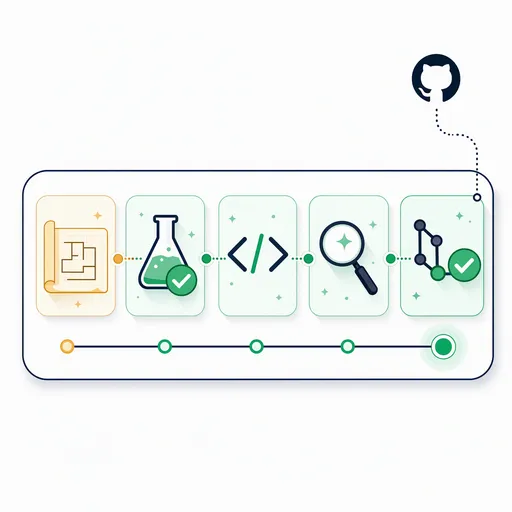
Plan, test, and implement the current context, then hand verified changes to pr for delivery and merge.
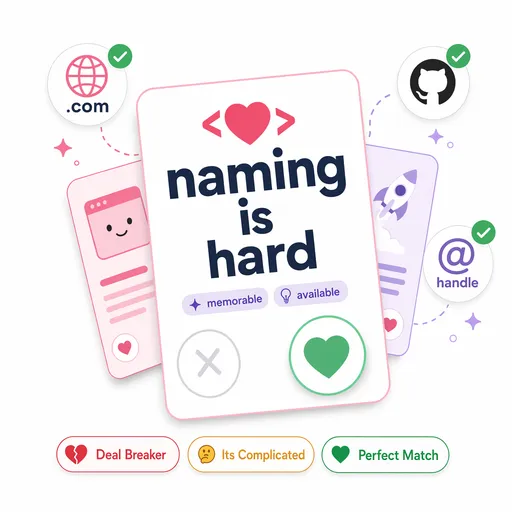
Explore project and product names, refine your favorites, and check domains, packages, and existing uses.
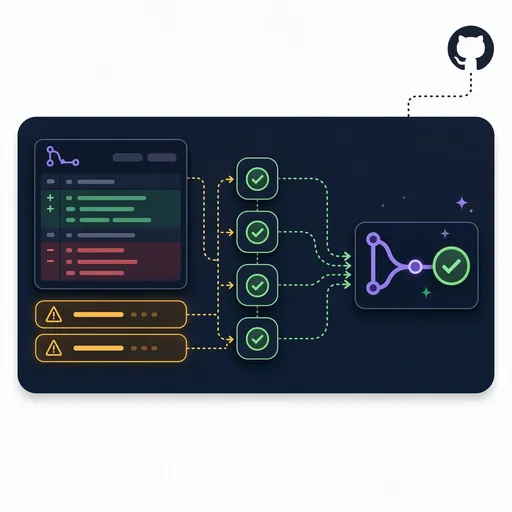
A concise checklist workflow for taking changes from local commit and preflight checks through PR submission, review resolution, CI monitoring, and merge.
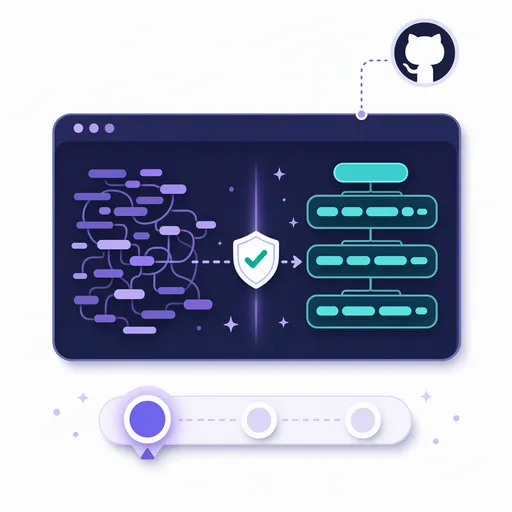
Plan behavior-preserving refactoring with explicit scope, depth and risk choices.
Verify post-merge release readiness, unreleased commits, semver recommendations, and cross-manifest version parity before cutting a release.
Run an end-to-end repository maintenance pass across governance, dependencies, security, refactoring, coverage, docs, skills, and evals on a single rolling branch.

Add the license, contribution guide, issue forms, CI, and other setup files your repository is missing.

Close out a session with an evidence-backed task and feedback audit, source-skill improvements, and safely approved branch and worktree cleanup.
Audit repository and application security across OWASP/STRIDE, secrets, workflows, containers, and Cloudflare with Public Repo Stealth Mode.
Manage only the current session's active statusline pills, custom session name, and refresh/clear controls without deleting work or changing enabled components.
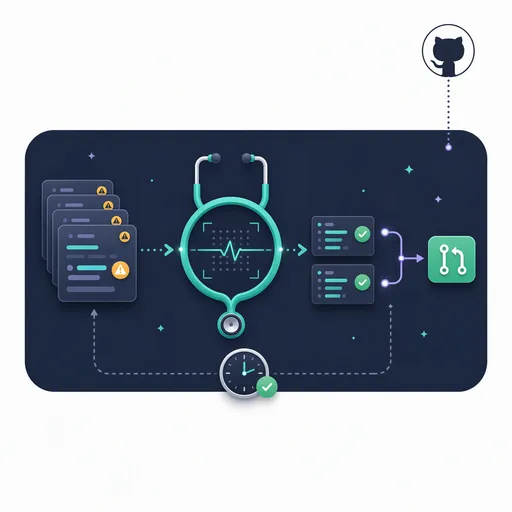
Learn from session feedback and trim skill bloat with cached audits and one improvement PR.

Audit test correctness, coverage, reliability, and maintenance; optionally repair material gaps without gaming the suite.
No skills match your search.
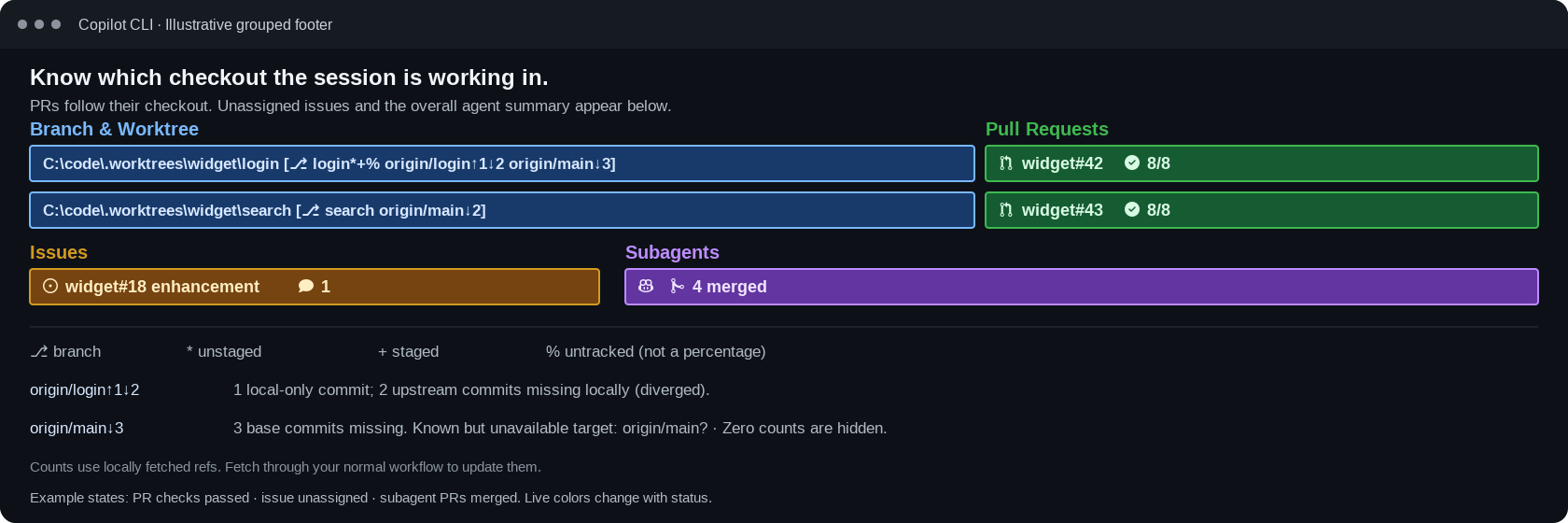
Know where the agent is working and what needs attention without leaving the conversation. Enable the footer components you want with /session-statusline setup (or /statusline-setup), set a custom session label with /session-statusline name <label>, or opt into Windows Terminal alerts with /session-attention.
 Click to view full size
PRs appear beside their checkout. An unassigned issue and the overall subagent summary appear below. The path label is shown only for work outside Copilot's own checkout.
/tasks.Install the namespaced plugin globally across your coding agents, or install individual skills into a project.
Runs the native plugin install (jongio-skills@jongio-skills / codex plugin add jongio-skills / gemini extensions install) across every detected CLI first, and then removes only provenance-verified conflicting raw copies from ~/.copilot/skills, ~/.claude/skills, and ~/.agents/skills so /jongio-skills:pr never collides with built-in /pr. Unrelated or hand-authored skills are preserved, and shared ~/.agents/skills and ~/.codex/skills entries stay intact when another consumer (such as Codex IDE or Cline) is present unless -CleanShared / --clean-shared or -CleanOnly / --clean-only is passed in a local checkout:
Windows (PowerShell):
irm https://raw.githubusercontent.com/jongio/skills/main/install.ps1 | iexmacOS & Linux (Bash):
curl -fsSL https://raw.githubusercontent.com/jongio/skills/main/install.sh | bashIn Copilot CLI or Claude Code:
/plugin marketplace add jongio/skills/plugin install jongio-skills@jongio-skillsOr install just the Copilot CLI statuslines (without skills):
/plugin install statuslines@jongio-skillsIn Codex CLI:
codex plugin marketplace add jongio/skills && codex plugin add jongio-skillsIn Gemini CLI:
gemini extensions install https://github.com/jongio/skills --consentOr in the Copilot app, no commands needed:
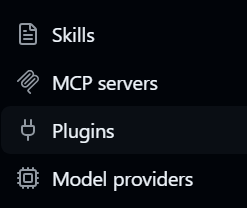
jongio/skills, and click Add marketplace.


npx skills)Install into the current repository (omit -g on machines running Copilot CLI so ~/.agents/skills does not shadow the plugin):
npx skills add jongio/skills --listnpx skills add jongio/skills --skill create-canvas-appnpx skills add jongio/skills --allhttps://github.com/jongio/skills as a plugin source.jongio/skills as a marketplace, then install jongio-skills@jongio-skills.codex plugin marketplace add jongio/skills && codex plugin add jongio-skills.gemini extensions install https://github.com/jongio/skills --consent.npx skills add jongio/skills.ChatGPT web and mobile require public directory review. The Codex IDE extension accepts standalone skills but not plugins. See the complete support matrix.
In Copilot CLI, start a new session after installing statusline extensions (enable experimental SDK extensions once with /settings experimental on and /restart). Terminal statuslines are Copilot CLI–only and automatically no-op in the GitHub Copilot app. For skills alone, /skills reload refreshes the available skills.