GitHub Copilot CLI · Composable Terminal Footer
Copilot CLI Statuslines
Composable terminal statuslines for GitHub Copilot CLI: Pull Requests (pr-statusline),GitHub Issues (issue-statusline), and Subagents (subagent-statusline). Run them individually or compose all three side-by-side on a single row via ~/.copilot/statusline-compose.mjs.
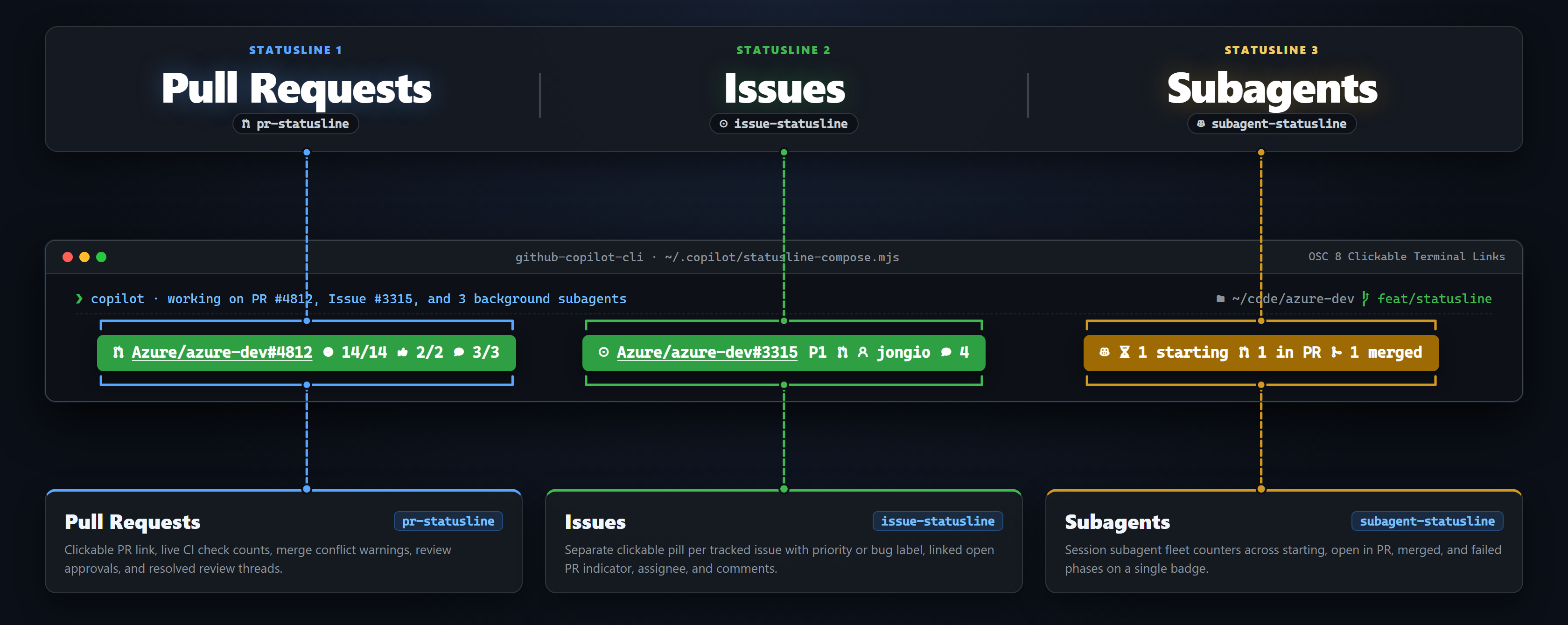 Click to view full size
Add the marketplace once in Copilot CLI, install just the statuslines or the full collection, and pick which statuslines (Pull Requests, GitHub Issues, Subagents) you want enabled:
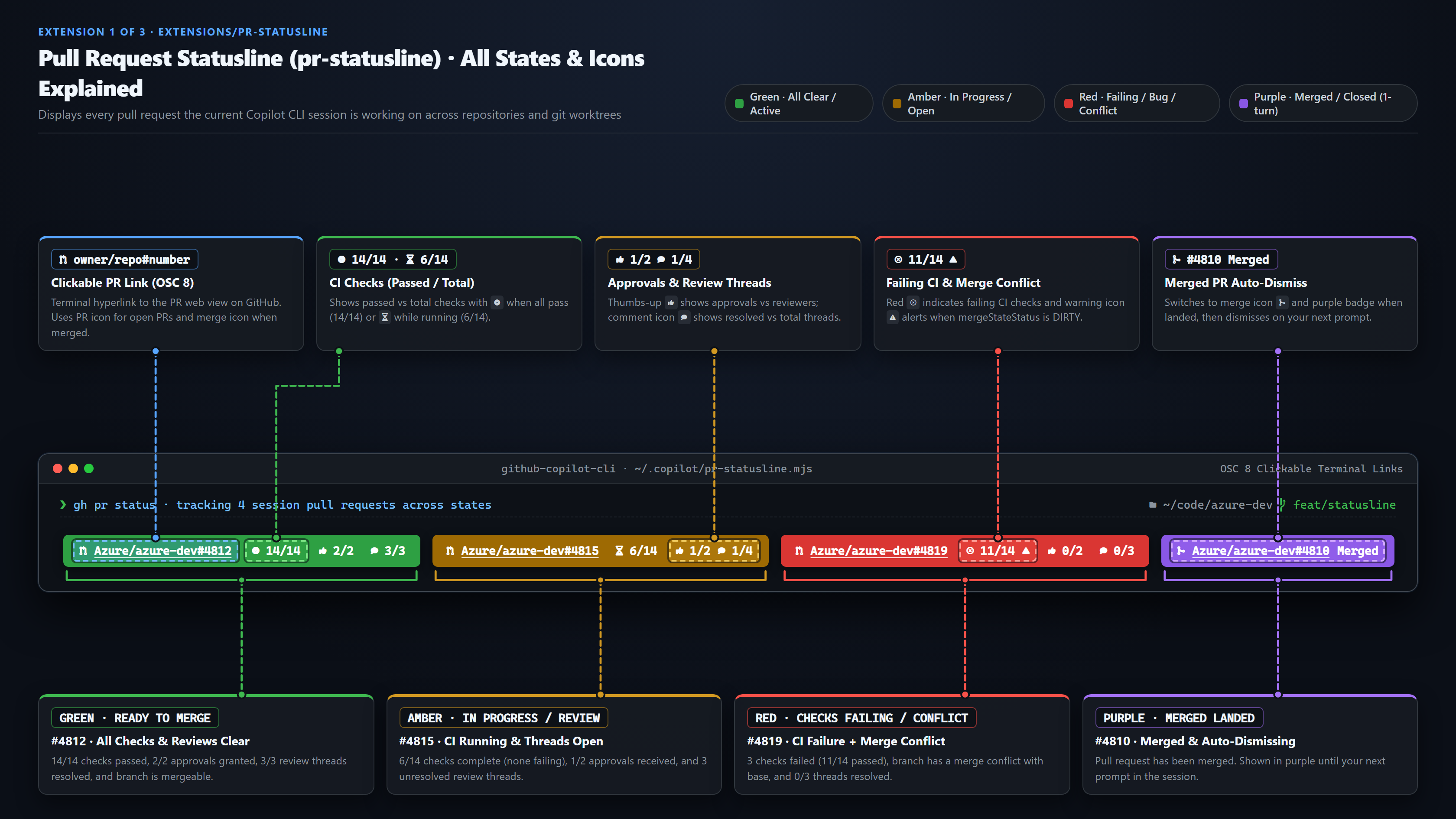
/plugin marketplace add jongio/skills/plugin install statuslines@jongio-skills/plugin install jongio-skills@jongio-skills/statusline-setupirm https://raw.githubusercontent.com/jongio/skills/main/install-statusline.ps1 | iexcurl -fsSL https://raw.githubusercontent.com/jongio/skills/main/install-statusline.sh | bashpr-statusline) · All States & IconsTracks every pull request this session touches across repositories and worktrees. Each pill is a clickable OSC 8 link to the PR web view.
 Click to view full size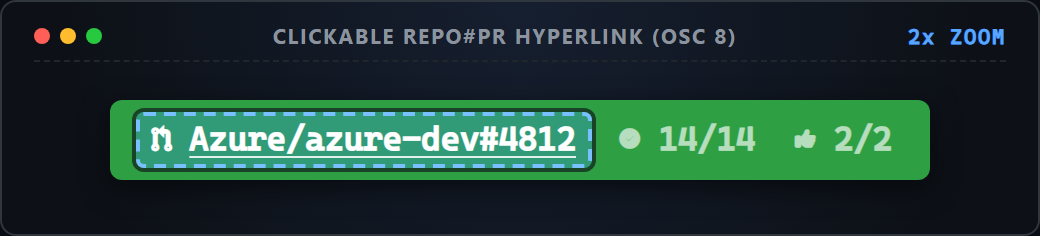
Repo#PR LinkClickable OSC 8 link to owner/repo#number on GitHub (Ctrl+Click or Cmd+Click)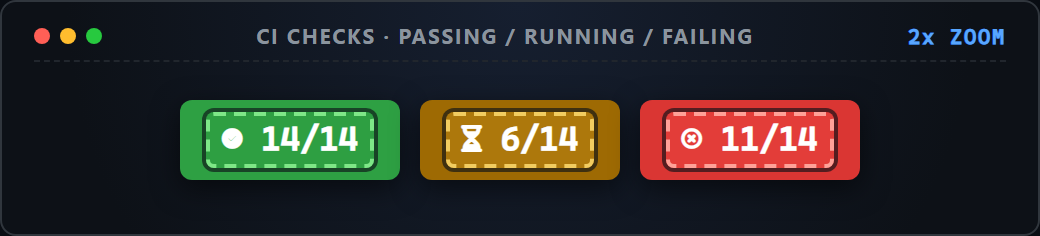
CI Checks (X/Y)Passed checks out of total checks (green checkmark when all pass, hourglass when running, red X when any fail)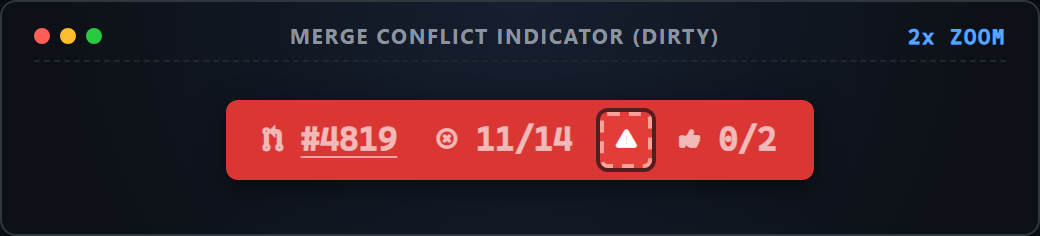
Merge ConflictWarning triangle shown on red pills when mergeStateStatus === "DIRTY"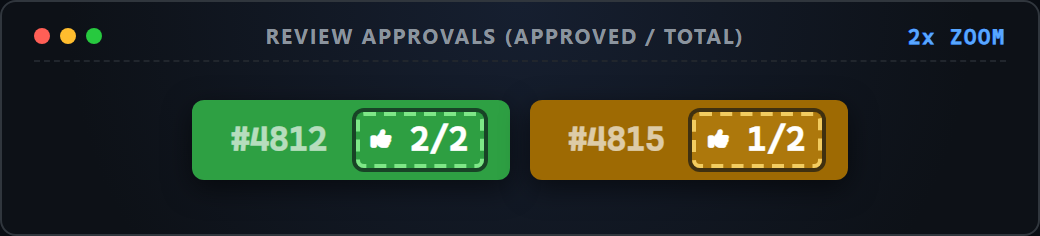
Approvals (X/Y)Thumbs-up icon with approvals received vs total reviewers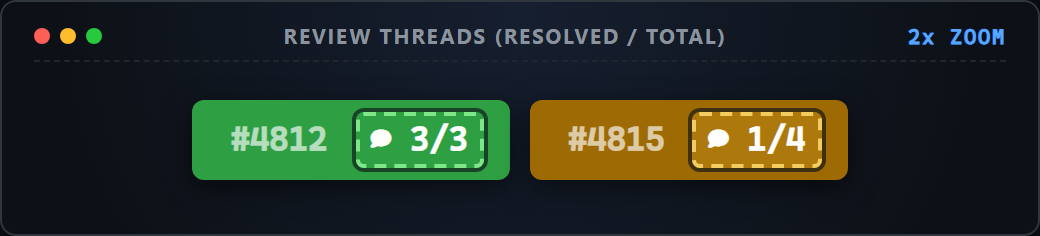
Threads (X/Y)Comment icon with resolved review threads vs total review threads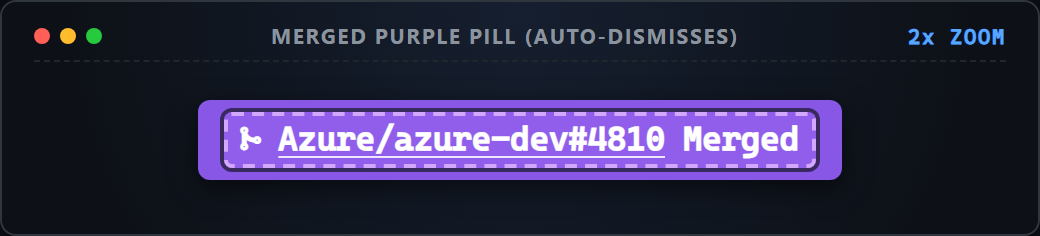
Purple MergedTurns GitHub Merged Purple when landed and auto-dismisses after your next promptissue-statusline) · All States & IconsRenders a separate clickable pill for each GitHub issue worked on in the active session with priority labels, linked PRs, assignees, and comment counts.
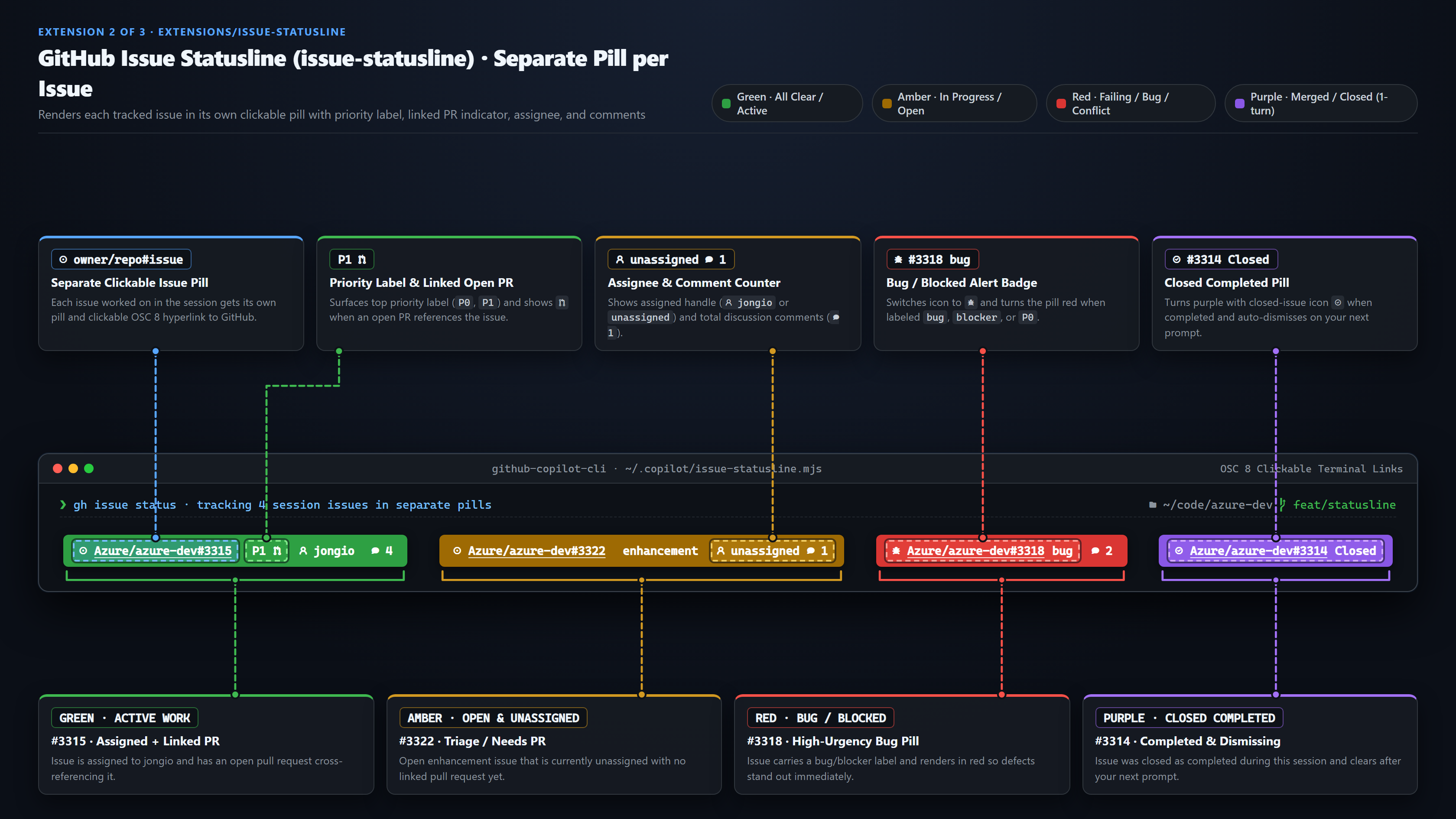 Click to view full size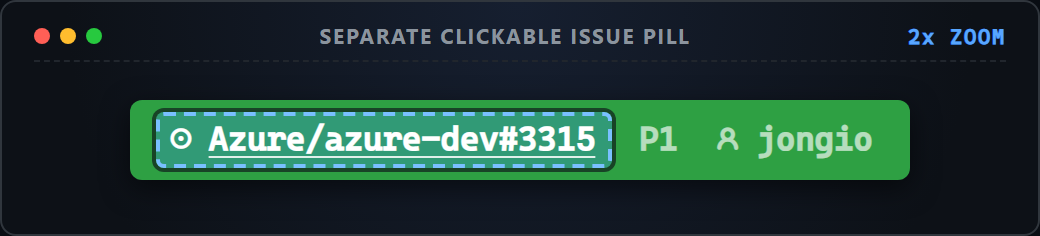
Repo#Issue LinkSeparate clickable OSC 8 link per issue (issue icon for standard issues, bug icon for bug-labeled issues)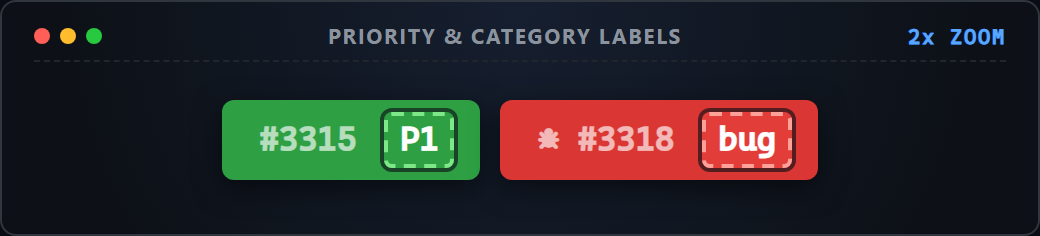
Priority / LabelSurfaces the highest-signal label (P0, P1, bug, enhancement) right inside the pill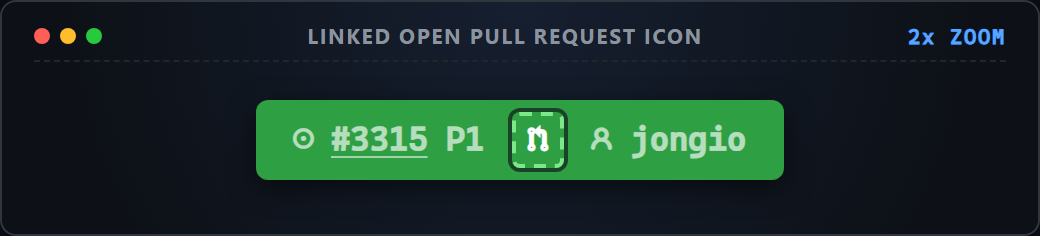
Linked Open PRPR branch icon shown when an open pull request cross-references or closes the issue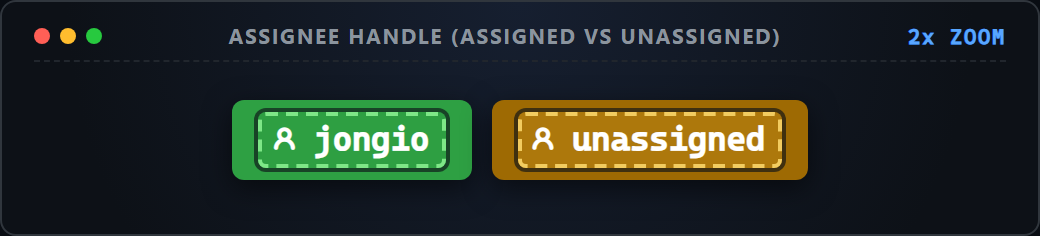
AssigneeUser icon with the assigned GitHub handle (green when assigned + active, amber when unassigned)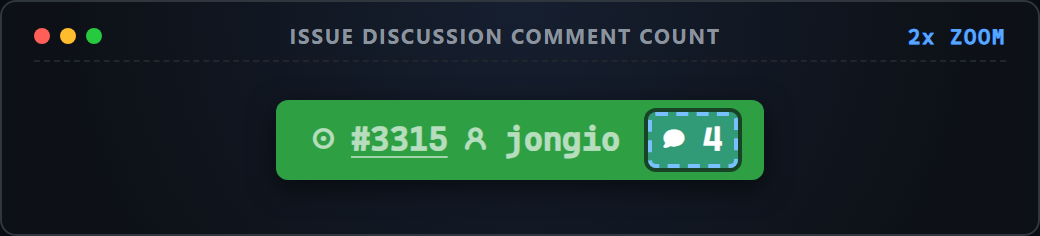
Comment CountComment bubble showing total discussion comments on the issue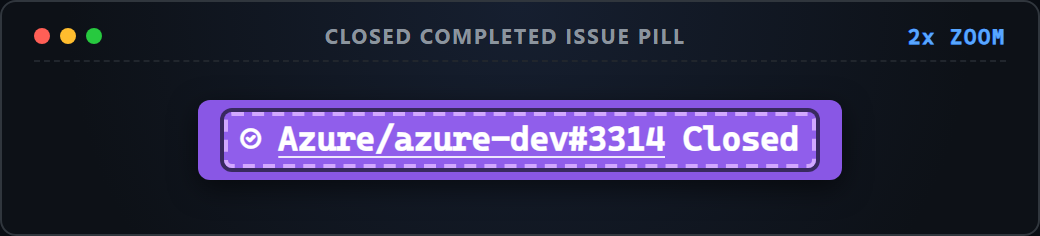
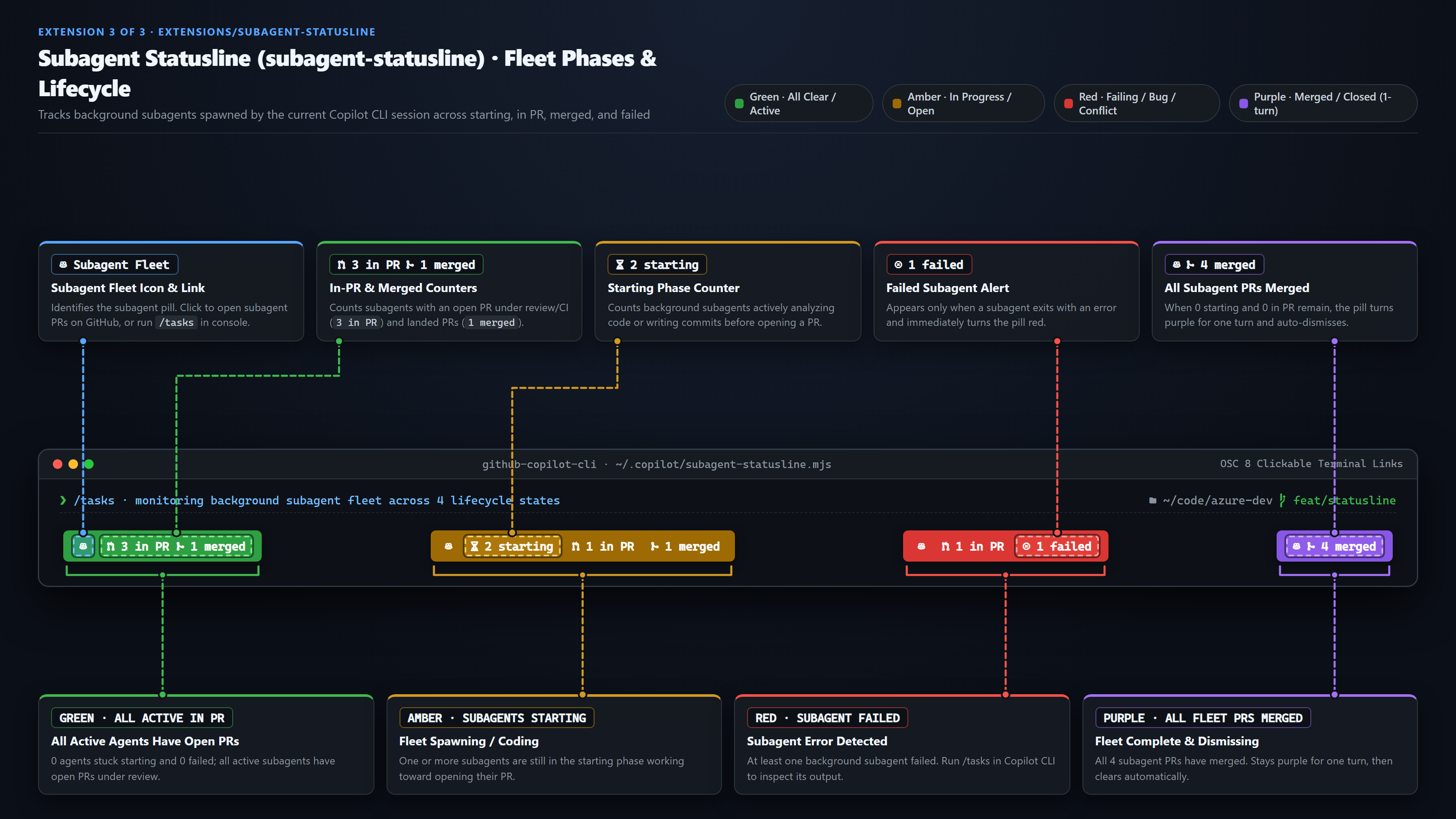
Purple ClosedTurns purple when closed as completed during this session and auto-dismisses on your next promptsubagent-statusline) · Fleet Phases & CountersAggregates background subagents spawned by the current Copilot CLI session into live phase counters so you can see fleet progress at a glance.
 Click to view full size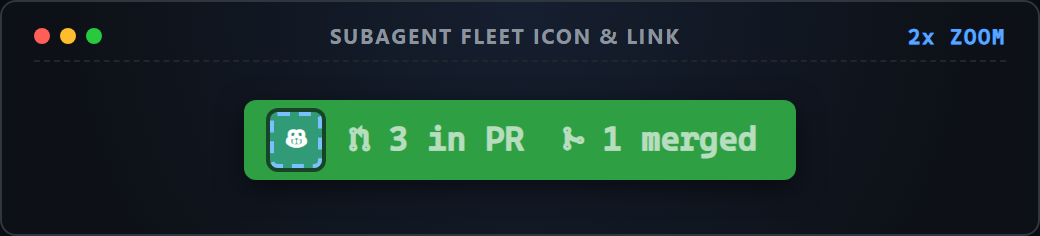
Subagent IconSession fleet tracker (click opens subagent PRs in your browser; run /tasks in console to inspect agents)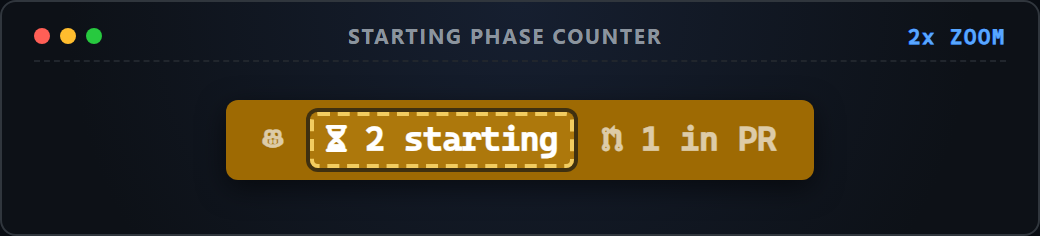
N startingHourglass counter for subagents currently running before opening a pull request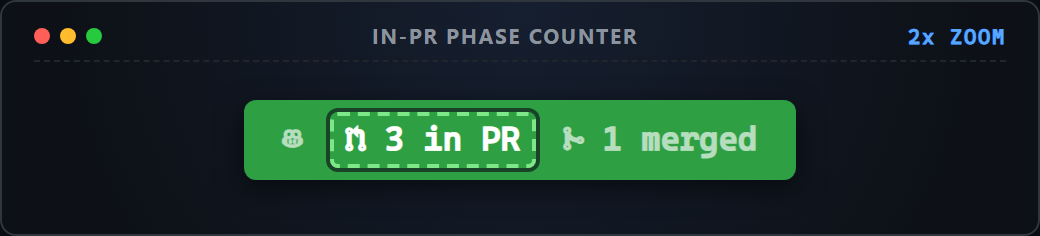
N in PRPR icon counter for subagents with an open pull request under review or CI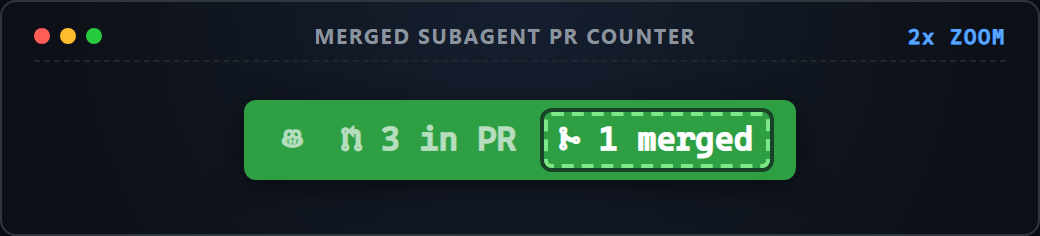
N mergedMerge icon counter for subagents whose pull requests have landed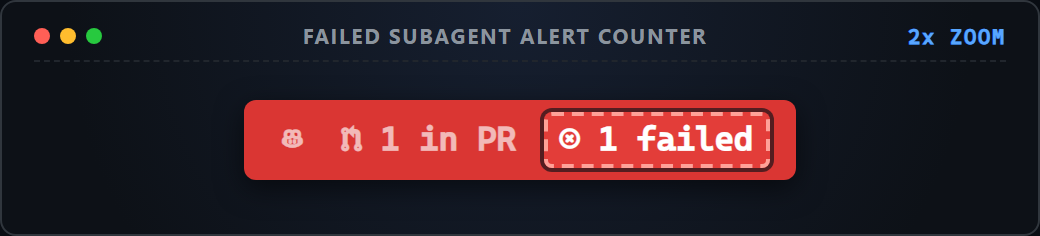
N failedRed X counter shown if any subagent exits with a failure (turns the pill red)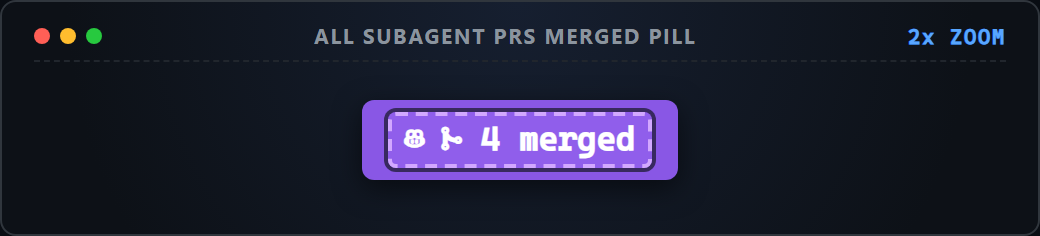
All Merged PillTurns purple when every subagent PR has merged (0 starting, 0 in PR) and dismisses on your next prompt