
A terminal file explorer with deep Git integration.
irm https://raw.githubusercontent.com/jongio/grut/main/install.ps1 | iexcurl -fsSL https://raw.githubusercontent.com/jongio/grut/main/install.sh | bashgo install github.com/jongio/grut@latest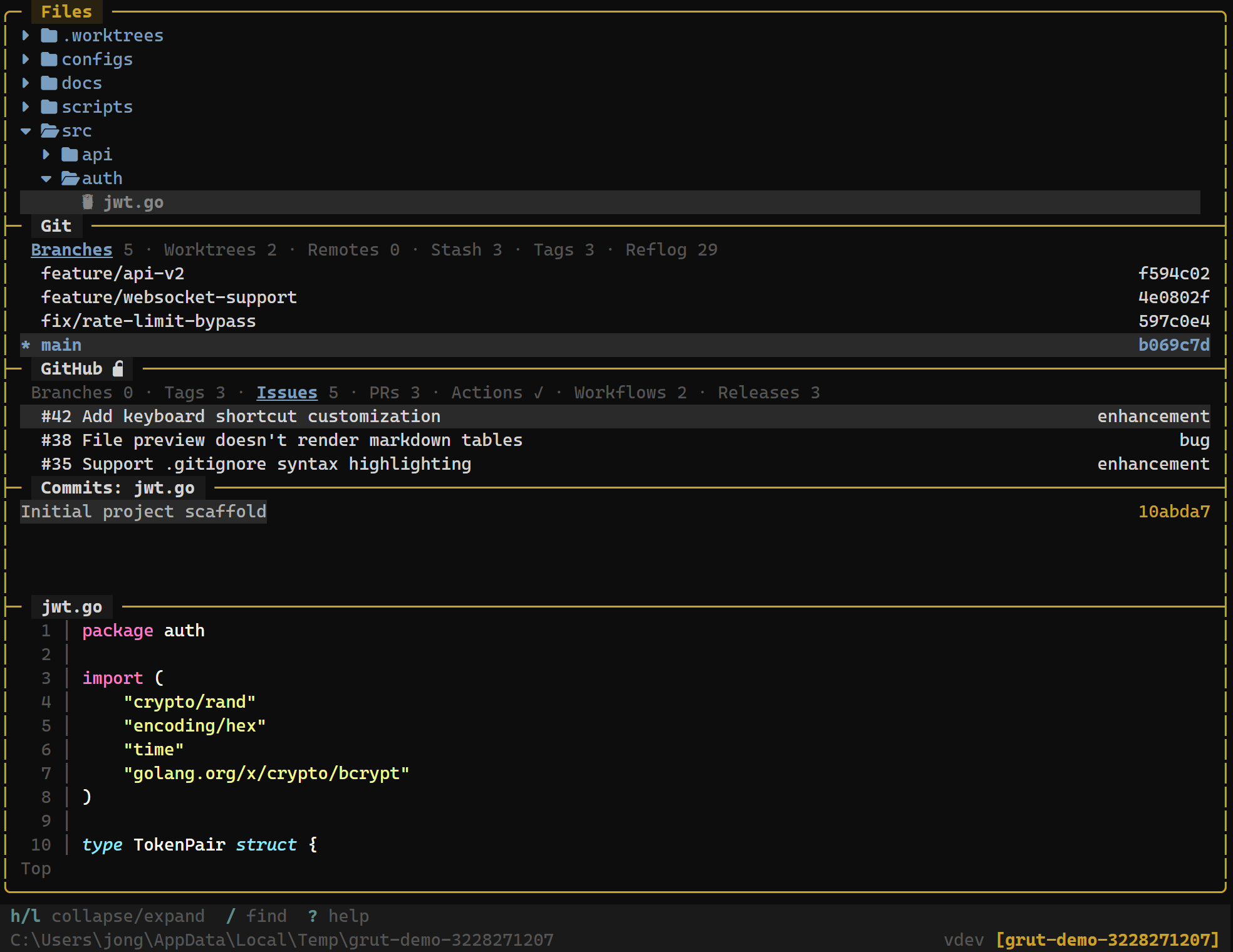
Screenshots
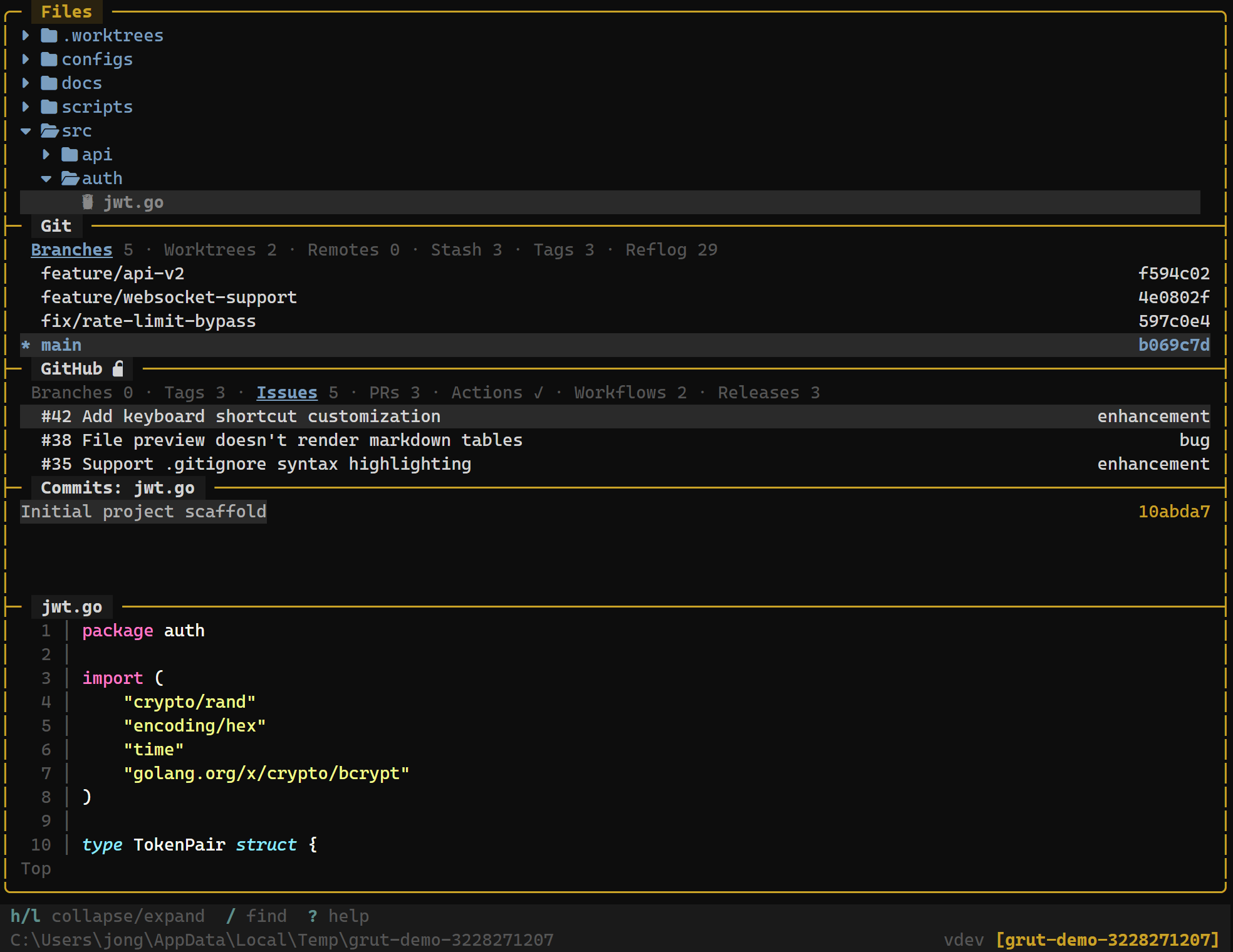
Navigate your project tree with git status markers on every file. Create, rename, delete, and preview files without leaving the terminal.
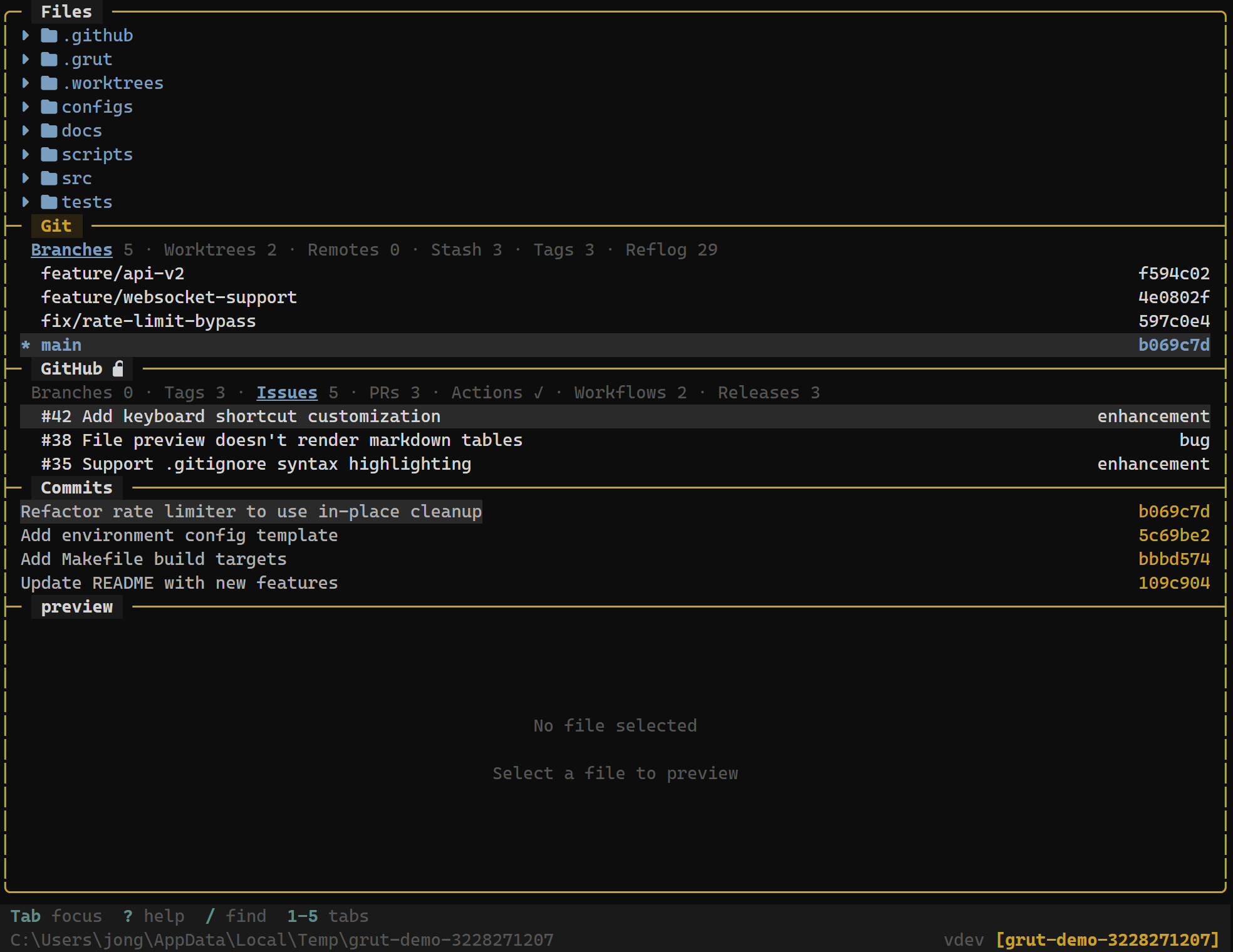
Stage and unstage files with a single keystroke. See modified, added, and untracked files at a glance with color-coded status indicators.
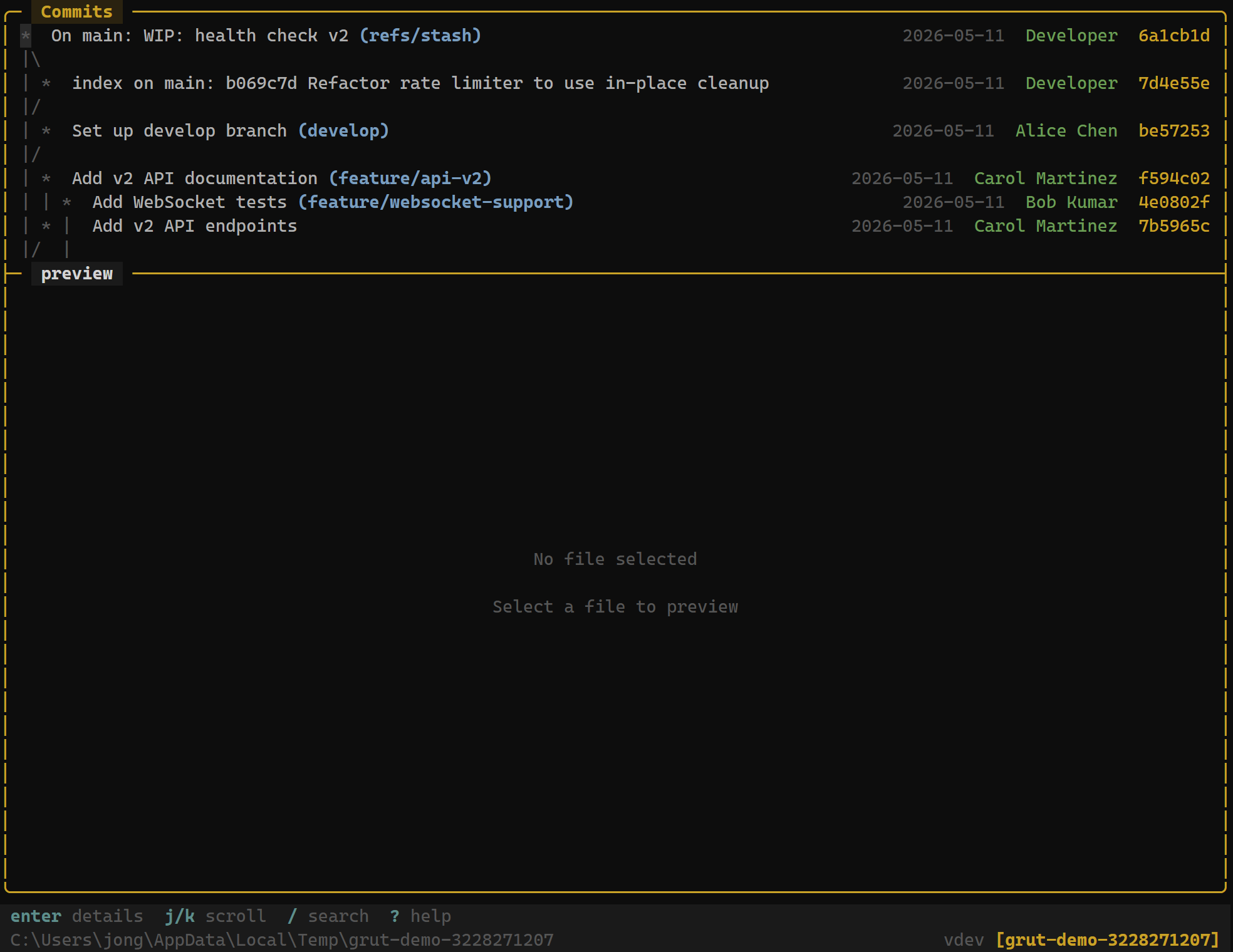
Browse commit history with author info, timestamps, and commit graphs. Jump to any commit to see its diff.
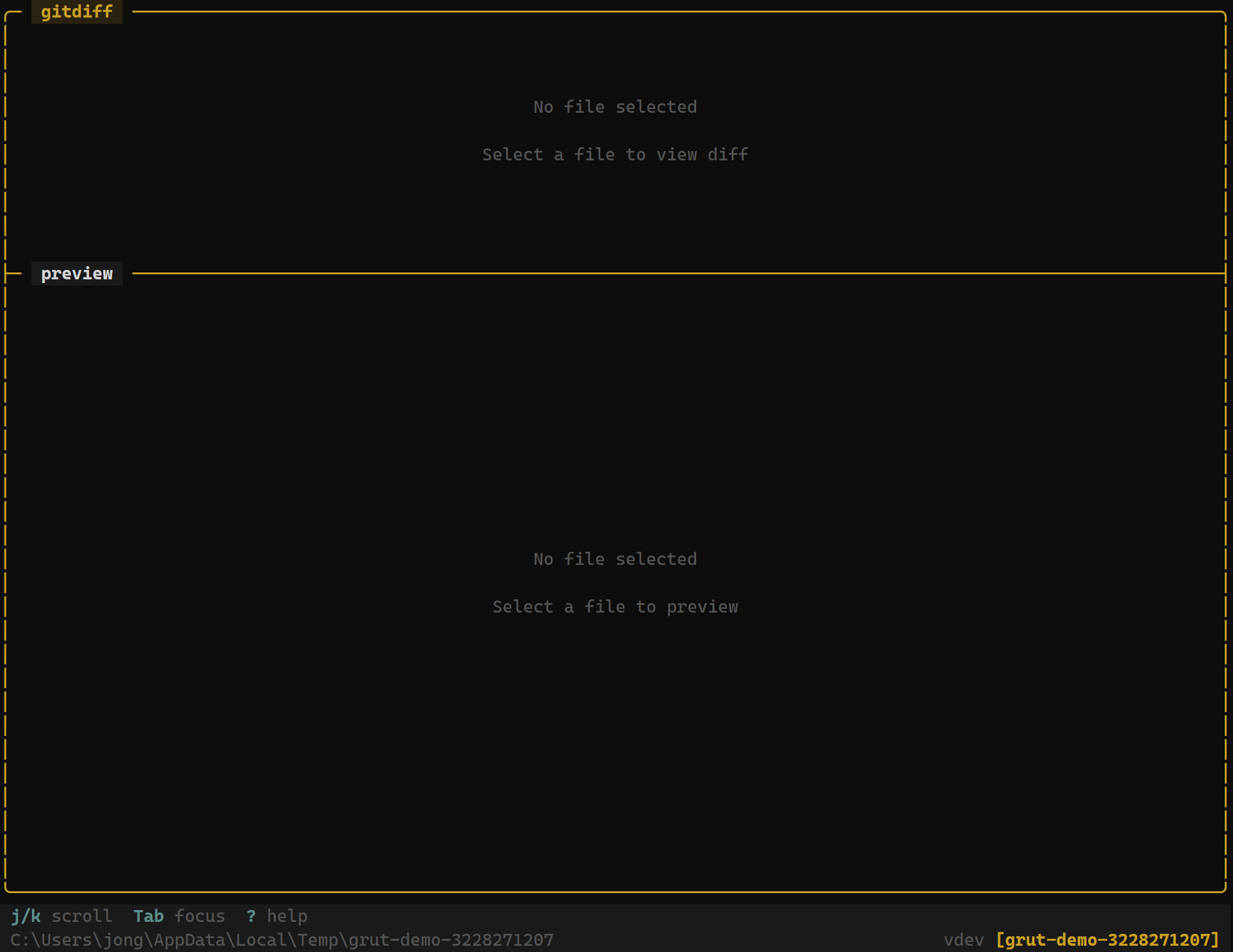
Syntax-highlighted diffs with hunk-level navigation. Approve or reject individual hunks for selective staging.
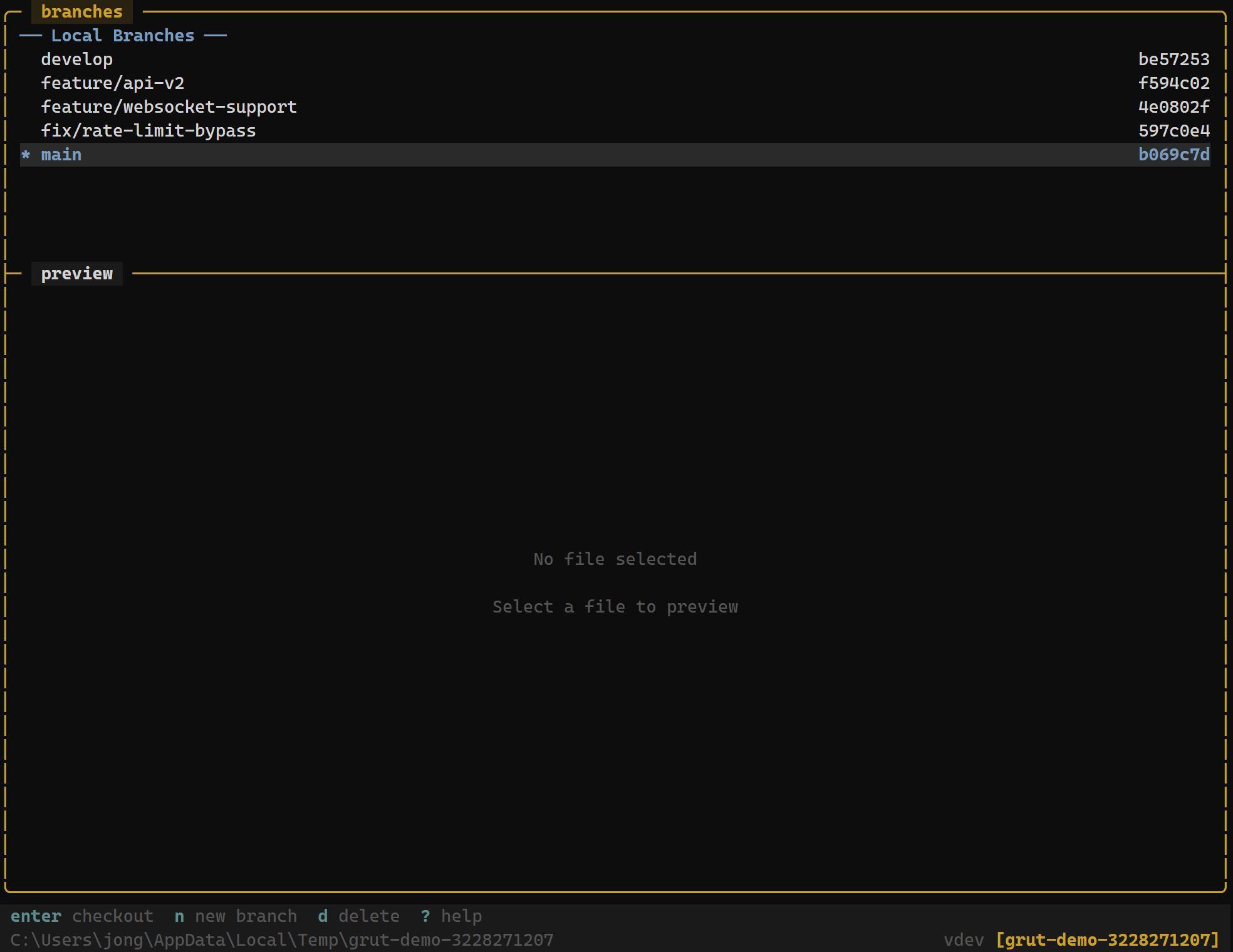
Manage local and remote branches — create, checkout, rename, merge, and delete. See tracking status and ahead/behind counts.
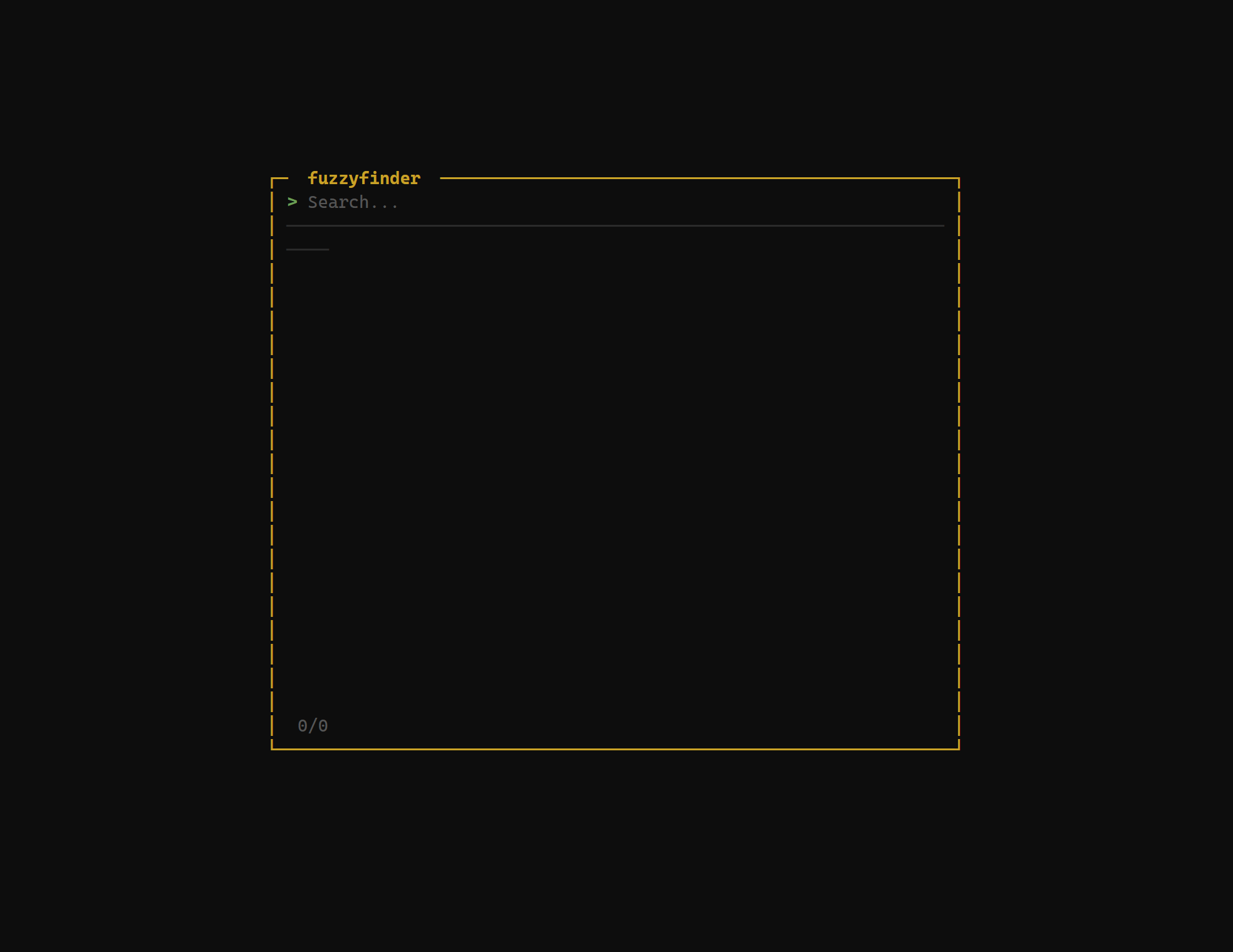
Press / to instantly search across all files in your project. Jump to any file in milliseconds with fuzzy matching.
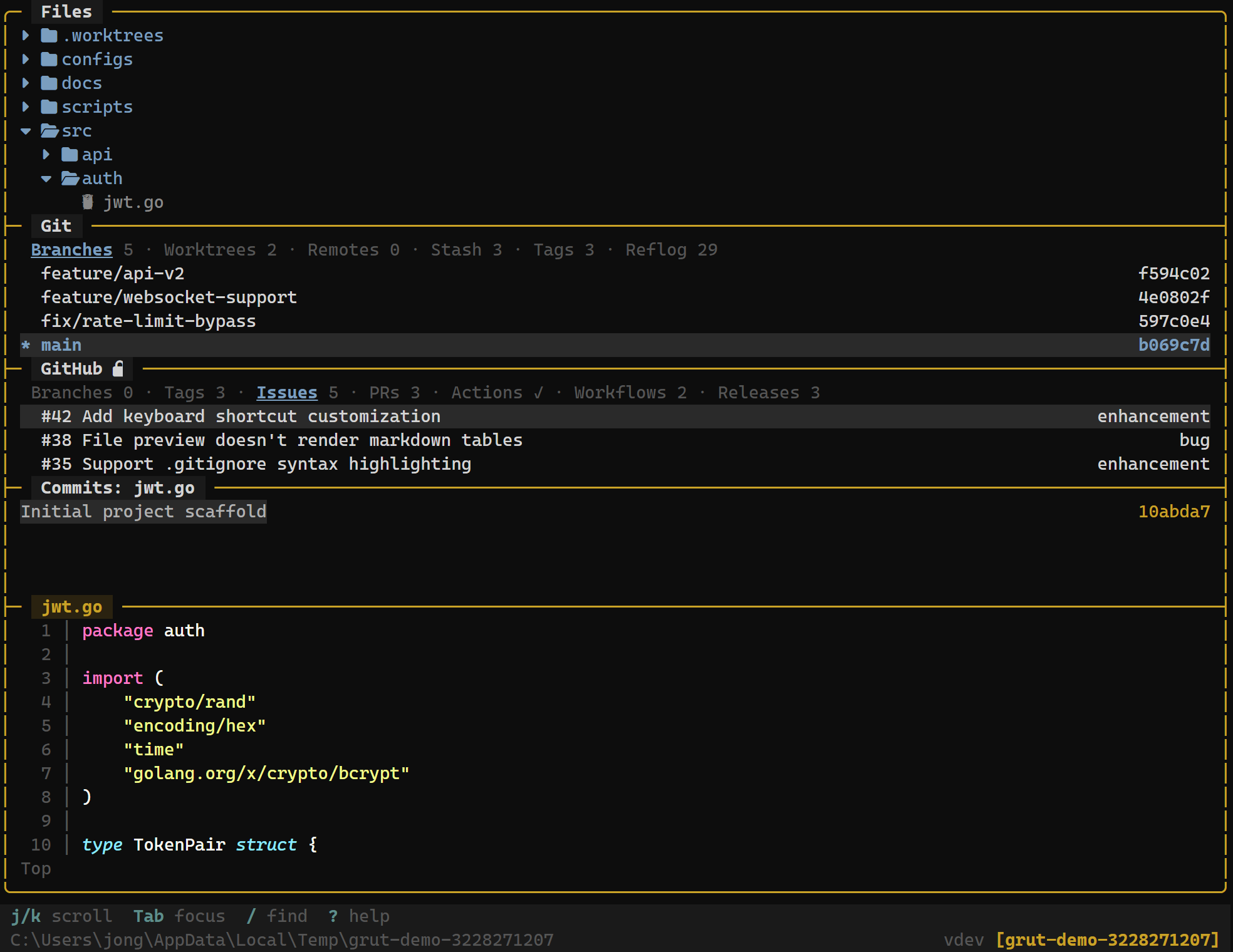
Preview files with syntax highlighting as you navigate. Adapts to show diffs, PR bodies, or file content depending on context.
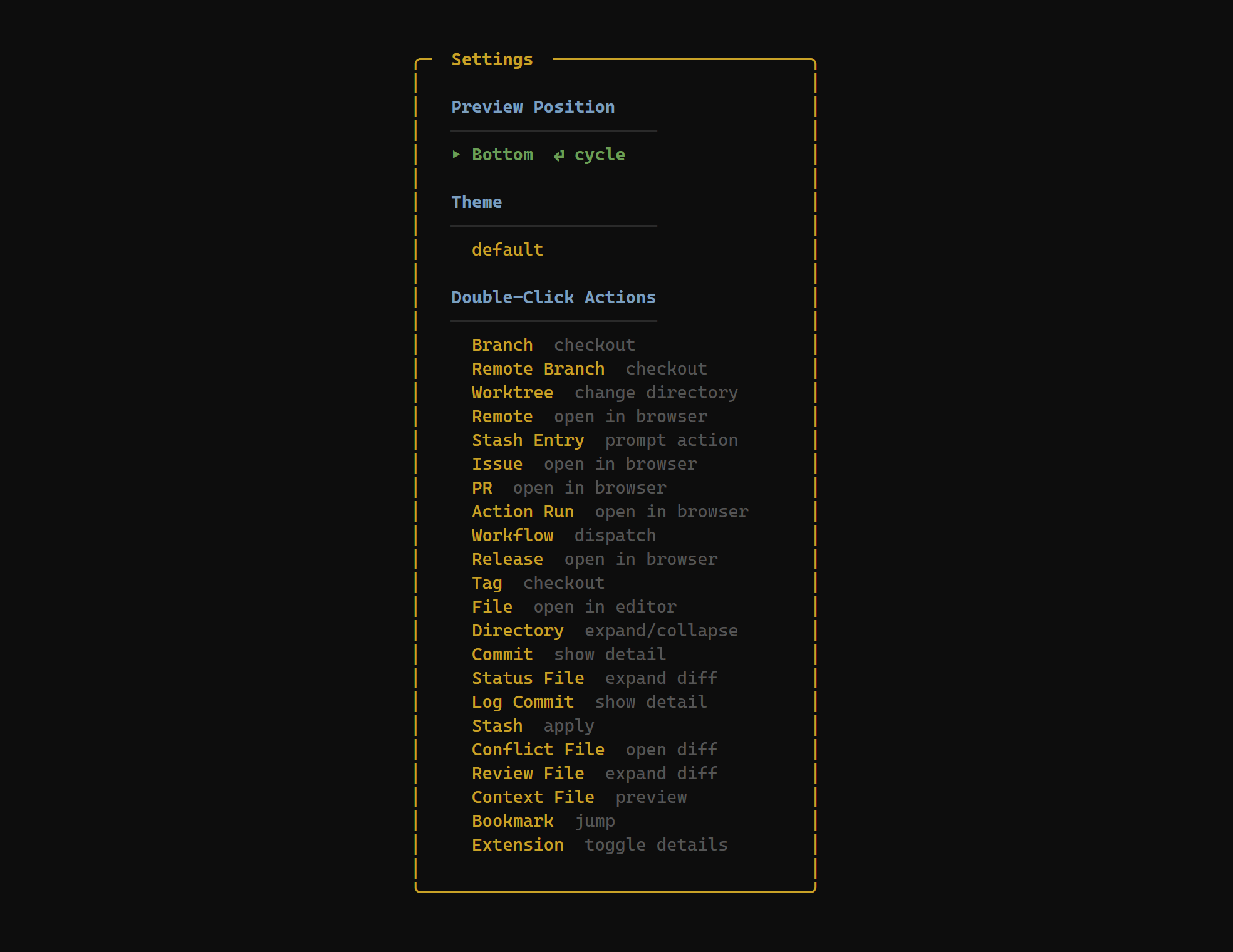
Configure themes, keybindings, and preferences through an in-app settings overlay. Changes apply immediately.
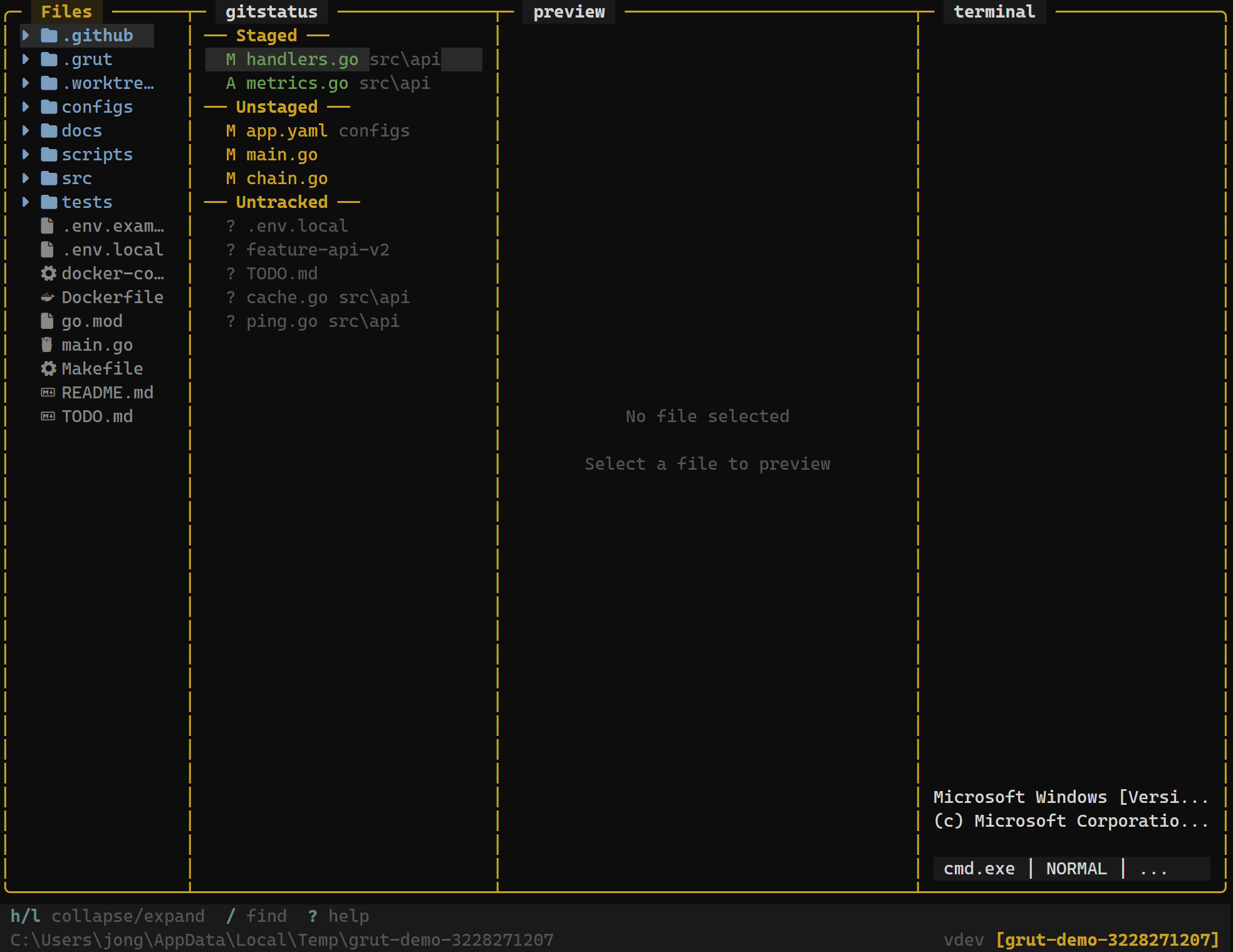
All panels visible at once — file tree, git info, and preview. Switch between five layout presets with a single key.
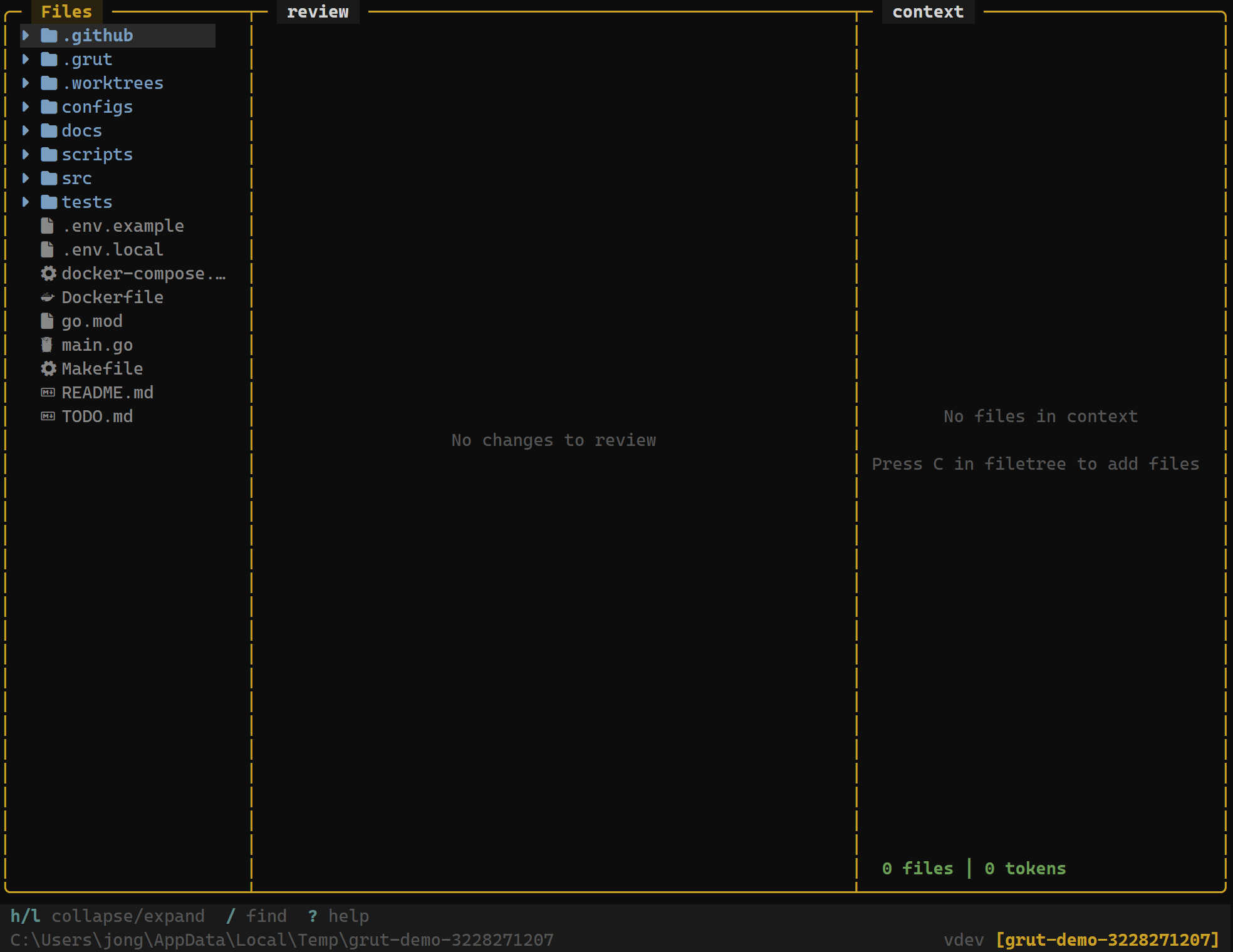
Dedicated code review mode with syntax-highlighted diffs. Navigate hunks and approve or reject changes one at a time.
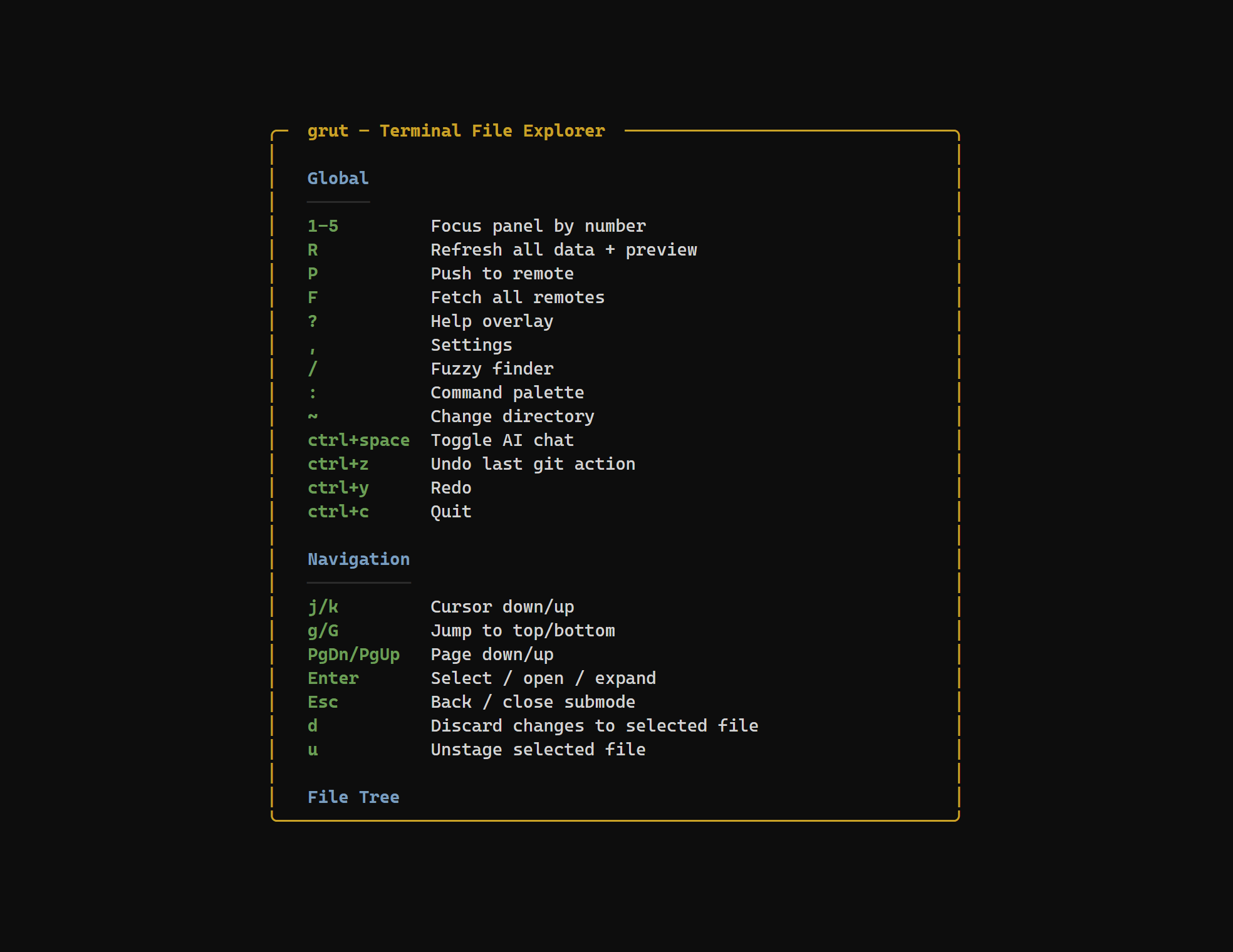
Press ? to open the keybinding reference overlay. See every shortcut organized by context.
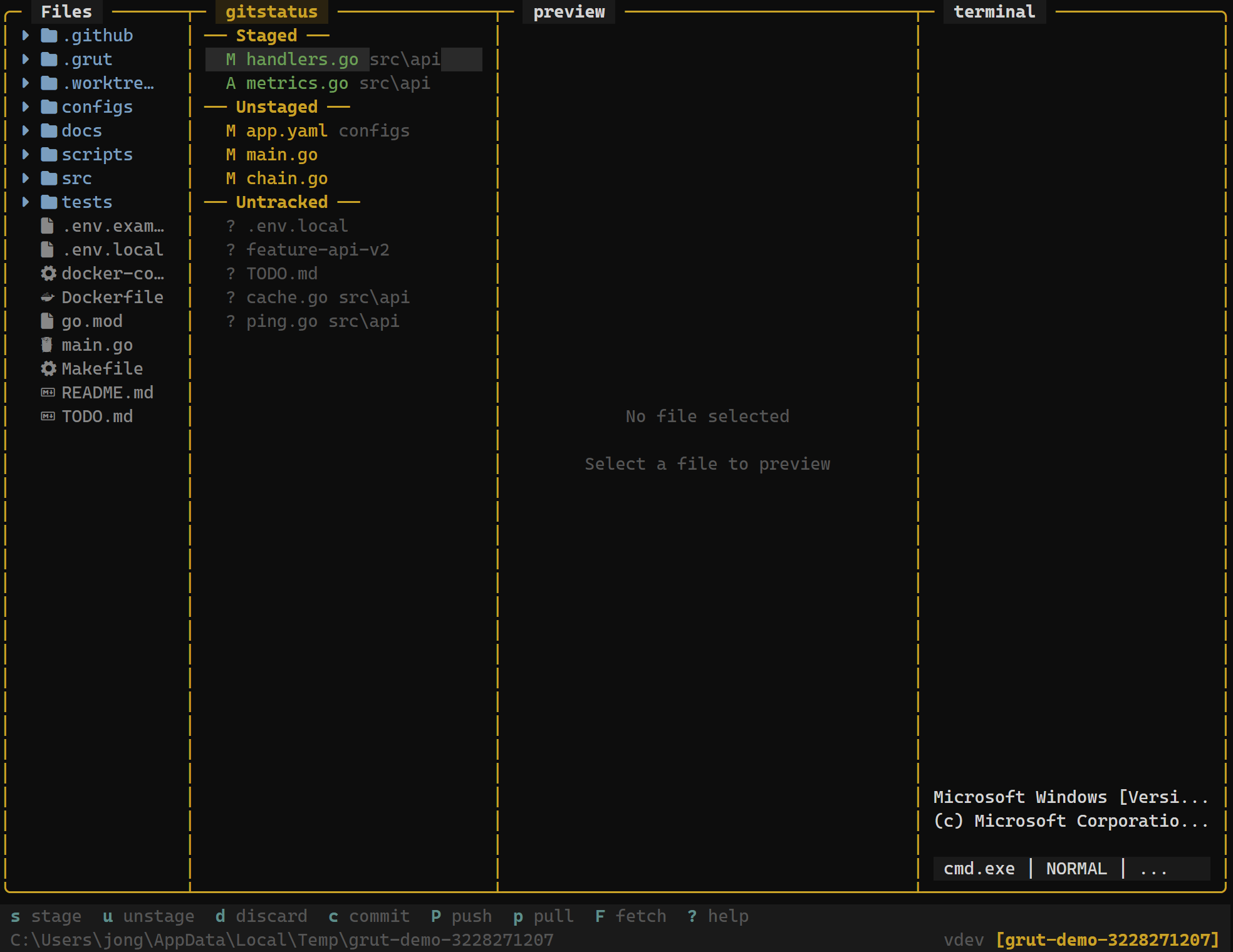
See staged, unstaged, and untracked files at a glance. Stage, unstage, and discard changes with single keystrokes.
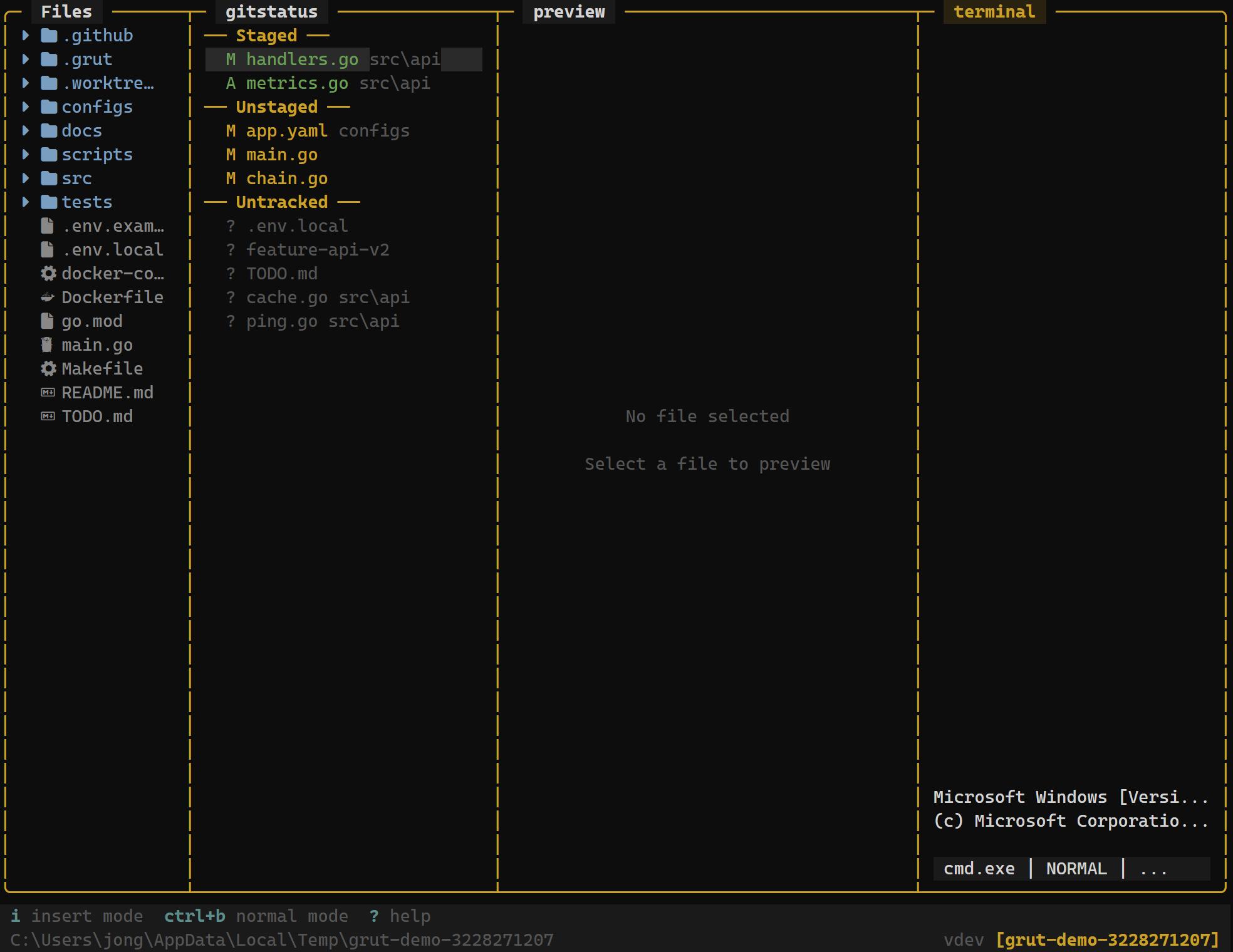
Run commands without leaving the explorer. Toggle between insert and normal modes for full terminal control.
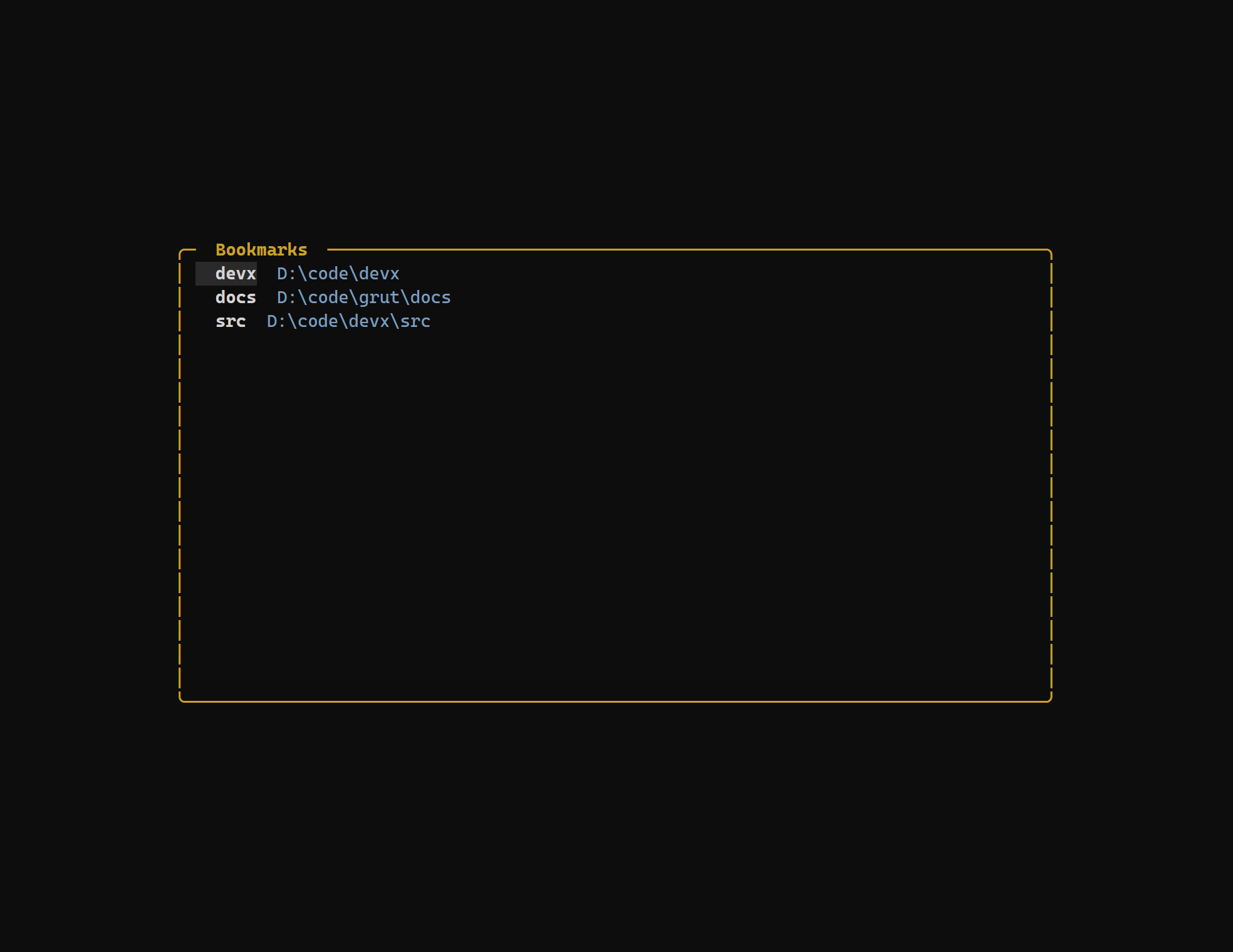
Pin frequently used directories for one-key access. Press B to bookmark, then jump back instantly from the bookmarks panel.
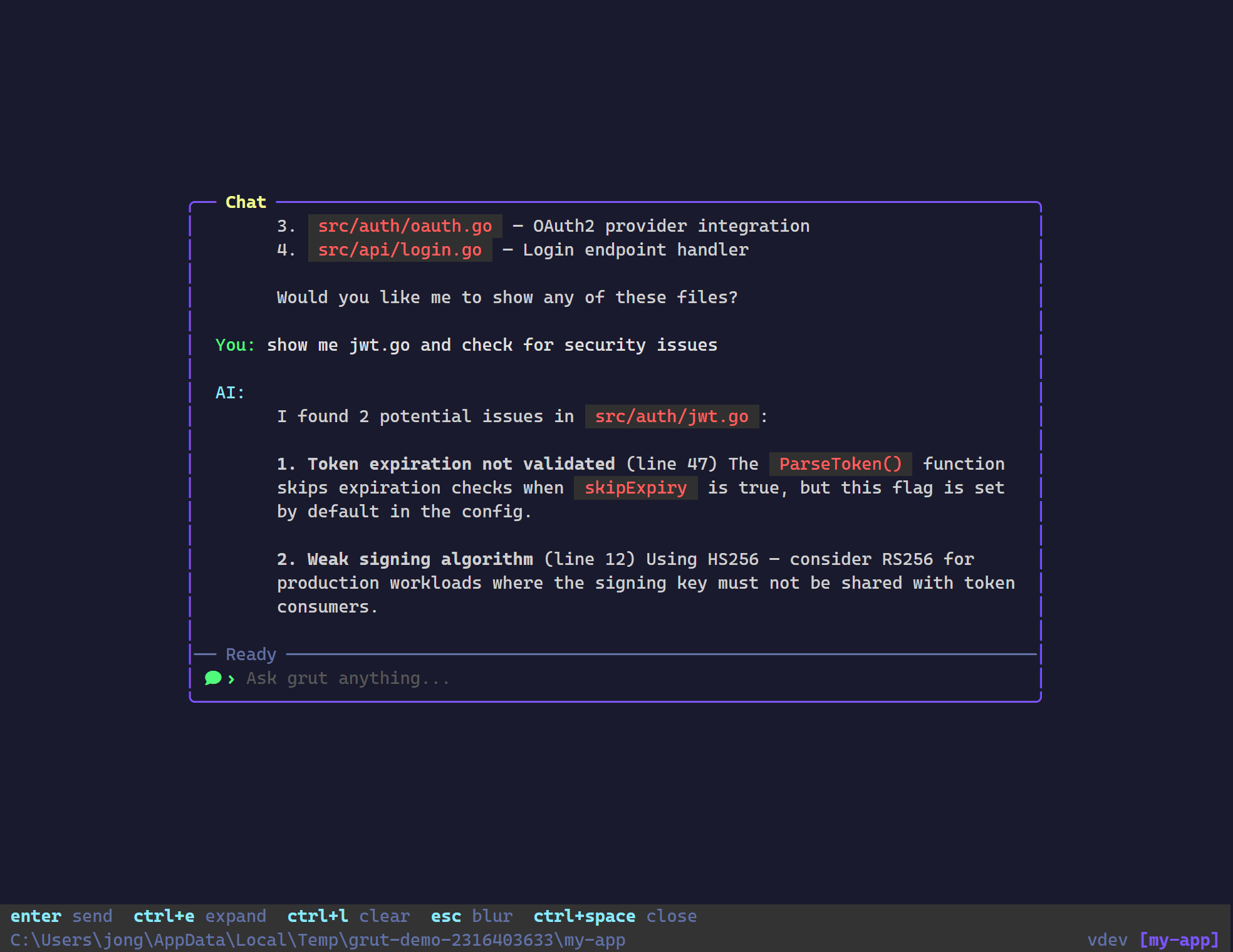
Ask questions about your code, generate commit messages, and get suggestions — all within the terminal.
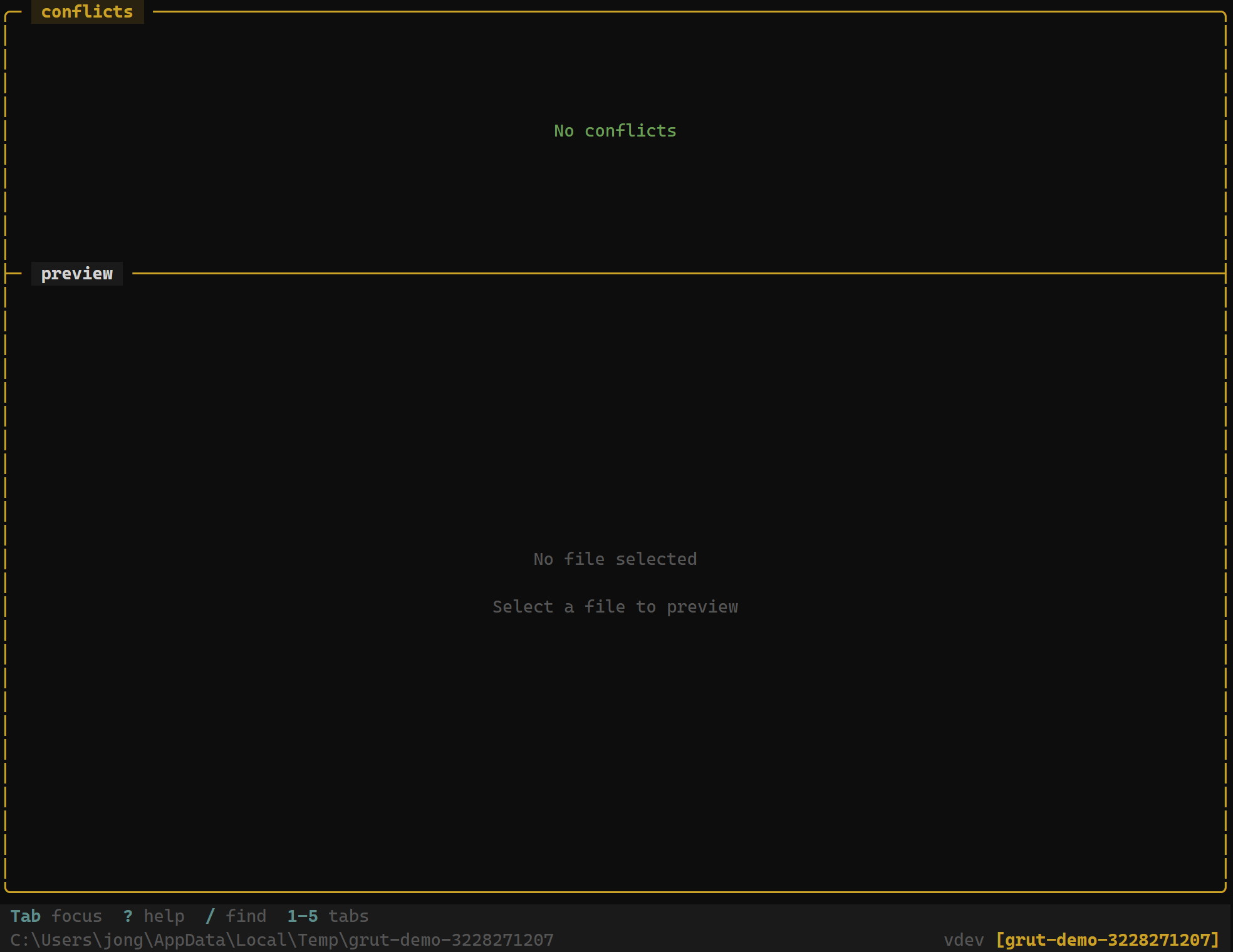
Resolve merge conflicts with a dedicated panel showing ours and theirs side by side. Accept either side with a keystroke.
Features
File Explorer
Browse, preview, create, rename, delete files with tree navigation and syntax highlighting.
Git Integration
Full git workflow — staging, commits, branches, merge, rebase, stash, tags, worktrees, blame, bisect.
Splits & Layouts
Multi-panel layout with horizontal and vertical splits, 5 preset configurations, and zoom mode.
Themes
4 built-in themes — Default, Catppuccin, Tokyo Night, Gruvbox — plus custom TOML themes.
Terminal
Embedded terminal with insert/normal modes — run commands without leaving the explorer.
Fuzzy Finder
Instant file search across your project — press / to jump to any file in milliseconds.
Bookmarks
Pin frequently used directories for one-key access — press B to bookmark, jump back instantly.
Context Builder
Select files and count tokens for AI context — copy structured file sets for LLM prompts.
Diff Review
Hunk-level approve/reject workflow — review changes one piece at a time with keyboard shortcuts.
Inline Editor
Edit files directly in the preview panel — press e to edit, Ctrl+S to save, Escape to discard.
Branch Diff
Press g to cycle filters — all files, git-changed, or branch diff showing changes vs default branch.
Sessions
Automatic session persistence — saves and restores your layout preset, directory, and panel state on restart.