Fuzzy Finder
The fuzzy finder is a fast overlay for jumping to any file in your project by typing a few characters — plus a command palette mode for executing commands by name.
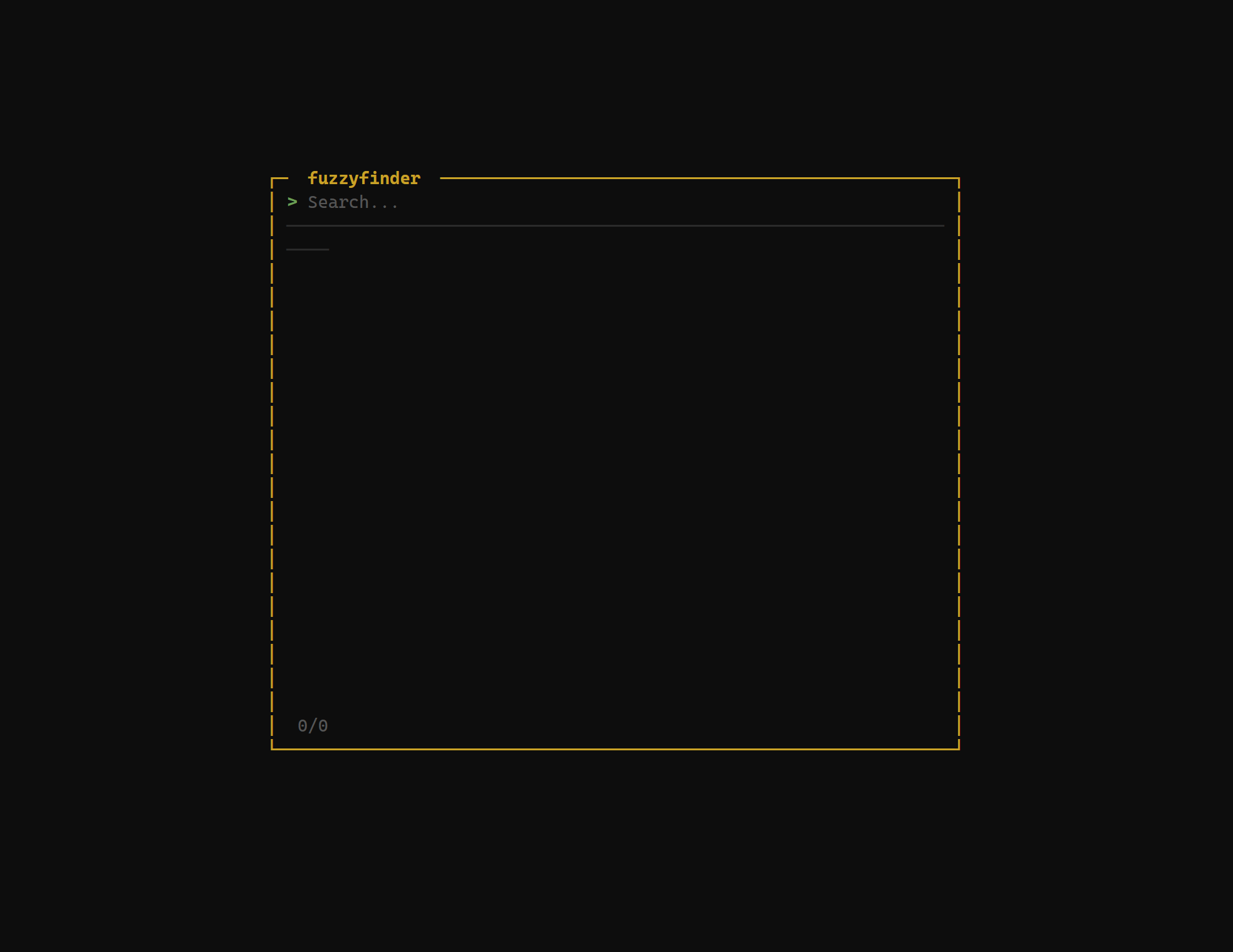
File Search
Press / to open the fuzzy finder. An input prompt appears at the top of the screen with a filtered list of files below it. Start typing to narrow the results — the fuzzy matching algorithm finds files even with non-contiguous characters.
For example, typing mncfg matchesmain_config.go. Matching characters are highlighted in the results so you can see how your query maps to each file name.
| Key | Action |
|---|---|
| / | Open fuzzy finder |
| j / ↓ | Move selection down |
| k / ↑ | Move selection up |
| Enter | Open the selected file |
| Esc | Close the fuzzy finder |
Search Scope
The fuzzy finder indexes the entire project tree, respecting.gitignore rules. Ignored files, build artifacts, andnode_modules directories are excluded automatically. Hidden files follow the show_hidden config setting.
Paths are displayed relative to the project root. The file list is ranked by match quality — the closest matches appear at the top.
Command Palette
Press : to open the command palette. This mode searches through all available grüt commands by name. Type to filter, select a command, and press Enter to execute it.
The command palette is useful for discovering commands you haven't memorized keybindings for, or for accessing less frequently used operations without leaving the keyboard.
| Key | Action |
|---|---|
| : | Open command palette |
| j / ↓ | Move selection down |
| k / ↑ | Move selection up |
| Enter | Execute the selected command |
| Esc | Close the command palette |
Performance
The fuzzy finder is designed for speed. File indexing runs on startup in the background and completes in under a second for most projects. Filtering uses a scoring algorithm that runs incrementally — results update as you type with no perceptible delay, even in repositories with tens of thousands of files.
Next Steps
- File Explorer — tree-view file navigation
- Bookmarks — pin directories for quick access
- Keybindings — full key reference