Keybinding Reference
All default keybindings organized by context. grüt ships with three keybinding schemes — default, vim, andclassic — configurable via keybinding_scheme in your config.
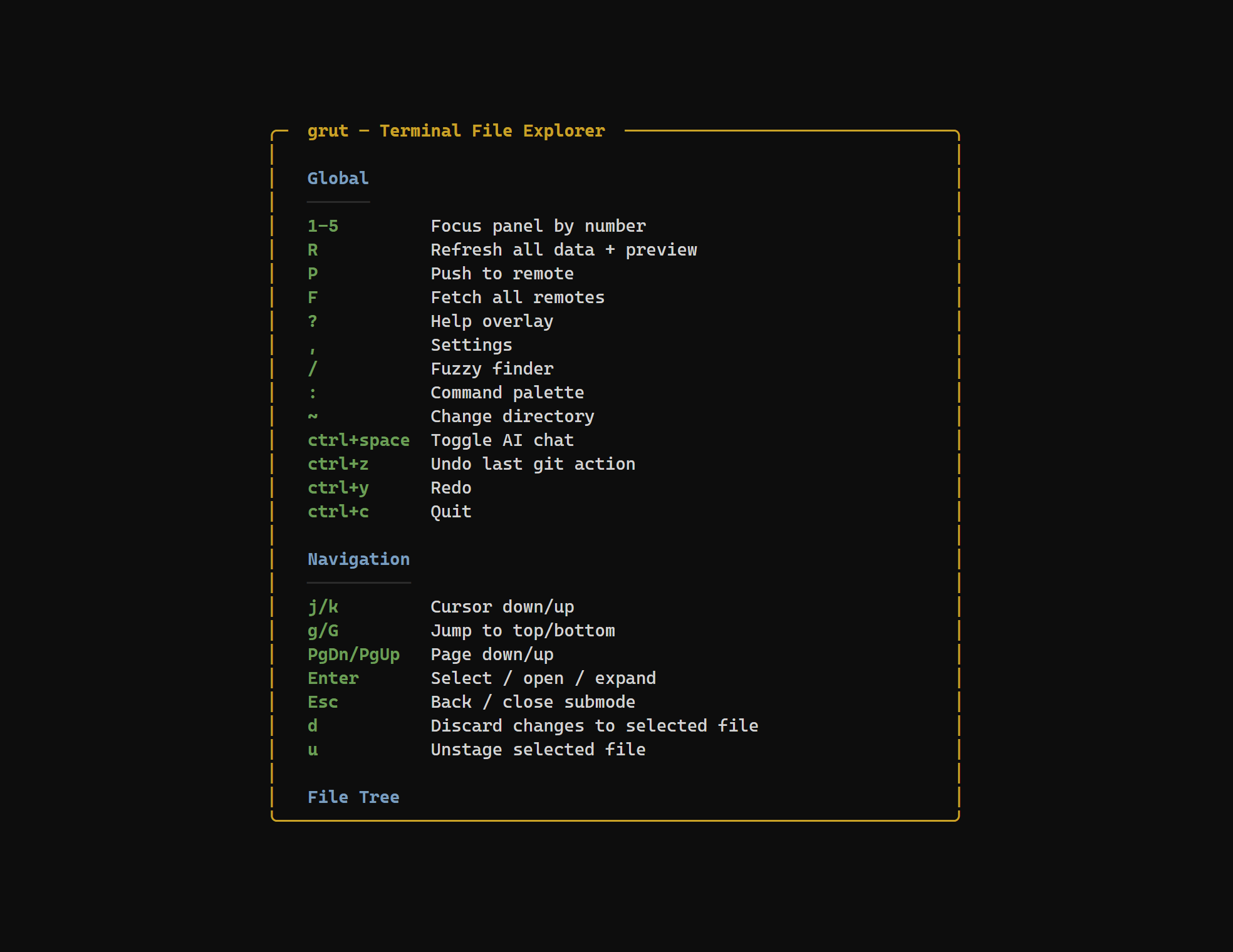
Global
These bindings work everywhere, regardless of the focused panel.
| Key | Action |
|---|---|
| 1 | Focus File Tree panel |
| 2 | Focus Git Info panel |
| 3 | Focus GitHub panel |
| 4 | Focus Commits panel |
| 5 | Focus Preview panel |
| Ctrl+b z | Zoom focused panel |
| Alt+Left | Navigate back |
| Alt+Right | Navigate forward |
| R | Refresh all data + preview |
| P | Push |
| F | Fetch all remotes |
| ? | Help overlay |
| Ctrl+g | Git command log |
| , | Settings |
| / | Fuzzy finder |
| T | Find TODO/FIXME markers |
| Ctrl+Shift+F | Search repository text |
| : | Command palette |
| ~ | Change directory |
| Ctrl+c | Quit |
| Ctrl+Space | Toggle AI chat |
| Ctrl+z | Undo last git action |
| Ctrl+y | Redo |
Navigation
Consistent movement keys shared across every focused panel.
| Key | Action |
|---|---|
| j / ↓ | Cursor down |
| k / ↑ | Cursor up |
| g | Jump to top |
| G | Jump to bottom |
| d | Page down |
| u | Page up |
| Enter | Select / open / expand |
| Esc | Back / close submode |
File Tree (panel 1)
Keybindings active when the File Tree panel is focused.
| Key | Action |
|---|---|
| h / ← | Collapse directory |
| l / → | Expand directory |
| Enter | Expand dir / select file |
| o | Open file in external editor |
| . | Toggle hidden files |
| f | Toggle git filter (changed files only) |
| g | Cycle filter: all → git changed → branch diff |
| v | Toggle tree / list view |
| n | New file |
| N | New directory |
| x | Delete file / directory |
| e / F2 | Rename |
| y | Copy path to clipboard |
| c | Copy file |
| p | Paste file |
| s | Stage file (in git filter mode) |
| Space | Toggle stage / unstage |
| J | Scroll preview down |
| K | Scroll preview up |
Git Info (panel 2)
Keybindings for the Git Info panel. Switch tabs with single keys.
Tabs
| Key | Action |
|---|---|
| b | Branches tab |
| w | Worktrees tab |
| r | Remotes tab |
| s | Stash tab |
| t | Tags tab |
| l | Reflog tab |
Actions
| Key | Action |
|---|---|
| Enter | Checkout / apply |
| n | Create new item |
| x | Delete selected |
| e / F2 | Rename |
| o | Open in browser |
| y | Copy to clipboard |
| f | Fetch / filter |
| / | Filter list |
| = | Pin/clear compare base |
| p | Pull selected branch |
| B | Pull selected branch with rebase |
| P | Push selected branch (Branches tab) / Push tag (Tags tab) |
GitHub (panel 3)
Keybindings for the GitHub panel. Switch tabs with single keys.
Tabs
| Key | Action |
|---|---|
| b | Branches tab |
| t | Tags tab |
| i | Issues tab |
| p | Pull Requests tab |
| a | Actions tab |
| w | Workflows tab |
| l | Releases tab |
Actions
| Key | Action |
|---|---|
| Enter | Select (show in preview) |
| o | Open in browser |
| y | Copy to clipboard |
| m | Merge PR (PRs tab only) |
| c | Check out PR (PRs tab) / close-reopen issue (Issues tab) / compare with previous release (Releases tab) |
| C | Comment on issue/PR (Issues/PRs tab only) |
| / | Filter loaded issues/PRs by title or number (Issues/PRs tab only) |
| r | Rerun (Actions tab only) |
| x | Cancel (Actions tab only) |
| V | Toggle live log follow (Actions tab only) |
| Space | Pause/resume live log follow (Actions tab only) |
| g / G | Jump to top / bottom in the job log preview |
| y | Copy selected job log text in the preview |
| D | Dispatch workflow (Workflows tab only) |
Commits (panel 4)
Keybindings for the Commits panel.
| Key | Action |
|---|---|
| Enter | View commit detail |
| Esc | Back to list |
| E | Explain commit in AI chat |
| o | Open in browser |
| y | Copy SHA |
| A | Amend last commit |
| r | Reword last commit |
| / | Search commits |
Preview (panel 5)
| Key | Action |
|---|---|
| j / k | Scroll content |
| g / G | Jump to top / bottom |
| d / u | Page down / up |
| w | Toggle word wrap |
| Ctrl+F | Search in preview |
| n / N | Next / previous search match |
| e | Enter inline edit mode |
| E | Explain current file, diff, or commit in AI chat |
| c | Comment on the selected PR diff line (PR diff context) |
| B | Toggle blame |
| o | Open blame line's commit (blame mode) |
| Ctrl+S | Save edits (edit mode) |
| y / Ctrl+C | Copy selection to clipboard |
| Esc | Clear selection / exit edit mode |
Click and drag to select text. Double-click to select a word.
Keybinding Schemes
grüt supports three keybinding schemes. The bindings listed above are thedefault scheme. You can switch schemes in your config:
[general]
keybinding_scheme = "vim" # "default" | "vim" | "classic"- default — the bindings shown on this page
- vim — vim-style motions with additional
dd,yy, and visual-mode-style selection - classic — keybindings for users who prefer classic TUI conventions
All schemes share the same global bindings (Ctrl+c,?, Tab, number keys). The differences are in navigation and git operation keys.