Git Rebase
Rewrite commit history with interactive rebase directly from the grüt TUI. Continue, abort, or skip through each step with single-key commands.
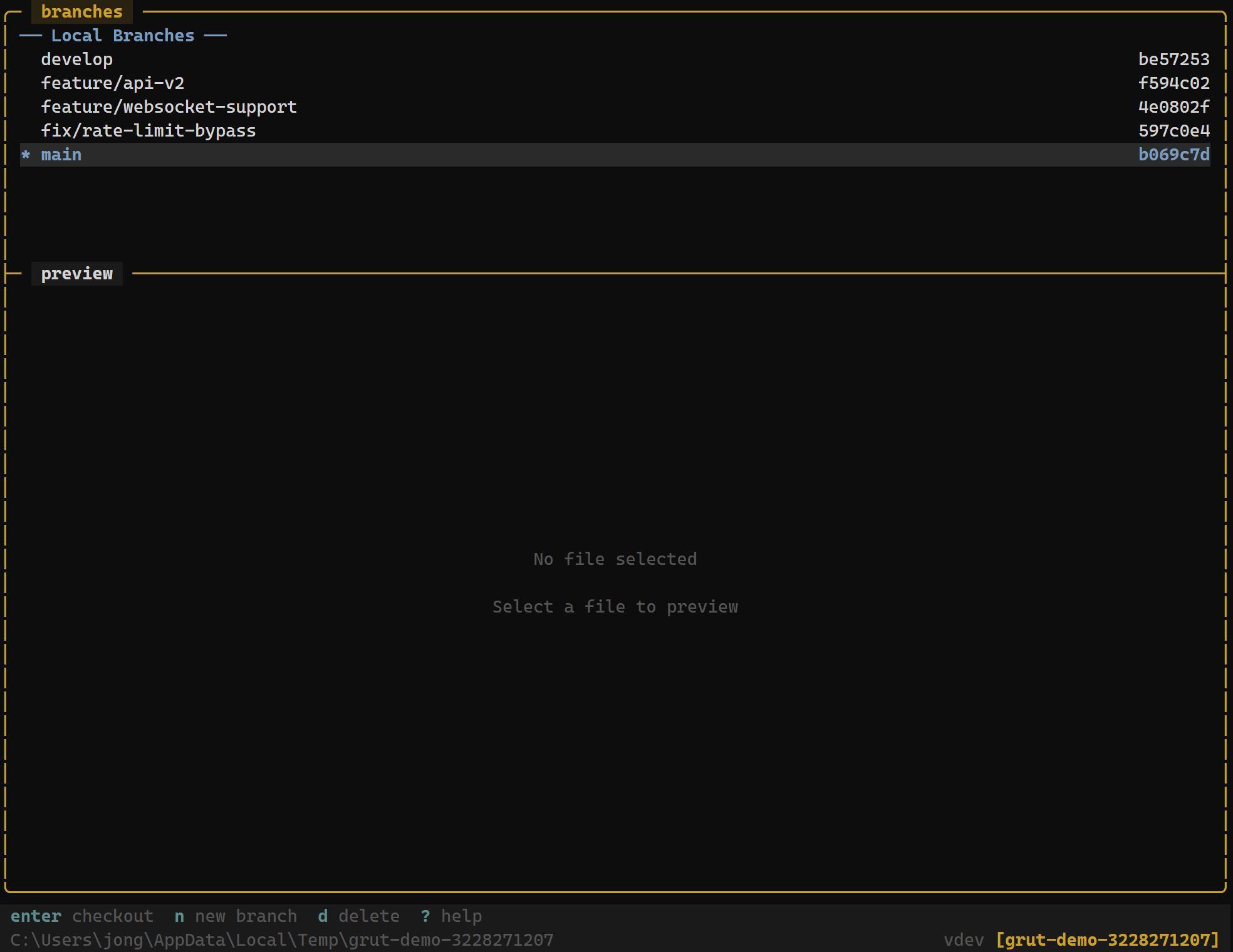
Starting a Rebase
In the branches panel, highlight the branch you want to rebase onto and pressr. grüt replays your current branch's commits on top of the selected branch.
The status bar updates to show REBASING along with a progress indicator (e.g., rebase 3/7) so you always know where you are in the process.
Rebase Operations
While a rebase is in progress, grüt provides three control operations accessible from any panel:
Rebase Controls
| Key | Action |
|---|---|
| r | Start interactive rebase onto selected branch |
| c | Continue rebase after resolving conflicts |
| a | Abort rebase — restore original branch state |
| s | Skip current commit and continue rebase |
- Continue (
c) — after resolving conflicts for the current commit, continue applying the remaining commits. - Abort (
a) — cancel the rebase entirely and restore the branch to its original state before the rebase began. - Skip (
s) — drop the current commit from the rebased history and move on to the next one.
Progress Indicator
During a rebase, the status bar displays real-time progress:
REBASING commit 3 of 7 ━━━━━━━━━━░░░░░ 43%This tells you exactly how many commits have been applied, how many remain, and the overall completion percentage.
Conflict Resolution During Rebase
Conflicts during a rebase follow the same workflow asmerge conflicts. When a commit cannot be applied cleanly, grüt pauses the rebase and highlights the conflicting files.
Conflict Resolution
| Key | Action |
|---|---|
| o | Accept ours — keep current branch version |
| t | Accept theirs — keep incoming commit version |
| b | Accept both changes |
| Enter | Mark conflict as resolved |
Resolve each conflict, mark the file as resolved with Enter, then pressc to continue the rebase. Repeat for each conflicting commit.
When to Rebase vs. Merge
Use rebase to maintain a linear commit history — ideal for feature branches before merging into main. Use merge when you want to preserve the full branch topology. Configure the default behavior in grut.toml:
[git]
worktree_merge_method = "rebase"