Themes
grüt ships with four built-in themes and supports fully custom themes via TOML files. Every color in the UI — from syntax highlighting to git markers — is themeable.
Built-in Themes
Default
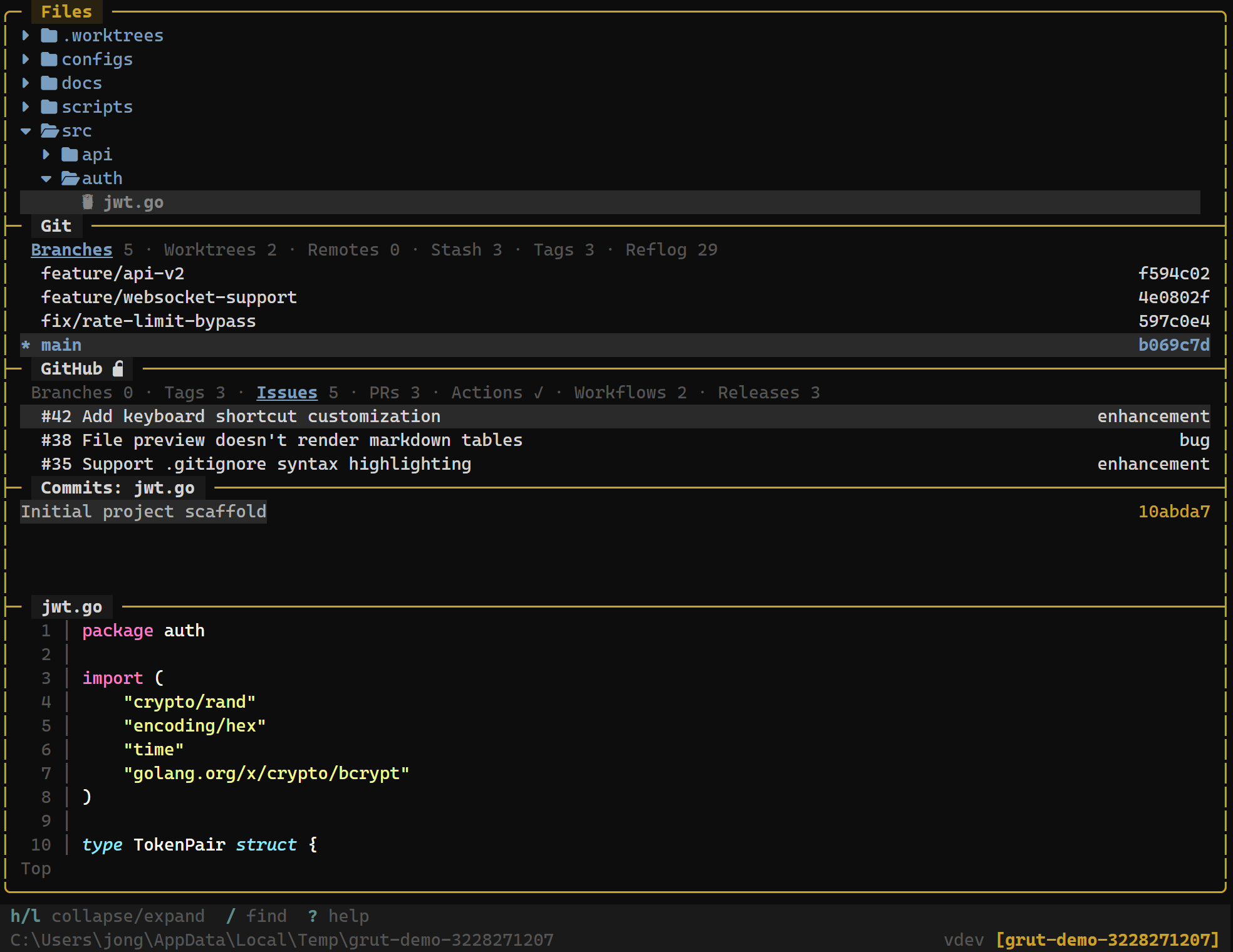
Dark background with purple accents — the original grüt palette.
Catppuccin
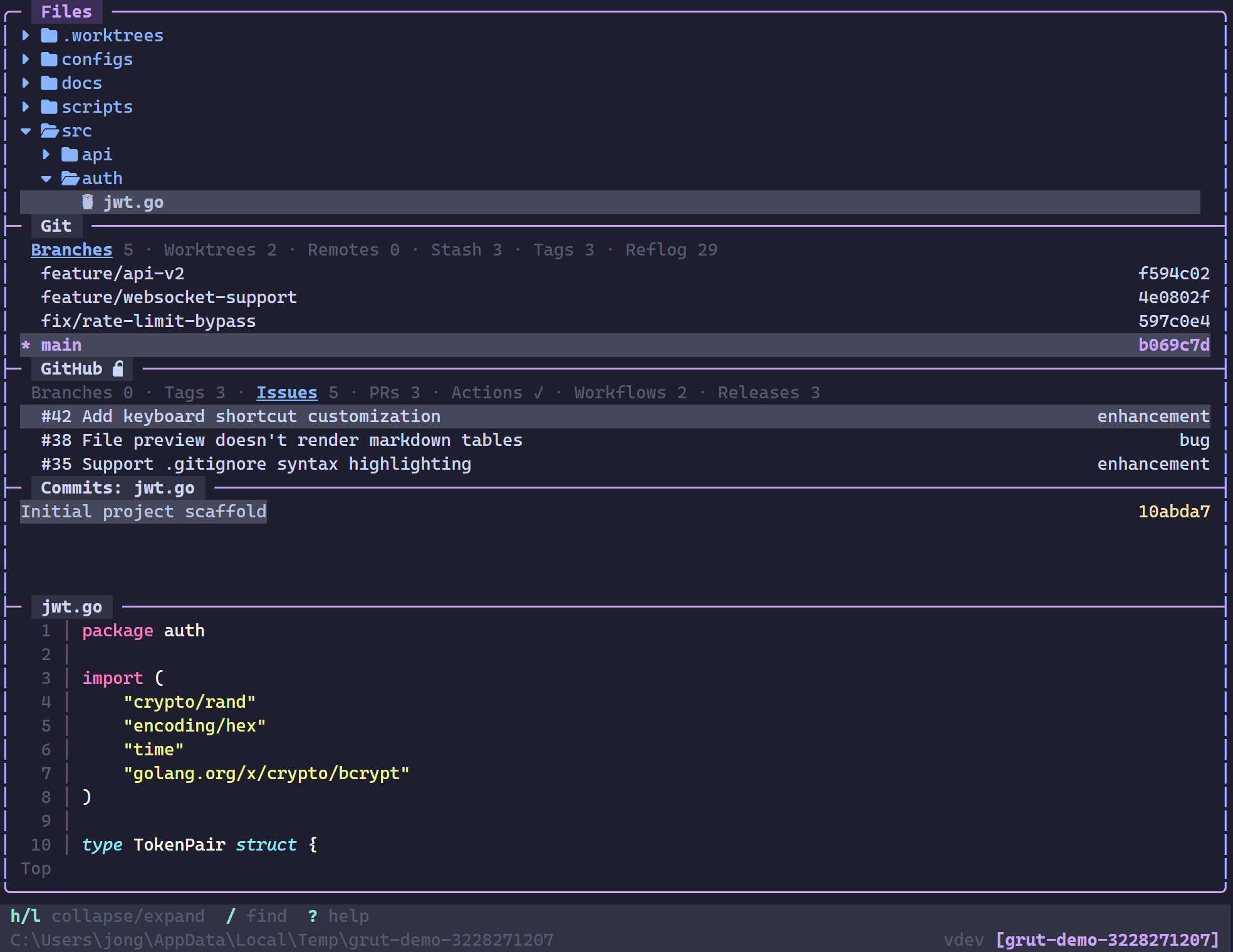
Pastel dark palette. Soft, easy on the eyes during long sessions.
Tokyo Night
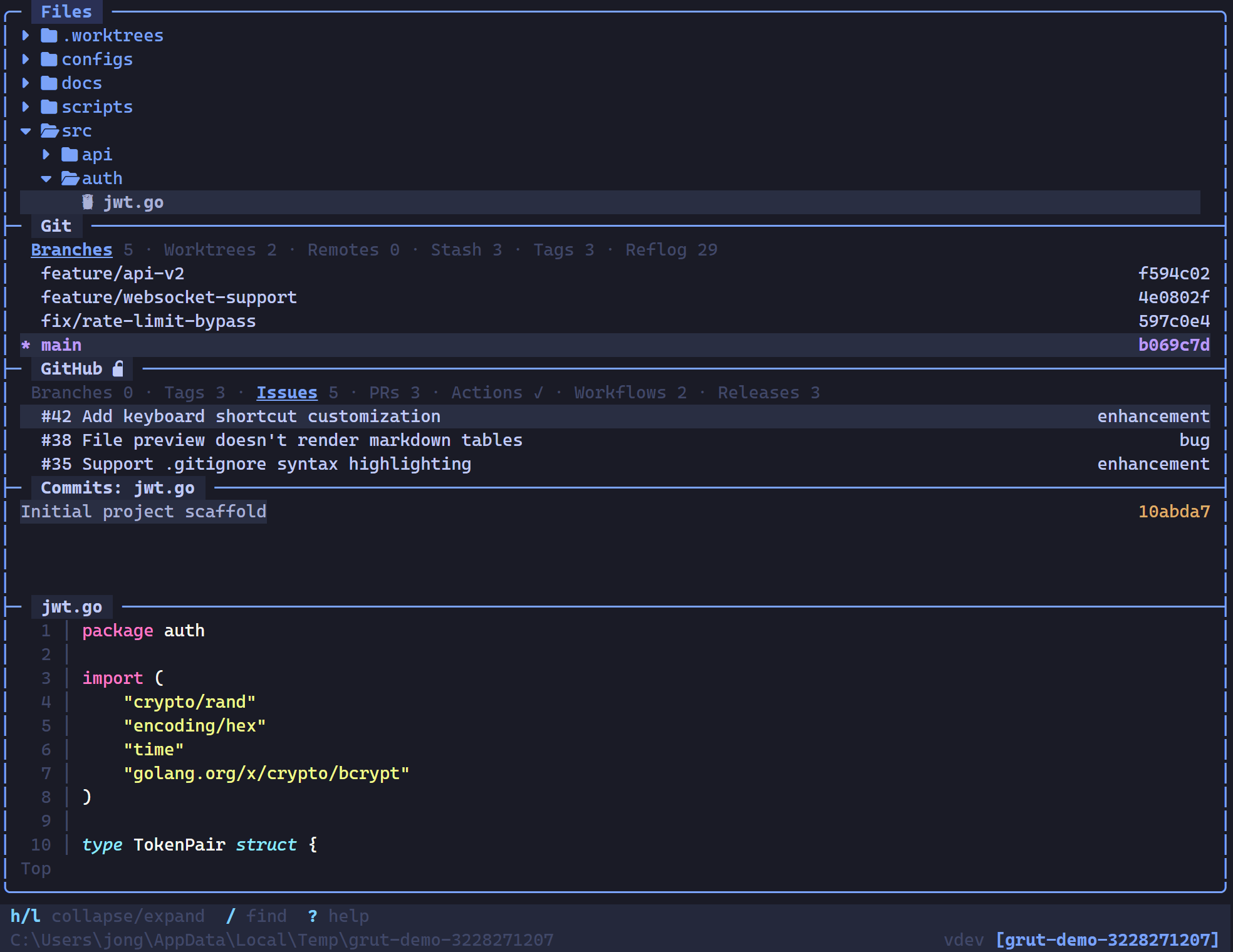
Blue-tinted dark theme inspired by the lights of Tokyo at night.
Gruvbox
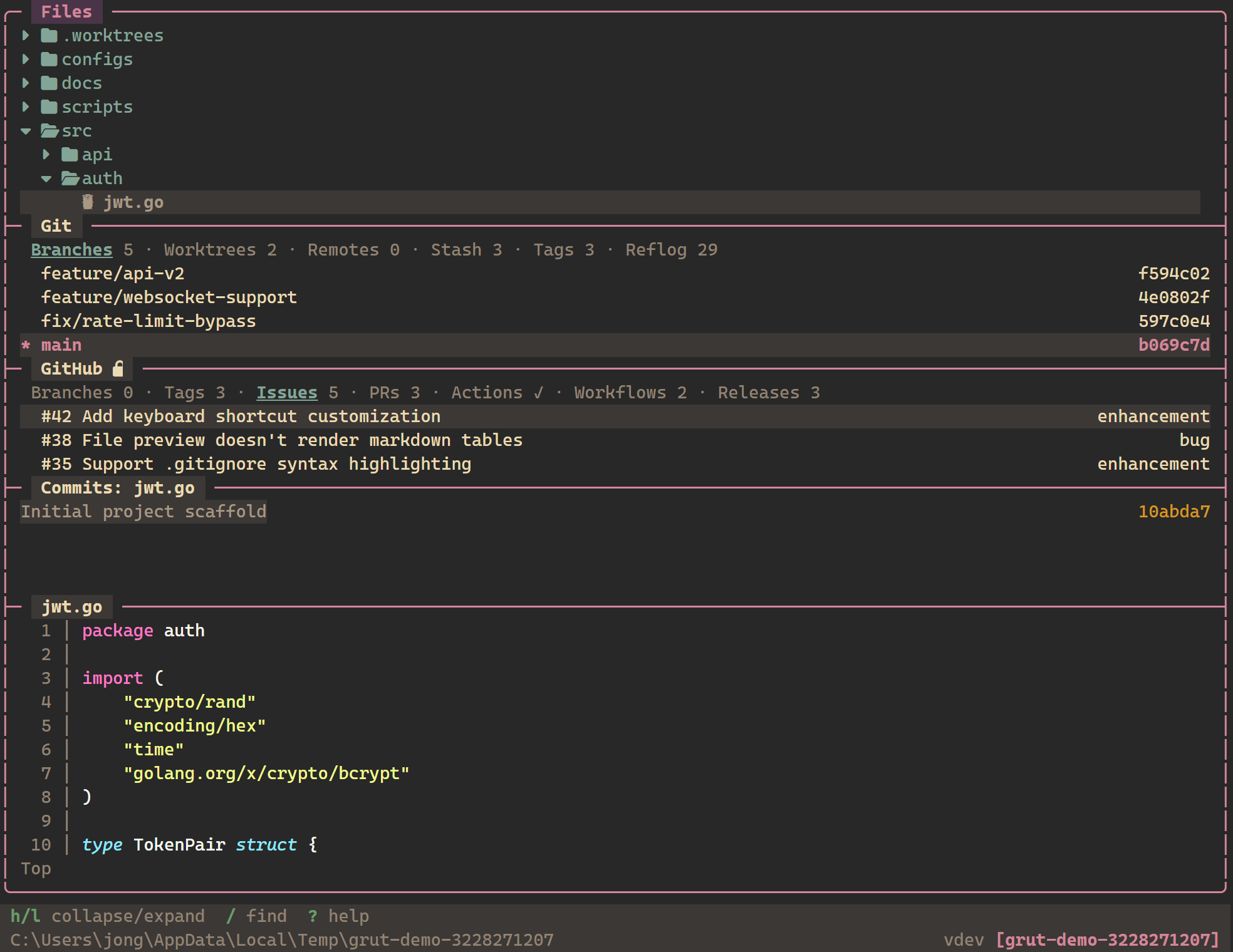
Warm, retro dark palette with earthy tones and high contrast.
Selecting a Theme
Set the name field under [theme] in your configuration file:
[theme]
name = "catppuccin"        # Built-in: default, catppuccin, tokyonight, gruvbox
To use a custom theme, point name to the absolute path of your TOML theme file:
[theme]
name = "/home/user/.config/grut/themes/my-theme.toml"
Custom Theme Format
A custom theme is a TOML file with the following sections. Every section is optional — missing values fall back to the Default theme.
# Example: Tokyo Night theme
[meta]
name    = "tokyonight"
variant = "night"             # optional label for the variant

[colors]
background = "#1A1B26"
foreground = "#C0CAF5"
cursor     = "#C0CAF5"
selection  = "#292E42"

[colors.normal]
black   = "#15161E"
red     = "#F7768E"
green   = "#9ECE6A"
yellow  = "#E0AF68"
blue    = "#7AA2F7"
magenta = "#BB9AF7"
cyan    = "#7DCFFF"
white   = "#A9B1D6"

[colors.bright]
black   = "#414868"
red     = "#F7768E"
green   = "#9ECE6A"
yellow  = "#E0AF68"
blue    = "#7AA2F7"
magenta = "#BB9AF7"
cyan    = "#7DCFFF"
white   = "#C0CAF5"

[ui]
border           = "#3B4261"
border_focused   = "#7AA2F7"
status_bar_bg    = "#16161E"
status_bar_fg    = "#C0CAF5"
title_bg         = "#24283B"
title_focused_bg = "#2A3054"
tab_active_bg    = "#7AA2F7"
tab_active_fg    = "#1A1B26"
tab_inactive_bg  = "#292E42"
tab_inactive_fg  = "#A9B1D6"
selection_bg     = "#292E42"
selection_fg     = "#C0CAF5"
cursor_line      = "#292E42"

[syntax]
keyword  = "#BB9AF7"
string   = "#9ECE6A"
number   = "#FF9E64"
comment  = "#565F89"
function = "#7AA2F7"
type     = "#E0AF68"
operator = "#89DDFF"

[diff]
added   = "#9ECE6A"
removed = "#F7768E"
header  = "#BB9AF7"
hunk    = "#7AA2F7"
context = "#565F89"

[git]
staged    = "#9ECE6A"
unstaged  = "#E0AF68"
untracked = "#565F89"
conflict  = "#F7768E"
branch    = "#BB9AF7"
tag       = "#7DCFFF"

[notify]
info    = "#7DCFFF"
warn    = "#E0AF68"
error   = "#F7768E"
success = "#9ECE6A"

[files]
directory  = "#7AA2F7"
default    = "#A9B1D6"
executable = "#9ECE6A"
symlink    = "#7DCFFF"
Themes Directory
Place custom theme files in the grüt themes directory. grüt scans this location for available themes:
~/.config/grut/themes/Extensions can also bundle themes. When an extension includes athemes/ directory, those themes become available automatically after installation.