Features
Everything you need to navigate, commit, and review — without leaving the terminal.
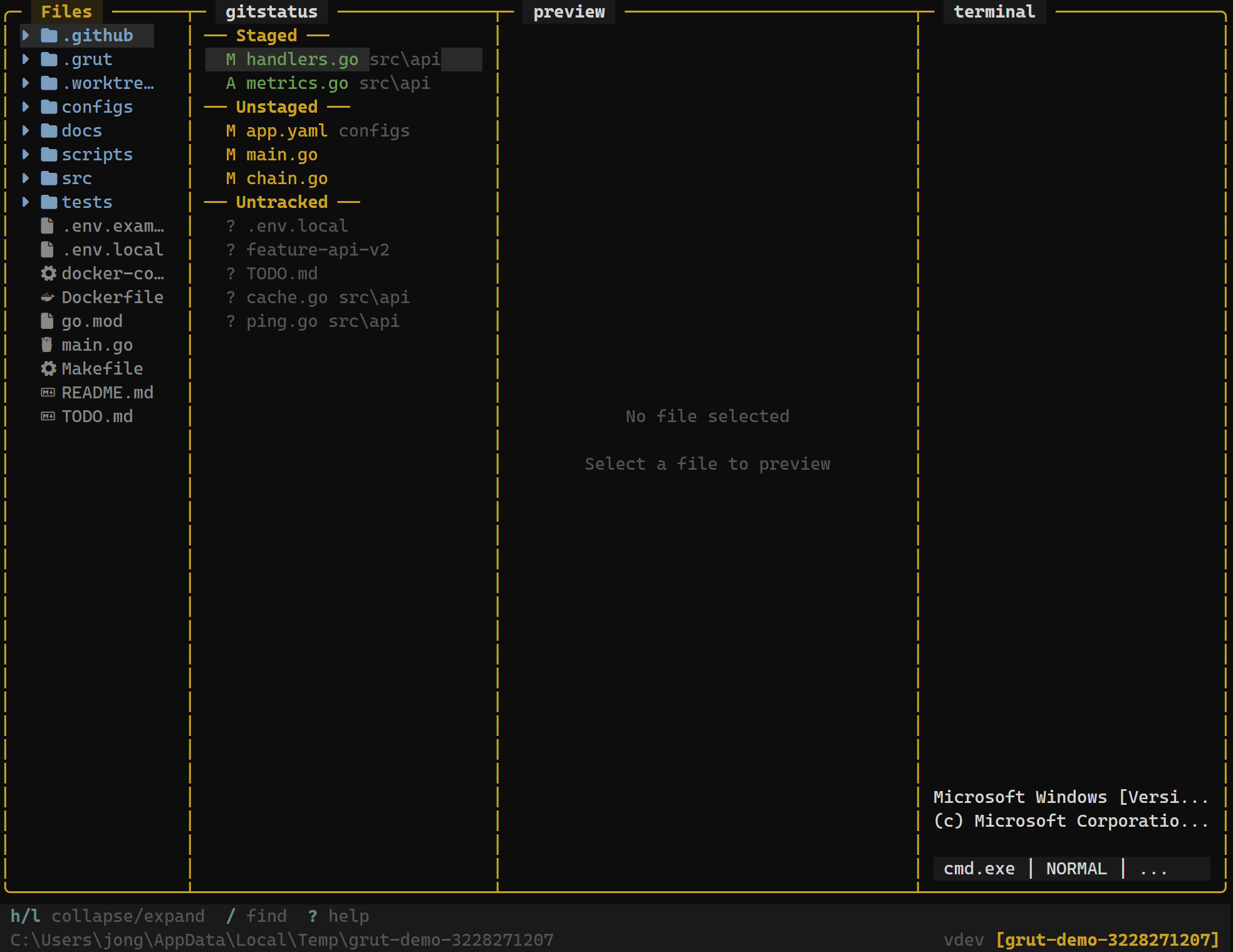
File Explorer
Navigate your project with a tree view that shows git status markers, file operations, hidden files, and symlinks. Create, rename, and delete files without switching tools.
Learn more →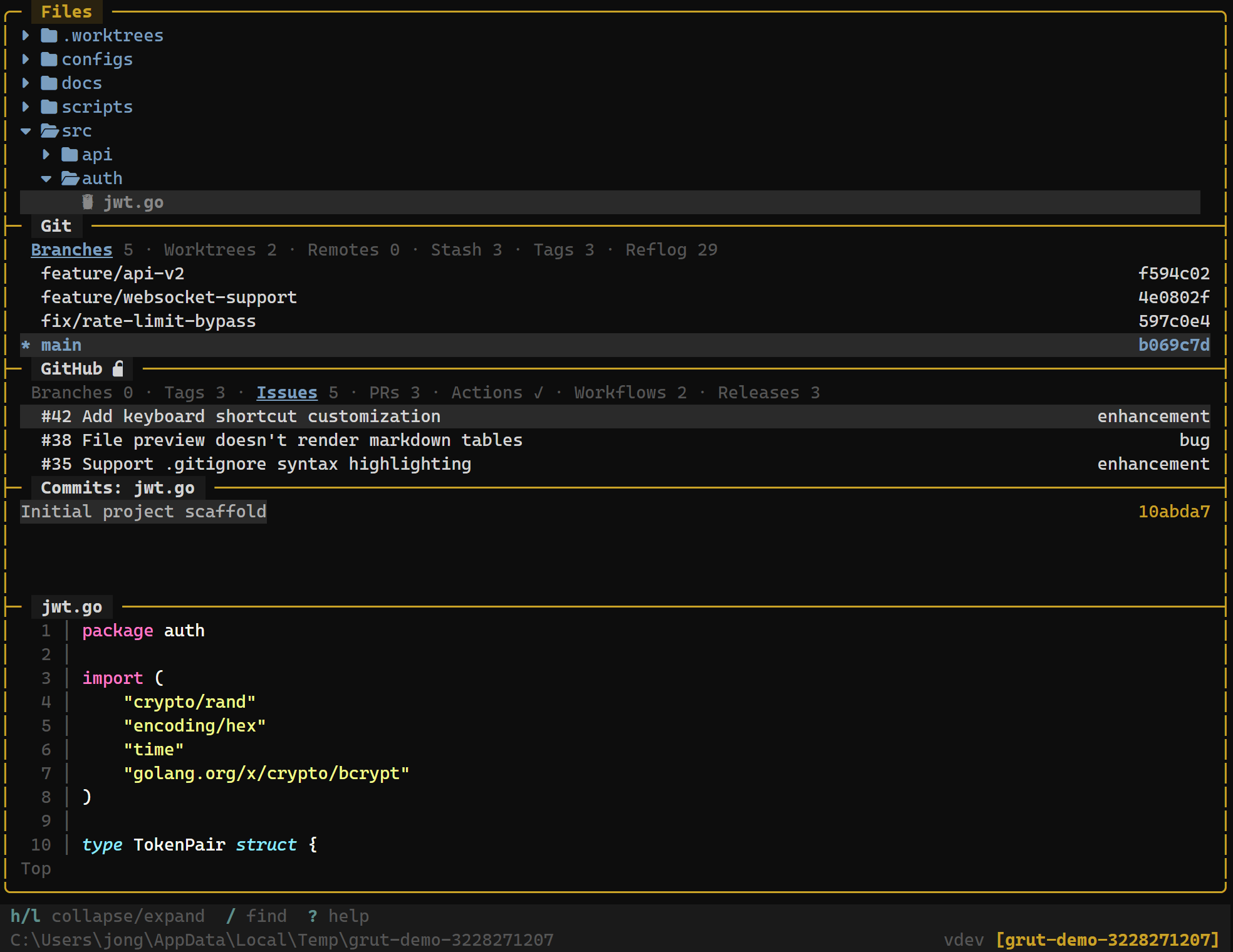
Git Integration
Full git workflow from staging to push — branches, merge, rebase, stash, tags, worktrees, blame, and bisect. Everything is keyboard-driven and updates in real time.
Learn more →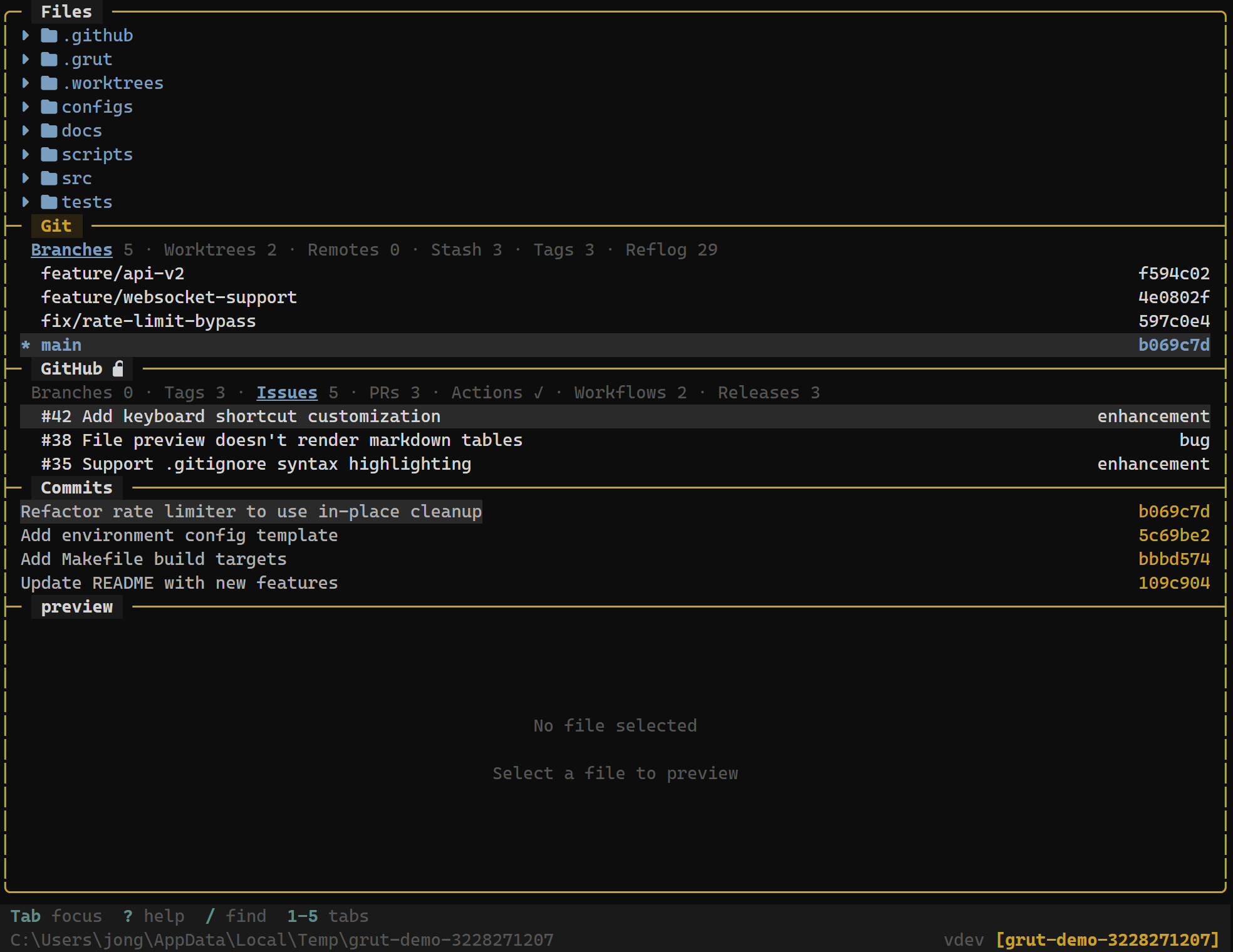
GitHub Integration
Browse issues, pull requests, Actions workflows, and releases directly in the TUI. Review PR details and check CI status without opening a browser.
Learn more →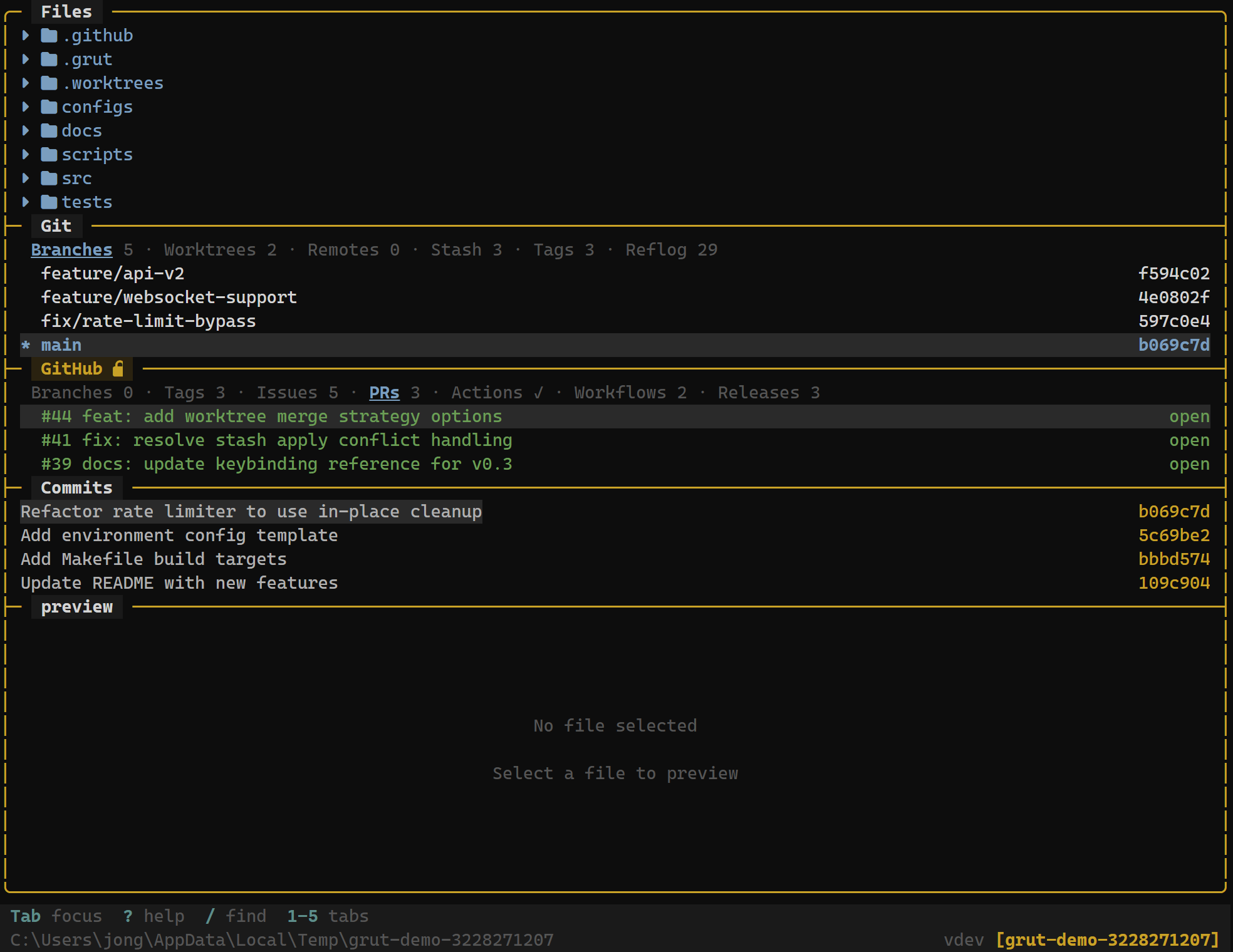
Diff Review
Review changes hunk-by-hunk with an approve/reject workflow. Switch between inline and side-by-side views, jump between hunks, and stage exactly what you want.
Learn more →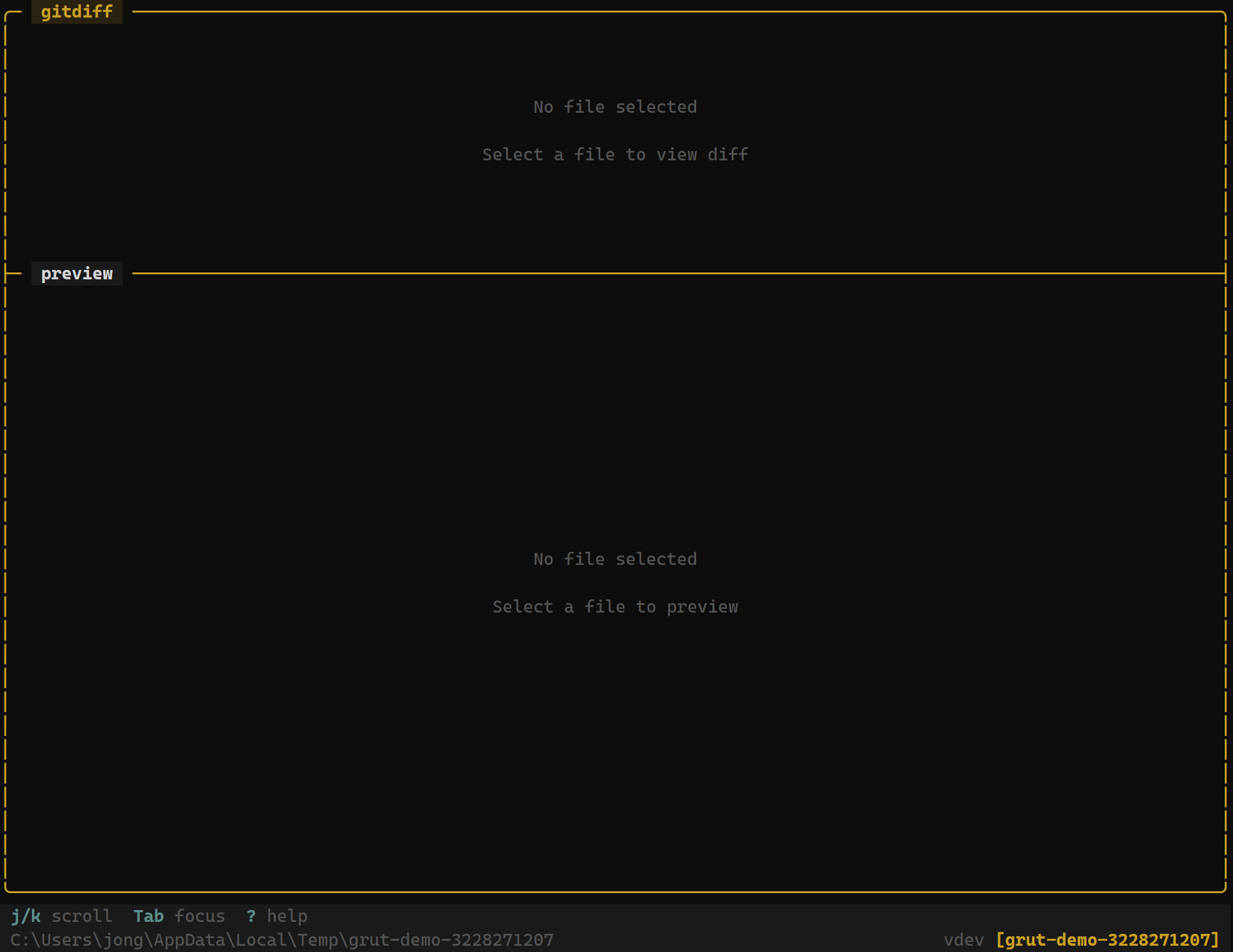
Fuzzy Finder
Press / and start typing to instantly search across your entire project. Results update as you type, filtering out hidden files automatically.
Learn more →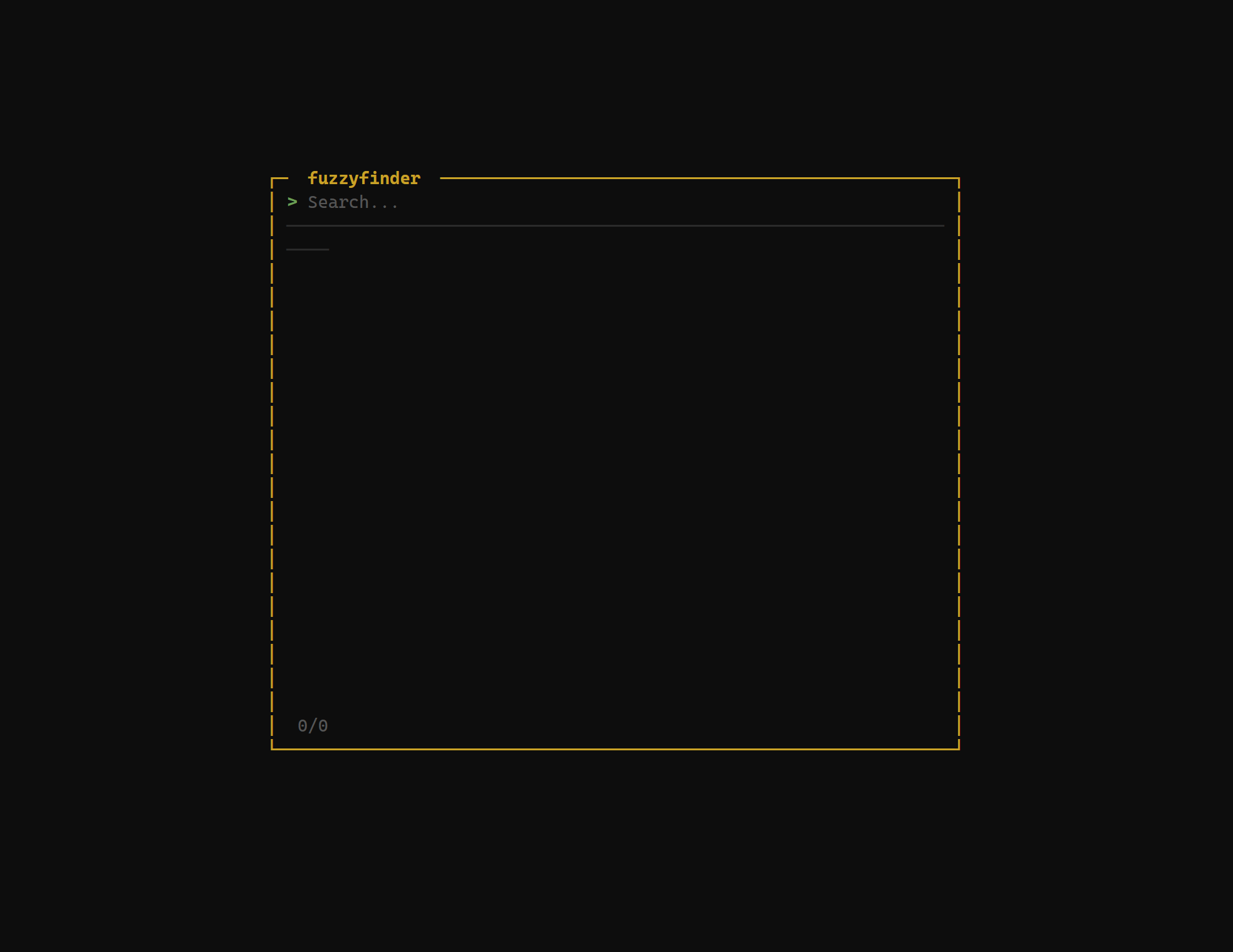
Inline Editor
Press e in the preview panel to edit files directly without leaving grüt. Ctrl+S saves your changes, Escapediscards. Binary and oversized files are blocked automatically.
Learn more →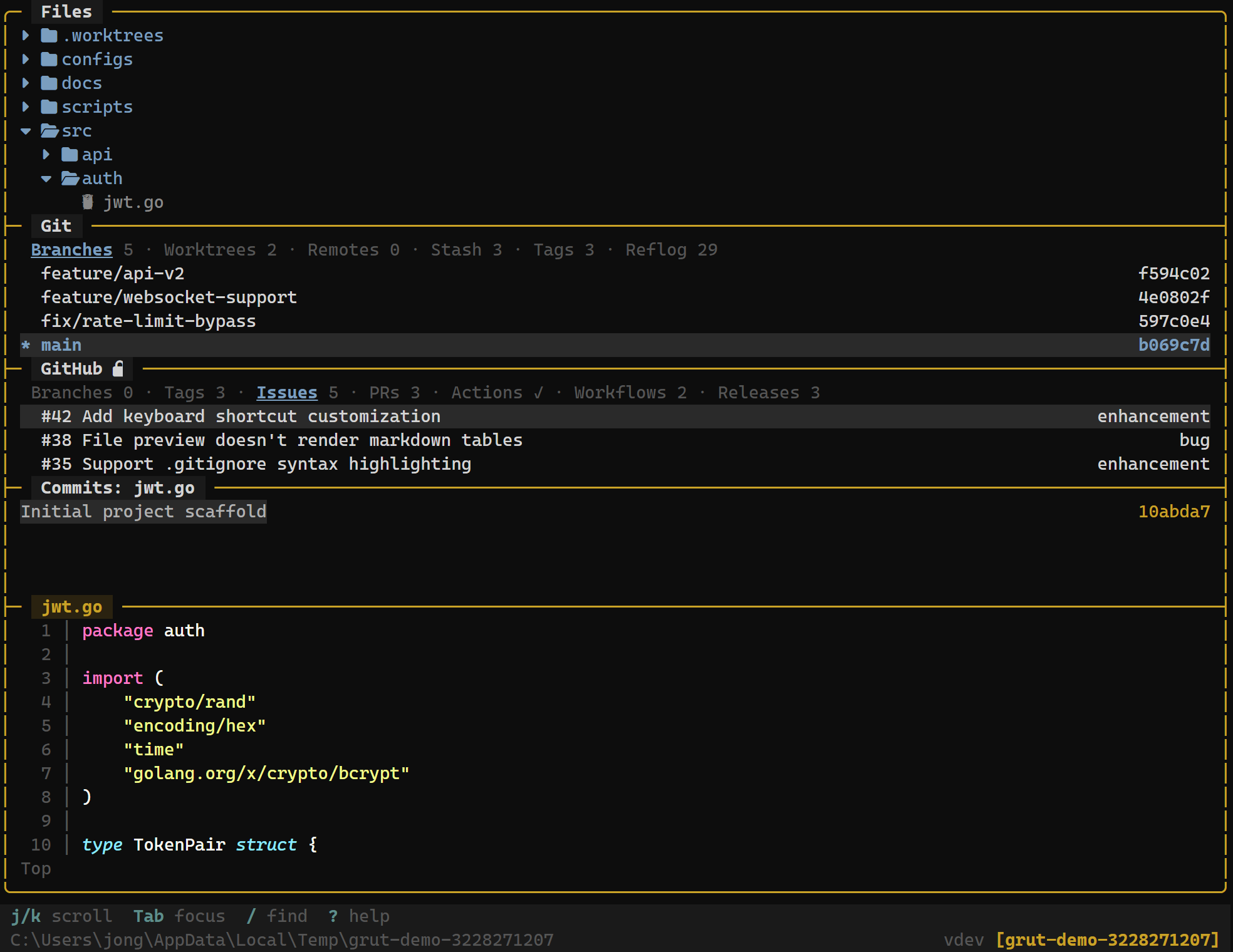
Branch Diff
Press g to cycle through three filter modes: all files, git-changed files, and branch diff — showing only files changed compared to your default branch. Preview updates to show diffs automatically.
Learn more →Terminal
Run shell commands without leaving grüt. Toggle between insert and normal modes with i and Escape. Output stays visible alongside your file tree and git panels.
Learn more →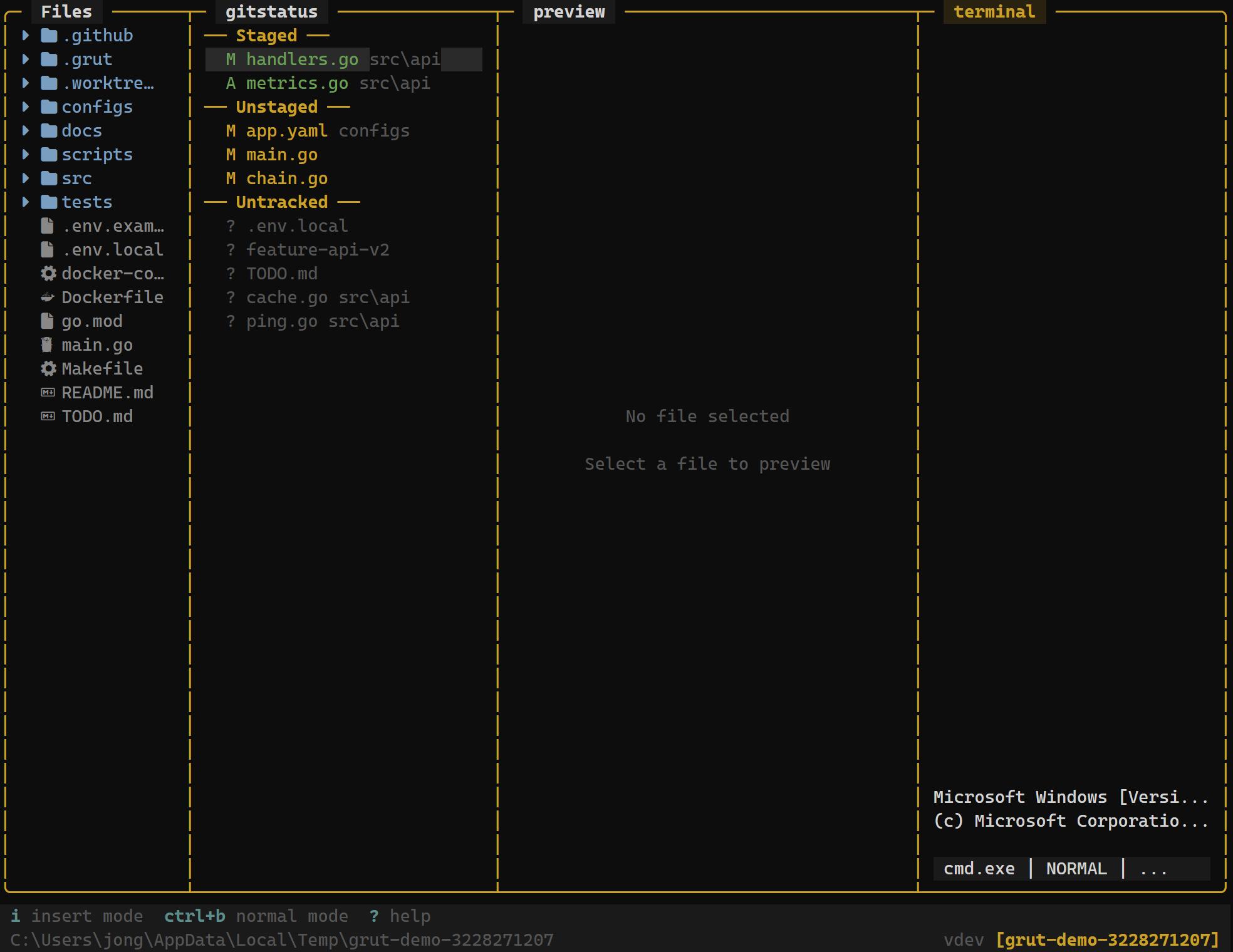
Bookmarks
Pin directories you visit often with B. Jump back to any bookmark instantly from the bookmarks panel — no more navigating deep trees repeatedly.
Learn more →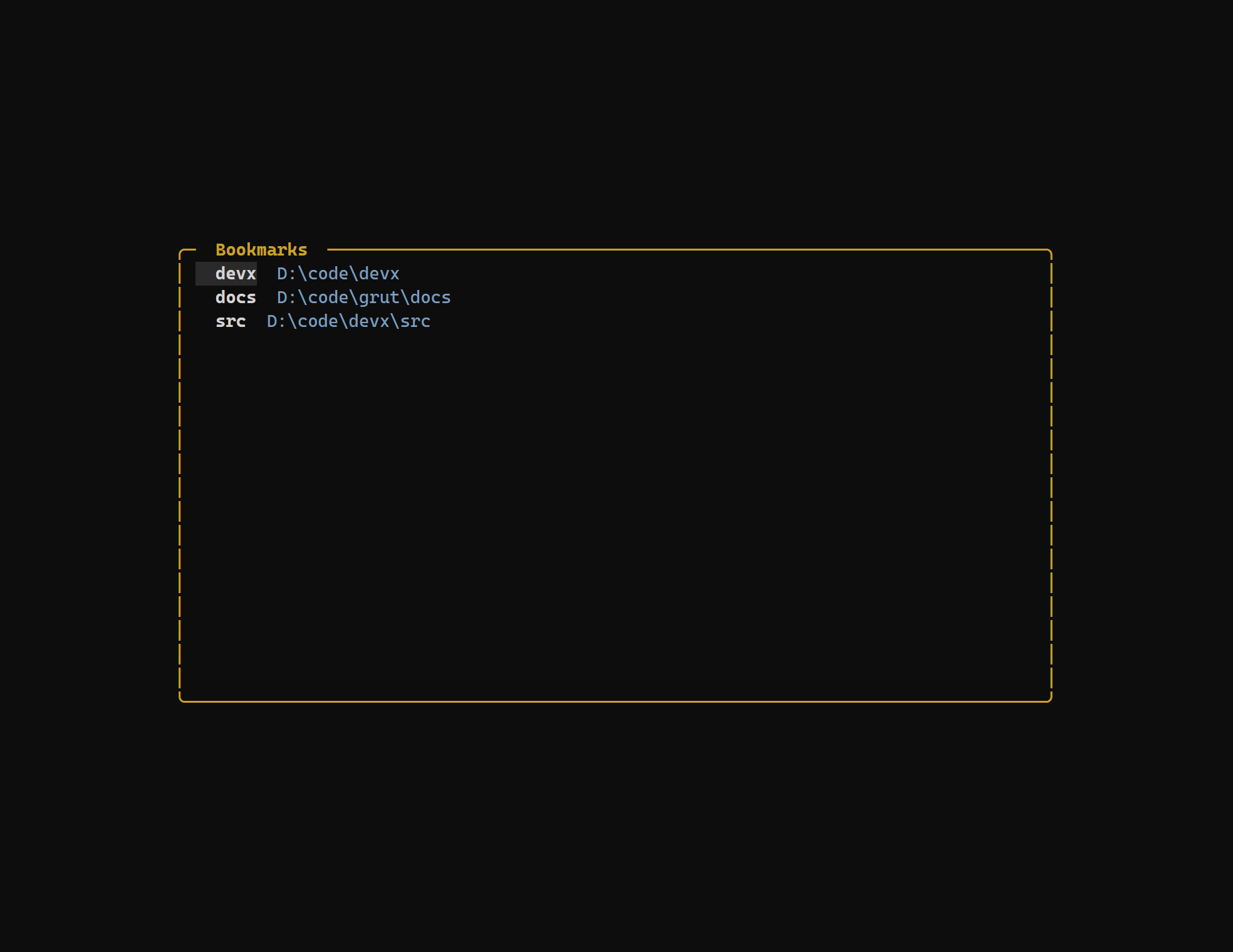
Themes
Ship with four built-in themes — Default, Catppuccin, Tokyo Night, and Gruvbox — or create your own with a simple TOML file.
Learn more →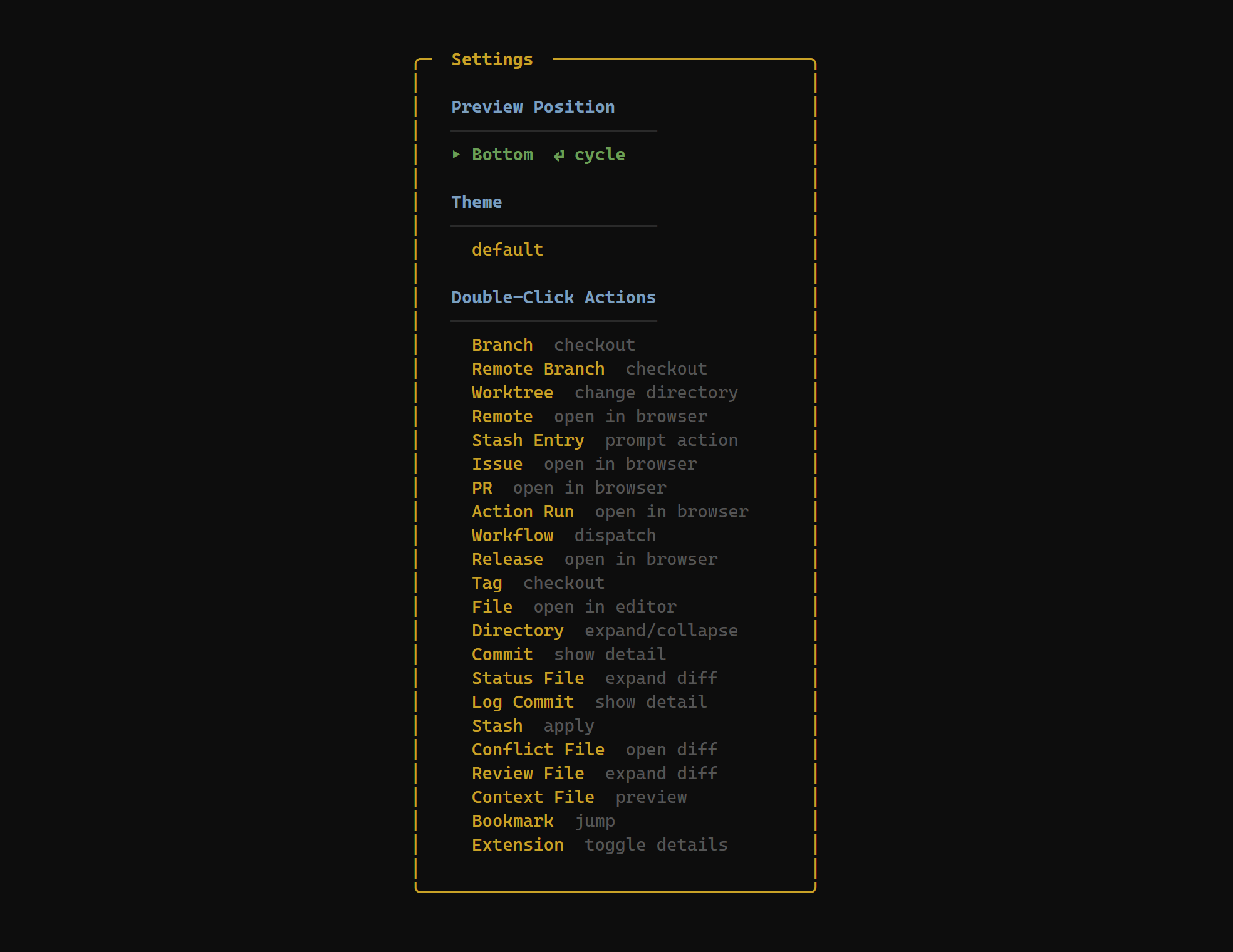
Sessions
grüt automatically saves your layout preset, focused panel, and working directory. Relaunch and pick up exactly where you left off.
Learn more →