Git Blame
Trace the origin of every line in a file. grüt's blame view shows commit hash, author, date, and content side-by-side, color-coded by author for instant visual identification.
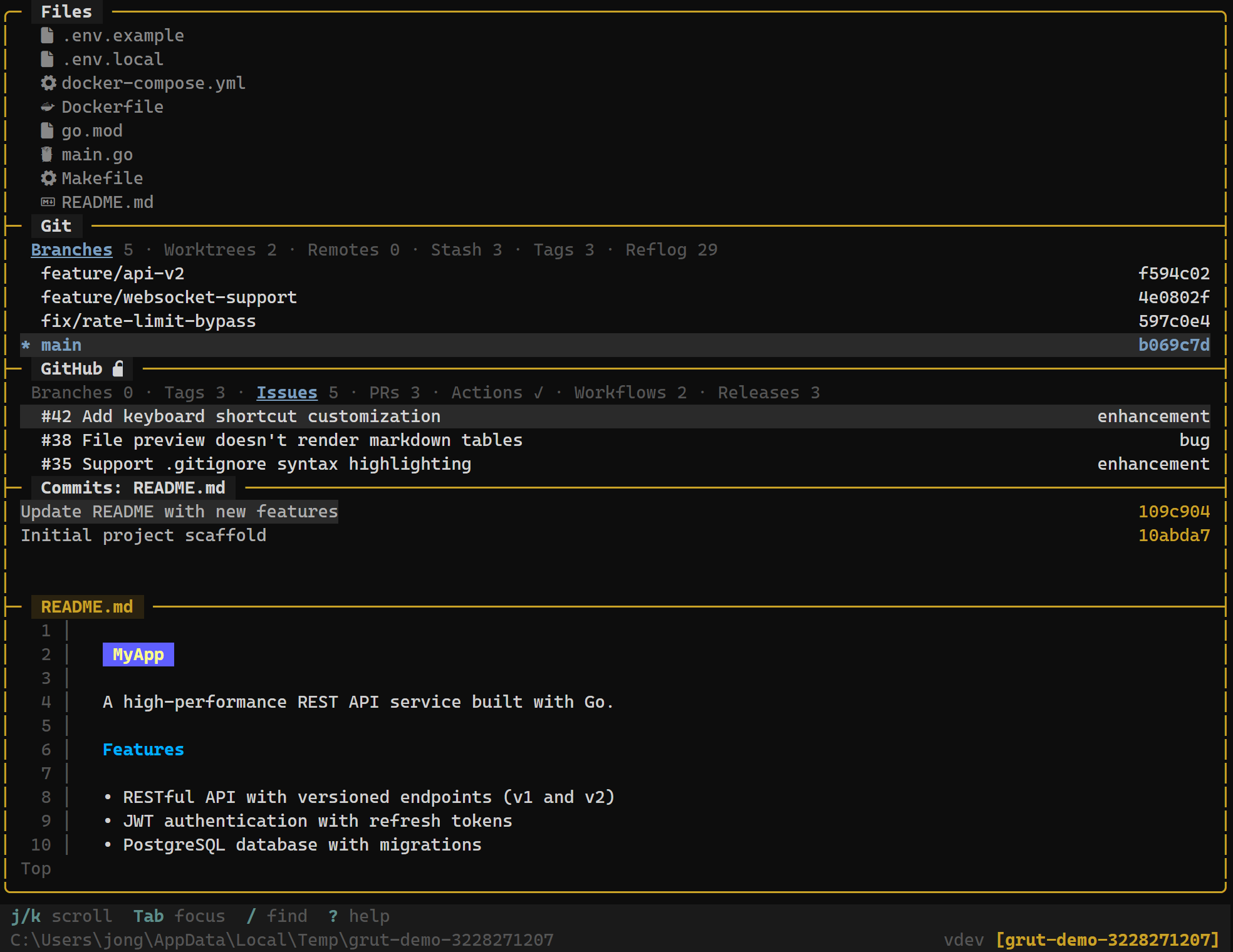
Opening Blame
Open blame for any file in two ways:
- From the file tree — highlight a file and press
Bto open its blame view directly. - From the file preview — while previewing a file's contents, press
Bto switch to blame view for the same file.
Keybindings
Blame View
| Key | Action |
|---|---|
| B | Open blame view for the current file |
| Enter | View the full commit for the selected blame entry |
| j / ↓ | Move to the next blame entry |
| k / ↑ | Move to the previous blame entry |
| Esc | Exit blame view and return to file preview |
Blame Layout
Each line in the blame view is annotated with four columns:
- Commit hash — the short SHA of the commit that last modified this line
- Author — who made the change
- Date — when the change was committed
- Line content — the actual source code
a1b2c3d4  Alice   2024-11-15  func main() {
a1b2c3d4  Alice   2024-11-15      app := grut.New()
f5e6d7c8  Bob     2025-01-03      app.EnableWorktrees()
a1b2c3d4  Alice   2024-11-15      app.Run()
9a8b7c6d  Carol   2025-02-20  }
Color Coding
grüt assigns a unique color to each author, making it easy to see at a glance which parts of a file were written by whom. Consecutive lines from the same commit share the same background tint, creating visual "blocks" that highlight logical changes.
This is especially useful for understanding ownership in files with many contributors — you can quickly spot who is responsible for a particular section without reading each annotation.
Navigating Blame Entries
Use j / k to move between blame entries. When you land on a line, the status bar shows the full commit message for that line's commit.
Press Enter on any blame entry to jump to the full commit view, showing the complete diff, commit message, author details, and parent commits. PressEsc to return to the blame view.
Use Cases
- Bug investigation — find out when a problematic line was introduced and by whom, then inspect the full commit for context.
- Code review context — understand the history behind a piece of code before suggesting changes.
- Ownership mapping — identify the primary author of a module to know who to consult for changes.