Git Remotes
Interact with remote repositories directly from grüt. Fetch updates, pull changes, push commits, and manage multiple remotes with single-key commands.
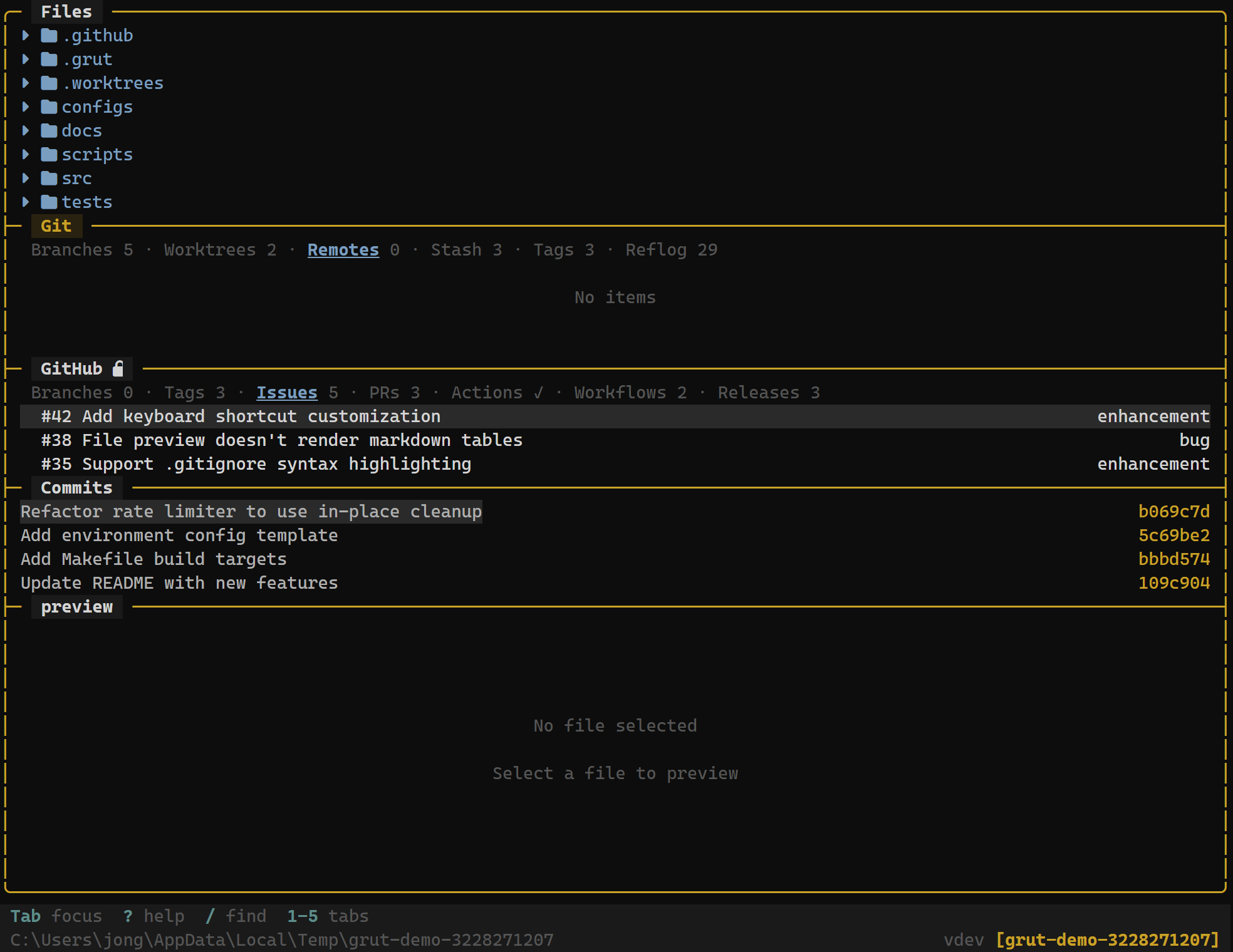
The Remotes Panel
The remotes panel lists every configured remote for the current repository. Each entry shows:
- Remote name — e.g.,
origin,upstream,fork - URL — the fetch/push URL for the remote
- Tracking branches — which local branches track branches on this remote
Keybindings
Remote Operations
| Key | Action |
|---|---|
| F | Fetch from remote — update tracking branches |
| p | Pull from remote — fetch and integrate changes |
| P | Push to remote — send local commits upstream |
Fetching
Press F to fetch from the remote. This is a global keybinding — it works from any panel, not just the remotes tab. Fetching downloads new commits, branches, and tags from the remote repository without modifying your working tree or local branches. It only updates the remote tracking refs (e.g.,origin/main).
After a fetch, the commit log and branch panel update to show any new remote commits. You can then decide whether to merge, rebase, or cherry-pick those changes.
Pulling
Press p to pull from the tracking remote for the current branch. A pull is equivalent to a fetch followed by an integration step (merge or rebase, depending on yourconfigured merge method).
[git]
worktree_merge_method = "merge"   # pull uses this strategy
If the pull results in conflicts, grüt enters conflict resolution mode — the same workflow used for merges andrebases.
Pushing
Press P to push local commits to the tracking remote. grüt pushes the current branch to its configured upstream. If no upstream is set, grüt prompts you to select a remote and set tracking.
If the push is rejected (e.g., the remote has new commits), grüt shows the error and suggests pulling first. Force-push is available through the command palette:
:push --force-with-leaseMultiple Remotes
Many workflows use more than one remote. A typical open-source setup:
origin— your personal fork on GitHubupstream— the original repository you forked from
You can add and manage remotes through the command palette or via standard git commands in grüt's integrated terminal:
# Add a new remote
git remote add upstream https://github.com/original/repo.git

# Verify remotes
git remote -v
All configured remotes appear in the remotes panel immediately after being added.
Push/Pull Targets
Push and pull operations always target the tracking remote for the current branch. If your branch feature/auth tracks origin/feature/auth, pressing P pushes to origin and pressing p pulls fromorigin.
To change the tracking remote for a branch, use the command palette:
:branch --set-upstream-to=upstream/main