Git Diff
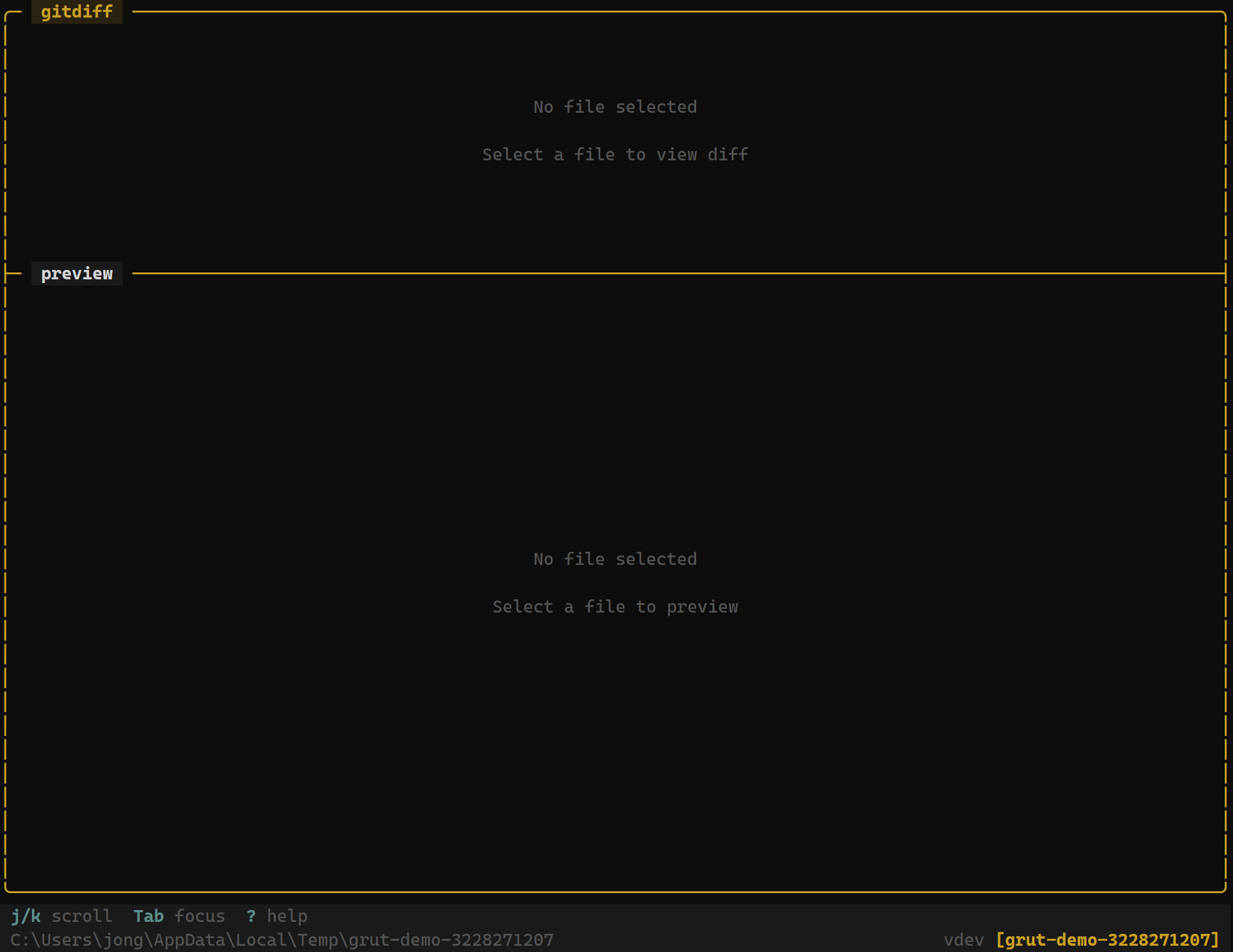
The diff viewer shows changes with syntax highlighting, line numbers, and two display modes — inline and side-by-side — so you can review exactly what changed.
Diff Sources
The diff viewer works with several types of changes:
- Unstaged changes — differences between the working tree and the index
- Staged changes — differences between the index and the last commit
- Commit diffs — changes introduced by a specific commit
- Branch comparisons — differences between two branches or refs
Select a file in the git status panel or commit detail view and grüt automatically shows the relevant diff.
Display Modes
grüt supports two diff display modes:
- Inline — additions and deletions are interleaved in a single column. Additions are highlighted in green, deletions in red. This is the default mode.
- Side-by-side — the old version appears on the left and the new version on the right. Changed lines are aligned for easy comparison.
Press t to toggle between inline and side-by-side mode.
Navigation
| Key | Action |
|---|---|
| j | Scroll down |
| k | Scroll up |
| n | Jump to next hunk |
| N | Jump to previous hunk |
| t | Toggle inline / side-by-side mode |
| g | Jump to top of diff |
| G | Jump to bottom of diff |
| d | Page down |
| u | Page up |
Syntax Highlighting
Diff output preserves the syntax highlighting of the original file. grüt detects the file language from the extension and applies the appropriate highlighting to both added and removed lines. This makes it easier to read diffs in context, especially for large changes.
Line Numbers
Both modes display line numbers from the original and modified files. In inline mode, two columns of line numbers appear — the left column shows the old line number and the right column shows the new line number. Removed lines only show the old number; added lines only show the new number.
Colors
The diff viewer uses your terminal's color capabilities:
- Green background — added lines
- Red background — removed lines
- Dimmed text — unchanged context lines
- Bold highlights — changed characters within a line (word-level diff)
Next Steps
- Diff Review — approve or reject individual hunks
- Git Status & Staging — stage and unstage changes
- Git Log — browse commit history