Git Log
The commit log panel shows the full history of your repository — commit hashes, authors, dates, and messages — with search, graph visualization, and quick-copy support.
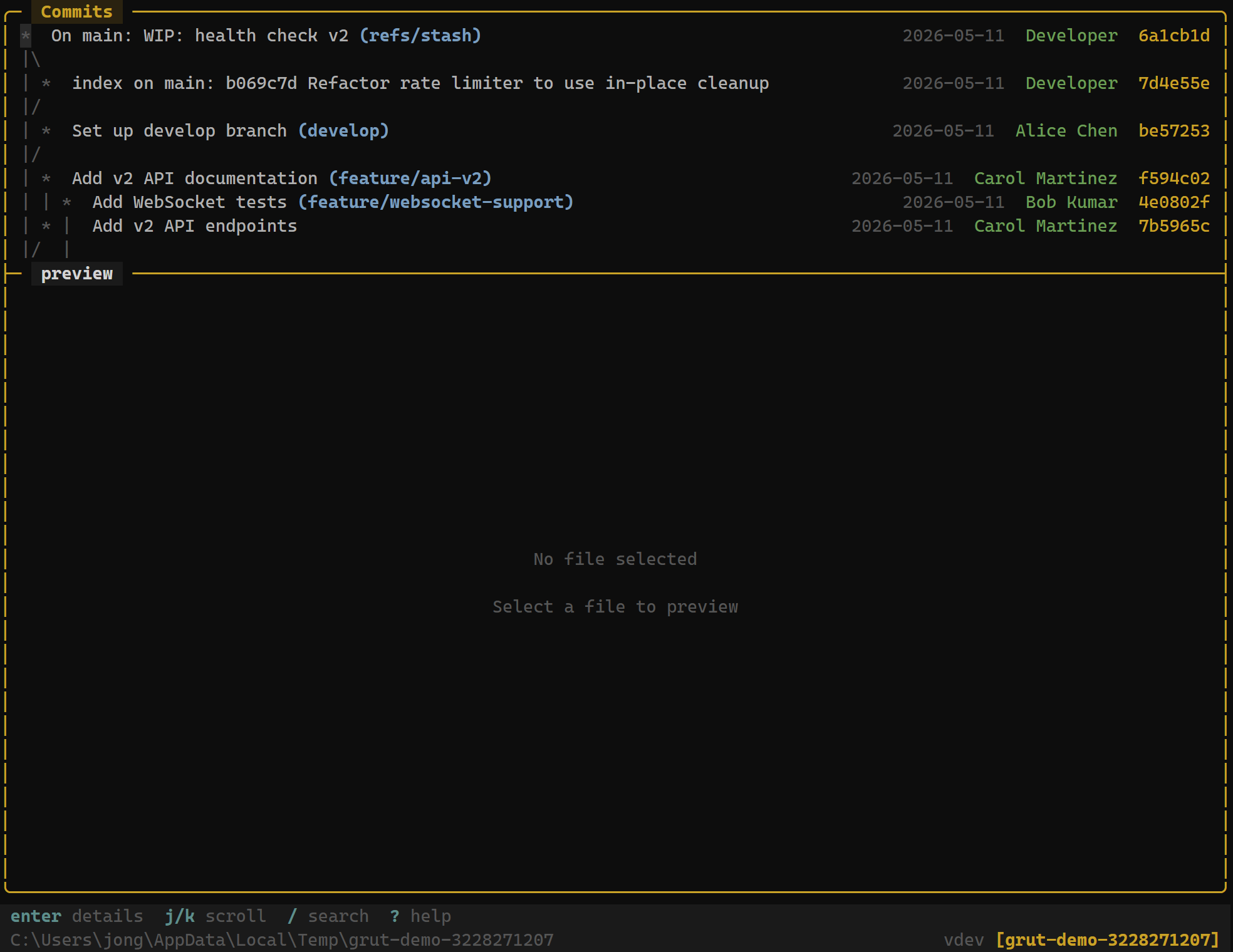
Opening the Log
The git log panel is visible in the Commits panel (focus with 4). Each entry displays the abbreviated commit hash, author name, relative date, and the first line of the commit message.
Navigation
Navigate the log with standard vim-style keys:
| Key | Action |
|---|---|
| j / ↓ | Move cursor down |
| k / ↑ | Move cursor up |
| g | Jump to newest commit |
| G | Jump to oldest loaded commit |
| d | Page down |
| u | Page up |
Actions
| Key | Action |
|---|---|
| Enter | View full commit details and diff |
| y | Copy commit hash to clipboard |
| / | Search the log |
Pressing Enter on a commit opens the commit detail view, showing the full message, file list, and diff for every changed file. PressEsc to return to the log.
Search
Press / to open the search prompt. Type a query to filter commits by message text, author name, or commit hash. Matching commits are highlighted and non-matching entries are hidden. Press Esc to clear the filter and restore the full log.
Search is case-insensitive and matches partial strings. For example, typingfix matches commit messages containing "fix", "hotfix", "bugfix", etc.
Commit Graph
grüt can render an ASCII commit graph alongside the log, visualizing branch and merge topology. Enable it in your config:
[log]
show_commit_graph = true
The graph draws branch lines, merge points, and fork points using box-drawing characters. Colors distinguish different branches when your terminal supports them.
Configuration
The log panel respects the following configuration options:
[log]
max_log_entries = 500       # Maximum commits to load (default: 500)
show_commit_graph = false   # Show ASCII branch graph (default: false)
Setting max_log_entries to a lower value improves startup time in repositories with very long histories. grüt loads commits lazily — the limit controls the upper bound, not the initial fetch size.
Next Steps
- Git Diff — inspect changes in detail
- Diff Review — hunk-level approve/reject workflow
- Git Branches — branch management