Git Bisect
Use binary search to pinpoint the exact commit that introduced a bug. grüt wrapsgit bisect with a visual interface that tracks progress and remaining steps.
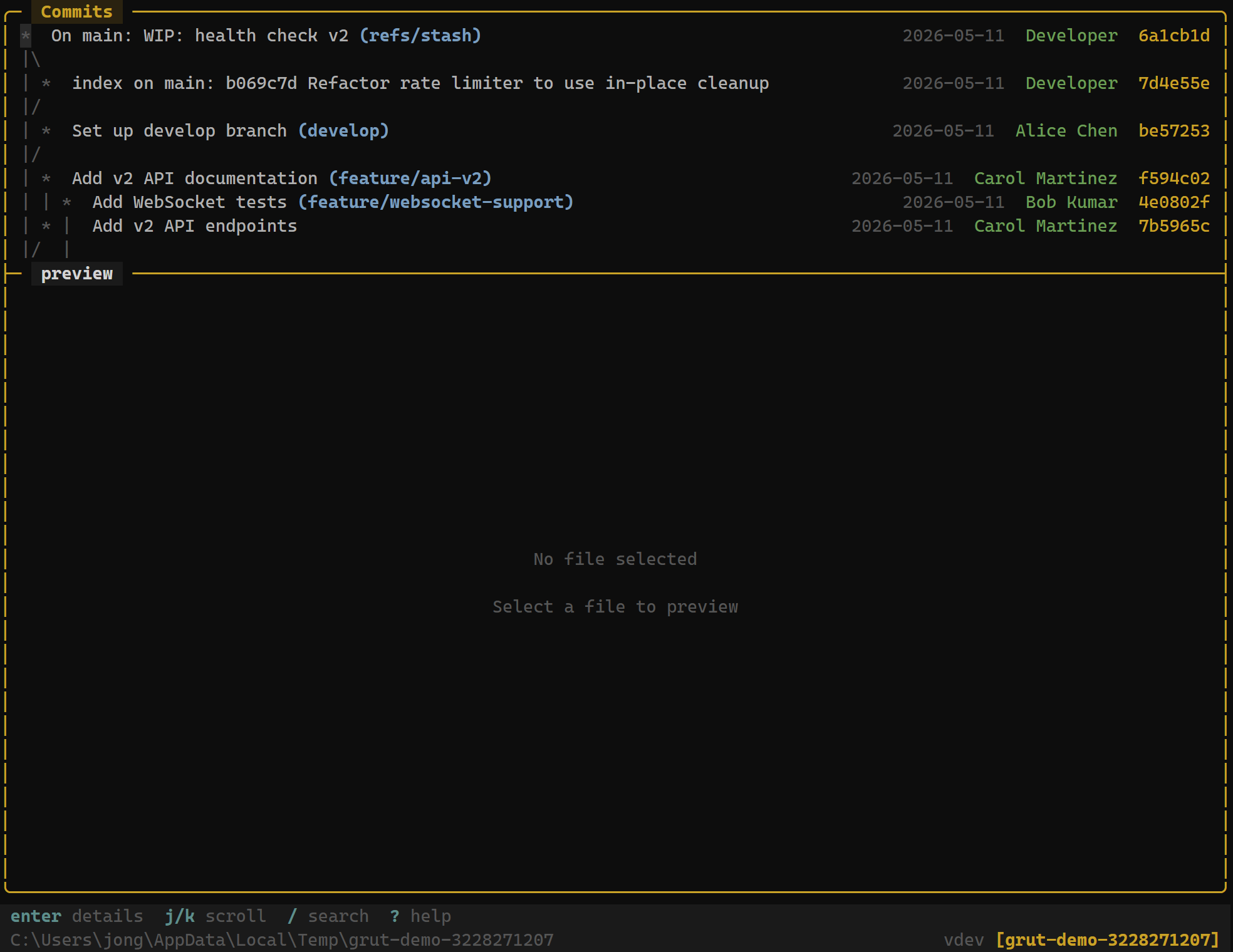
How Bisect Works
Git bisect performs a binary search through your commit history. You provide two reference points — a known good commit (where the bug didn't exist) and a knownbad commit (where the bug is present). Git then checks out the midpoint commit for you to test.
After testing, you mark the commit as good or bad. Git narrows the range and checks out the next midpoint. This process repeats — bisecting the range in half each time — until the first bad commit is identified.
Keybindings
Bisect Controls
| Key | Action |
|---|---|
| Ctrl+b | Start bisect — prompts for good and bad commits |
| g | Mark current commit as good |
| b | Mark current commit as bad |
| r | Reset / abort bisect — return to original state |
Starting a Bisect
- Press
Ctrl+bto start a bisect session. - grüt prompts for the bad commit — typically
HEADor the current commit where you observe the bug. - grüt prompts for the good commit — a commit SHA, tag, or branch name where the bug did not exist.
- grüt calculates the midpoint and checks it out. The interface updates to show the bisect state.
Bisect Progress
During an active bisect, the status bar shows real-time information:
BISECTING step 3 of ~7 remaining: 12 commits ━━━━━━━━░░░░ 43%The progress indicator tells you:
- Current step — which bisect step you're on
- Estimated total steps —
log₂(n)wherenis the number of commits in the range - Remaining commits — how many commits are still in the search range
- Percentage — visual progress bar
Marking Commits
At each bisect step, test whether the bug exists in the currently checked-out commit:
- Press
gif the bug is not present (good commit). - Press
bif the bug is present (bad commit).
After each mark, grüt automatically checks out the next midpoint commit and updates the progress indicator.
Bisect Result
When the search completes, grüt displays the first bad commit — the exact commit that introduced the regression:
Bisect complete!

First bad commit:
  f5e6d7c8  "refactor: change auth token validation"
  Author: Bob <bob@example.com>
  Date:   2025-01-03 14:22:07

This is the commit that introduced the bug.
From here, you can press Enter to view the full diff of the offending commit and understand exactly what changed.
Aborting a Bisect
Press r at any time during a bisect to abort. grüt runsgit bisect reset, restoring your working tree to the branch and commit you were on before starting the bisect.